
Sider
Sider's AI research tool automates deep research with smart highlights, citations, and reports. Free browser extension with translation, summarization, and knowledge management.
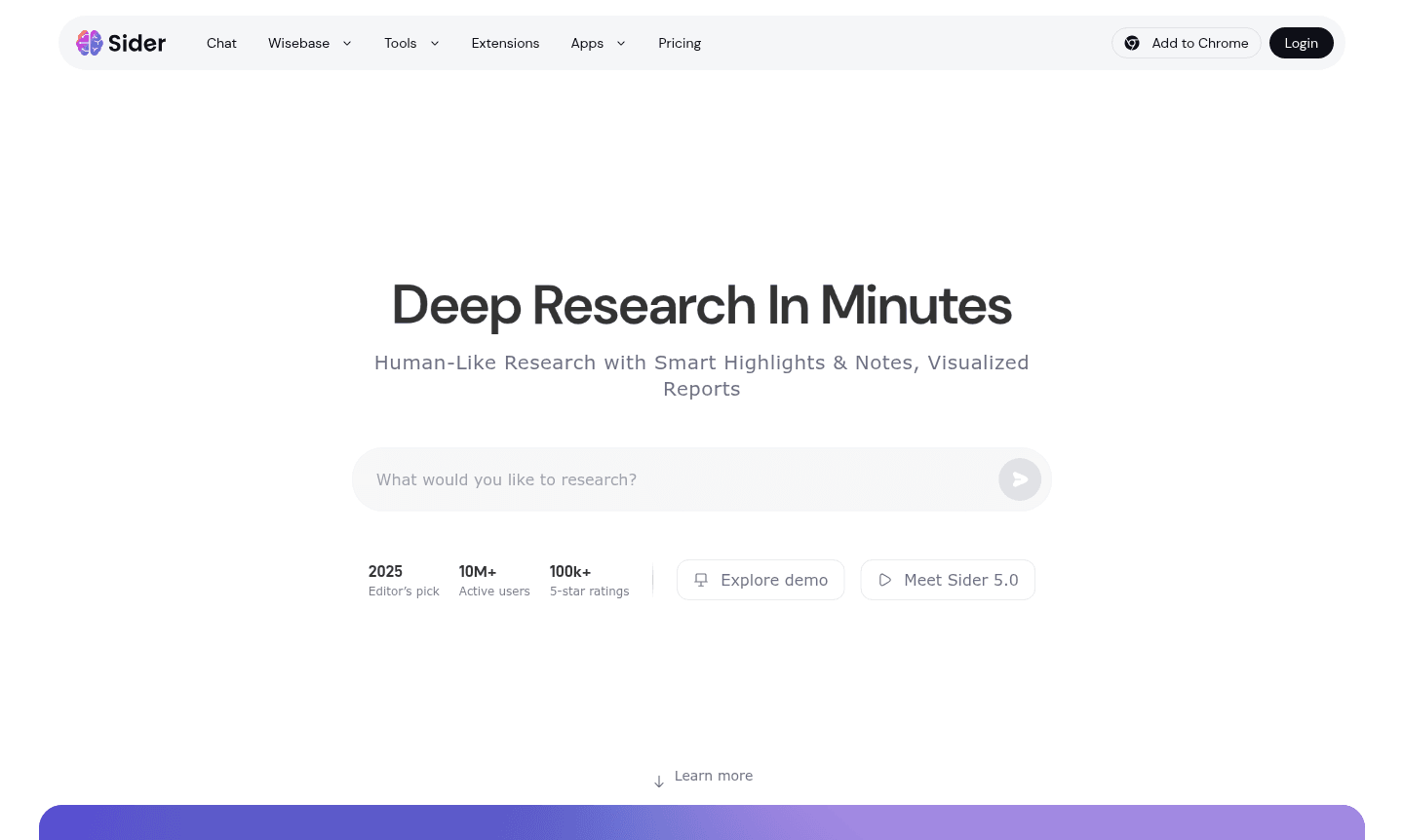
Overview of Sider
Sider revolutionizes research workflows with its AI-powered browser extension that delivers human-like research capabilities in minutes. Trusted by over 10 million active users worldwide and recognized as a 2025 Editor's Pick, this innovative tool transforms how professionals conduct research by automating the heavy lifting while maintaining academic rigor. The platform automatically sorts relevant sources, highlights key information, takes inspirational notes, and generates detailed reports with proper citations – all while you focus on higher-level analysis and decision-making.
Beyond traditional research tools, Sider offers comprehensive browser integration that works seamlessly across all devices. Users can summarize web pages and YouTube videos in seconds, explain highlighted text without breaking workflow, translate content across 50+ languages, and dive deep into documents with advanced reading tools. The integrated Wisebase knowledge management system stores and organizes research reports, web findings, and chat interactions, creating a growing repository of insights that evolves with every user interaction. This makes Sider particularly valuable for AI Agents & Assistants and Writing Assistant workflows.
How to Use Sider
Getting started with Sider is straightforward – simply install the browser extension and create a free account to begin your enhanced research journey. Once activated, the AI research agent automatically identifies relevant sources as you browse, highlighting critical information and capturing key insights through smart note-taking. For deeper analysis, upload private files for AI examination or chat with top AI models to gain additional perspectives. The system then compiles your findings into visualized, interactive reports complete with citations, which are automatically stored in your Wisebase knowledge management system for future reference and organization.
Core Features of Sider
- Deep Research Agent – Automates source sorting, highlighting, and citation generation for comprehensive research projects
- AI Browser Extension – Provides instant summarization, translation, and explanation tools across all browsing activities
- Wisebase Knowledge Management – Organizes research reports, web finds, and chat history in a growing personal knowledge base
- Multilingual Translation – Supports 50+ languages with bilingual viewing capabilities for global research needs
- OCR Text Extraction – Extracts text from images and documents using advanced optical character recognition technology
Use Cases for Sider
- Academic research with automated citation generation and source validation
- Market analysis through rapid summarization of industry reports and competitor content
- Content creation with AI-assisted research and multilingual translation capabilities
- Student projects requiring efficient information gathering and proper source documentation
- Business intelligence through automated analysis of market trends and industry developments
- Legal research with comprehensive document analysis and precedent identification
- Journalistic investigations using smart highlighting and source verification tools
Support and Contact
For assistance with Sider's AI research tools and browser extension features, users can access the comprehensive knowledge base and community resources. While direct email support requires account verification, most common questions are addressed through the detailed documentation and user forums available within the application interface. Visit the official website for the latest support options and community-driven solutions. Contact via contact@sider.ai for inquiries.
Company Info
Sider represents the cutting edge of AI-powered research technology, serving a global community of over 10 million active users. The platform has earned numerous accolades including Chrome's favorite extension recognition and maintains an impressive 100,000+ 5-star ratings from satisfied users worldwide who appreciate its comprehensive approach to research automation.
Login and Signup
New users can get started for free by creating an account directly through the Sider website or browser extension. Existing users can access their accounts through the same platform, with seamless synchronization across all devices ensuring continuous access to research projects and Wisebase knowledge management system.
Sider FAQ
What makes Sider different from other AI research tools?
Sider combines deep research automation with browser integration and knowledge management, offering comprehensive workflow support beyond basic AI assistance.
Does Sider work with YouTube videos and web pages?
Yes, Sider's AI browser extension can summarize YouTube videos and web pages in seconds while maintaining your browsing flow.
Can I use Sider for academic research with citations?
Absolutely, Sider automatically generates detailed research reports with proper citations and source validation for academic purposes.
What languages does Sider support for translation?
Sider supports over 50 languages for instant translation and bilingual viewing capabilities in its browser extension.
Can Sider be used on mobile devices?
Sider works as a browser extension with cross-device synchronization, but there is no dedicated mobile app available currently.
Sider Pricing
Current prices may vary due to updates
Free
Includes substantial usage limits for AI research automation, browser extension tools, basic Wisebase knowledge management, and access to multiple AI
Sider Reviews0 review
Would you recommend Sider? Leave a comment
Sider Alternatives
The best modern alternatives to the tool
New Tools Releases
Recently added tools
