
VRChat
VRChat is a free social VR platform for creating avatars, building worlds, and connecting with others. Download for PC, Quest, or mobile to explore user-generated metaverse experiences.
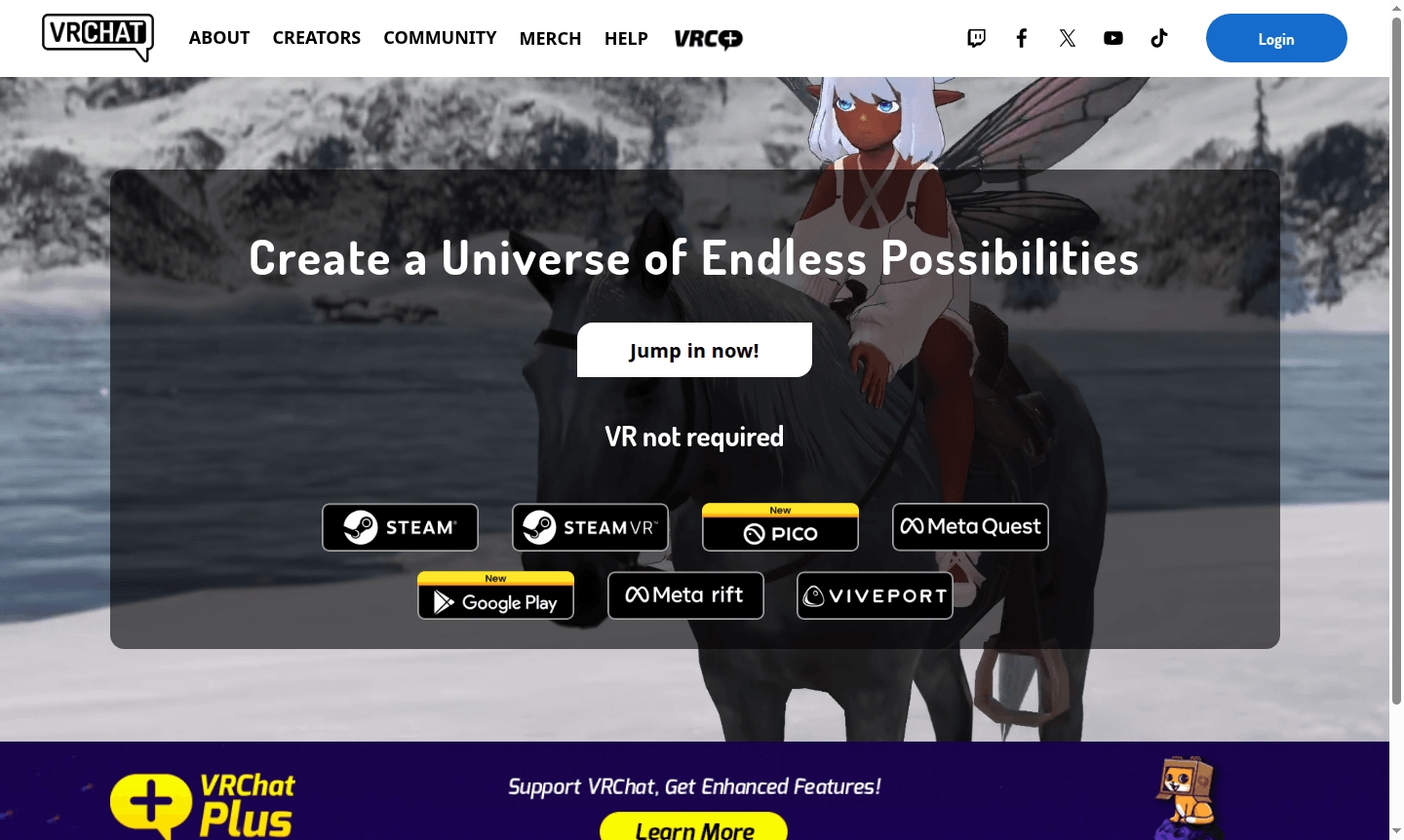
Overview of VRChat
VRChat is a groundbreaking social VR platform that creates a universe of endless possibilities where users can explore, create, and connect in immersive virtual worlds. This innovative platform allows you to experience everything from casual social gatherings to elaborate gaming adventures, all powered by true user-generated content. Whether you're looking for Community Platform, Game Launcher, or creative expression through custom avatars and worlds, VRChat delivers an unparalleled metaverse experience that transcends traditional boundaries.
The platform stands out as one of the most comprehensive Community Platform available, offering both VR and desktop modes to accommodate different hardware preferences. With its massive community of creators and players, VRChat provides access to thousands of unique environments where you can meet new people, attend virtual events, play games, and explore imaginative spaces created by users worldwide. The platform's emphasis on user-generated content ensures there's always something new to discover around every corner.
How to Use VRChat
Getting started with VRChat is straightforward – simply download the application from Steam, Meta Quest Store, Viveport, or other supported platforms, create your free account, and customize your initial avatar. Once logged in, you can explore public worlds through the world browser, join friends in private instances, or create your own virtual spaces using the built-in SDK tools. The platform supports both VR headsets and traditional desktop play, making it accessible to users regardless of their hardware setup. You can interact with others through voice chat, gestures, and avatar expressions while exploring diverse environments ranging from social hubs to game worlds and creative showcases.
Core Features of VRChat
- User-Generated Worlds – Access thousands of custom environments created by community members worldwide
- Custom Avatar System – Create, import, and use personalized 3D avatars with full animation support
- Cross-Platform Accessibility – Play on PC, VR headsets, and mobile devices with seamless compatibility
- Social Interaction Tools – Voice chat, gestures, and avatar expressions for natural communication
- Creative SDK – Built-in tools for building custom worlds, avatars, and interactive experiences
Use Cases for VRChat
- Social gatherings and virtual meetups with friends from around the world
- Exploring user-created worlds and immersive environments
- Playing multiplayer games and participating in virtual events
- Creative expression through custom avatar design and world building
- Attending virtual concerts, conferences, and community events
- Educational experiences and virtual classroom environments
- Roleplaying and storytelling in immersive virtual settings
Support and Contact
For technical support and general inquiries, contact VRChat at contact@vrchat.com or visit the official website at https://vrchat.com. The platform maintains active community forums and documentation for additional help.
Company Info
VRChat is developed by VRChat Inc., a United States-based company specializing in virtual reality social platforms. The company has established itself as a leader in the social VR space, continuously expanding the platform's capabilities and supporting its growing community of creators and users through regular updates and feature enhancements.
Login and Signup
Create your free VRChat account and download the application through official platforms including Steam, Meta Quest, Viveport, and Android. The platform also offers VRChat Plus subscription for additional features and supporter benefits.
VRChat FAQ
Is VRChat completely free to use?
Yes, VRChat offers a robust free version with access to all core features including social interaction, world exploration, and basic avatar customization.
Do I need a VR headset to play VRChat?
No, VRChat supports both VR and desktop modes, allowing you to enjoy the platform with or without virtual reality equipment.
What platforms support VRChat download and installation?
VRChat is available on Steam, Meta Quest, Viveport, Android, and other major VR and gaming platforms for flexible access.
What is VRChat Plus and what does it include?
VRChat Plus is a paid subscription that provides benefits like increased trust rank, more favorite slots, and exclusive avatar items for monthly subscribers.
VRChat Reviews0 review
Would you recommend VRChat? Leave a comment
VRChat Alternatives
The best modern alternatives to the tool
New Tools Releases
Recently added tools
