
Stata
Discover Stata, trusted statistical software for data science used worldwide for over 40 years. Features include regression analysis, machine learning, data visualization, and automated reporting.
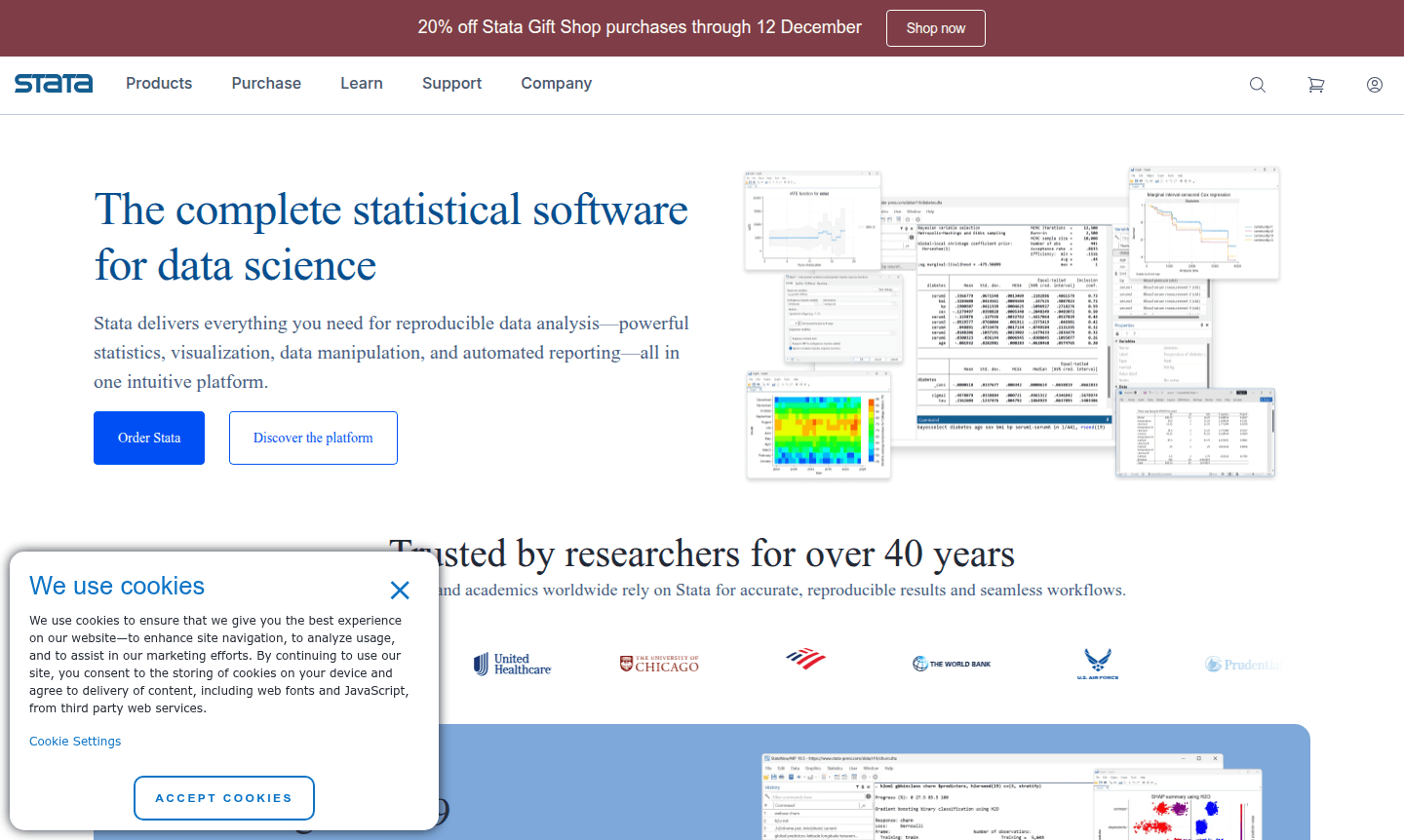
Overview of Stata
Stata is a comprehensive statistical software platform trusted by researchers, analysts, and academics worldwide for over four decades. As a complete solution for data science, it provides accurate, reproducible results and seamless workflows across disciplines including economics, biostatistics, epidemiology, and social sciences. For data analysis needs, explore tools in the Spreadsheet Tool category on ToolPicker.
With the latest Stata 19 release, users gain access to advanced statistical features like machine learning via H2O, CATE, and HDFE, along with enhanced tables and graphs. The StataNow subscription ensures cutting-edge capabilities, and its commitment to reproducibility means backward compatibility with old code and datasets.
How to Use Stata
Getting started with Stata involves installing the software, importing datasets through various formats, and using its command-line interface or menu-driven system for analysis. Researchers clean and prepare data with efficient management tools, then perform statistical modeling from basic regression to advanced machine learning, with results visualized in publication-quality graphics and exported to reports.
Core Features of Stata
- Comprehensive Statistical Analysis – Includes regression, time-series, panel data, survival models, and machine learning.
- Publication-Quality Graphics – Create customizable visualizations exportable to EPS, PNG, PDF, SVG, or TIFF formats.
- Efficient Data Management – Tools for cleaning, reshaping, and handling large datasets with missing values.
- Automated Reporting – Generate dynamic reports that update automatically as data changes.
- Backward Compatibility – Run old code and datasets without maintaining legacy software versions.
Use Cases for Stata
- Academic research in economics, education, and political science
- Medical and epidemiological studies requiring rigorous validation
- Business and marketing analytics for data-driven decisions
- Public health research and policy analysis with complex data
- Institutional research in educational and governmental organizations
- Financial modeling and economic forecasting with time-series data
- Sociological research involving survey data and inference
Support and Contact
Contact Stata support at contact@stata.com or visit the official website at Stata website for documentation, training, and community forums.
Company Info
StataCorp develops and maintains Stata statistical software, serving the global research community with tools for data analysis across disciplines.
Login and Signup
Access Stata resources and information through the main website at Stata website for login and account management.
Stata FAQ
What statistical methods does Stata support for data analysis?
Stata supports comprehensive methods including regression analysis, time-series, panel data, survival models, Bayesian analysis, machine learning, and causal inference.
How does Stata ensure research reproducibility?
Stata ensures reproducibility through backward compatibility, automated reporting, and tools for numerical, stochastic, and computer reproducibility.
What training resources are available for learning Stata?
Stata offers free webinars, video tutorials, NetCourses, live classroom training, and 19,000 pages of documentation with worked examples.
What is StataNow and how does it work?
StataNow is a subscription model that provides new features and updates immediately upon release, keeping users at the forefront of statistical capabilities.
Stata Pricing
Current prices may vary due to updates
Stata/BE Network 2-year Maintenance
Network license for 196 users with 2-year maintenance plan, providing access to Stata's complete statistical software suite for business and enterpris
Stata Reviews0 review
Would you recommend Stata? Leave a comment
Stata Alternatives
The best modern alternatives to the tool
New Tools Releases
Recently added tools
