
Claude Code
Claude Code: AI coding assistant for terminal with Sonnet 4.5 & Opus 4.1. Search codebases, make multi-file changes, automate workflows. Integrates with VS Code, GitHub, etc. For refactoring, bug fixes, features. Plans: Pro, Team, Enterprise.
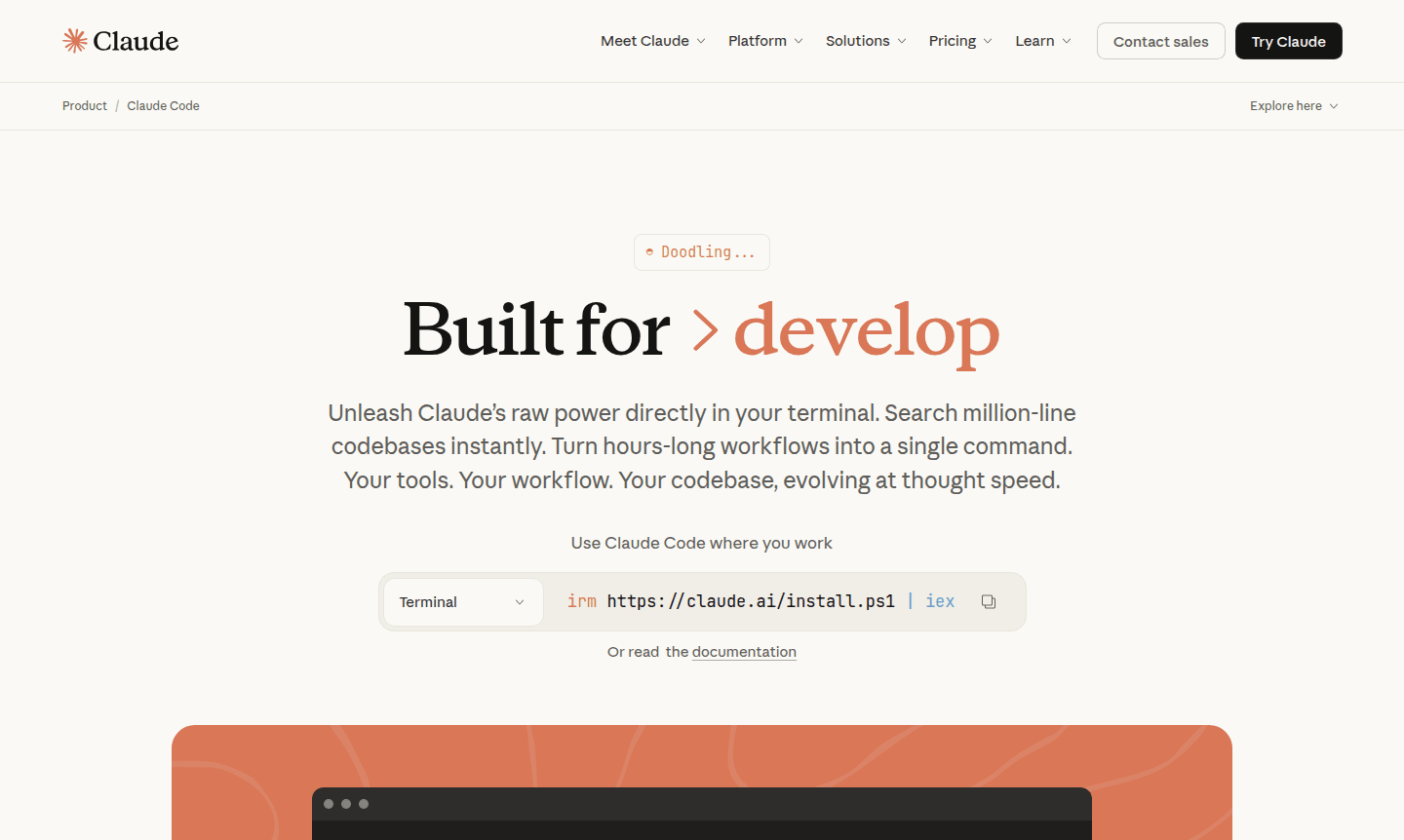
Overview of Claude Code
Claude Code is a powerful AI coding assistant that brings Anthropic's advanced language models directly to your terminal. Built specifically for developers, this tool unleashes the raw power of Claude's Sonnet 4.5 and Opus 4.1 models to transform complex coding workflows into simple commands. It integrates seamlessly with your existing development environment, allowing you to search million-line codebases instantly and make coordinated changes across multiple files without ever leaving your terminal.
This developer-focused tool excels at both routine tasks like bug fixes and testing, as well as transformative work such as code refactoring and feature implementation. Claude Code understands your entire project structure through agentic search technology, eliminating the need for manual context selection. It works across macOS, Linux, and Windows systems, adapting to your coding standards and patterns while maintaining complete control over file modifications. Explore more IDE and AI Agents & Assistants for comprehensive development solutions.
How to Use Claude Code
Getting started with Claude Code is straightforward - simply install the tool in your terminal and authenticate with your Claude Pro, Max, Team, or Enterprise plan. Once configured, you can begin interacting with your codebase using natural language commands. The assistant runs locally in your terminal, communicating directly with model APIs without requiring backend servers or remote code indexing. You can integrate it with VS Code, JetBrains IDEs, GitHub, GitLab, and your existing test suites and build systems, maintaining your preferred workflow while adding powerful AI capabilities.
Core Features of Claude Code
- Terminal Integration - Runs directly in your terminal with no context switching required
- Agentic Code Search - Understands entire codebases without manual file selection
- Multi-file Coordination - Makes coordinated changes across multiple files simultaneously
- Workflow Automation - Handles complete development workflows from issue reading to PR submission
- Local Security - Never modifies files without explicit approval and runs locally
Use Cases for Claude Code
- Rapid codebase onboarding and project structure explanation
- Automated bug fixing and test suite execution
- Complex code refactoring across multiple files
- Feature implementation from GitHub issues to PR submission
- Converting experimental code to production-ready pipelines
- Code documentation generation and maintenance
- Dependency analysis and security vulnerability scanning
Support and Contact
For technical support and inquiries, email contact@anthropic.com or visit the official Claude Code website for comprehensive documentation and community resources to help developers maximize their coding efficiency.
Company Info
Claude Code is developed by Anthropic, an AI safety research company based in the United States. The company focuses on developing reliable, interpretable, and steerable AI systems. Learn more about their research and other products on their company website.
Login and Signup
Access Claude Code through your existing Claude account or create a new account on the platform. The tool requires a Claude Pro, Max, Team, or Enterprise plan, or a Claude Console account with API access for pay-as-you-go usage.
Claude Code FAQ
How does Claude Code handle security and file modifications?
Claude Code runs locally in your terminal and always asks for permission before making file changes or running commands, ensuring complete developer control.
What AI models does Claude Code support for coding tasks?
Claude Code works with Opus 4.1, Sonnet 4.5, and Haiku 3.5 models, with Enterprise users able to use models in Amazon Bedrock or Google Cloud Vertex AI.
Can Claude Code integrate with existing development tools and workflows?
Yes, it integrates with VS Code, JetBrains IDEs, GitHub, GitLab, command line tools, and MCP servers without changing your workflow.
How do I get started with Claude Code?
You can access Claude Code with a Claude Pro, Max, Team, or Enterprise plan, or a Claude Console account for API access.
Claude Code Pricing
Current prices may vary due to updates
Pro
Claude Code included for short coding sprints in smaller codebases with Sonnet 4.5. $17 monthly with annual subscription ($200 upfront) or $20 if bill
Team
Claude Code included with Team plan premium seats. Includes self-serve seat management, additional API usage, and access to Sonnet 4.5 and Opus 4.1. M
Enterprise
Enterprise plan includes everything in Team plus advanced security, data management, and user management features. Custom pricing for large organizati
Claude Code Reviews0 review
Would you recommend Claude Code? Leave a comment
Claude Code Alternatives
The best modern alternatives to the tool
New Tools Releases
Recently added tools
