
Codex
Codex by OpenAI is an AI coding assistant that speeds up development with CLI, IDE, and cloud tools. It offers pricing plans, GitHub and Slack integrations, and mobile support for teams and individuals.
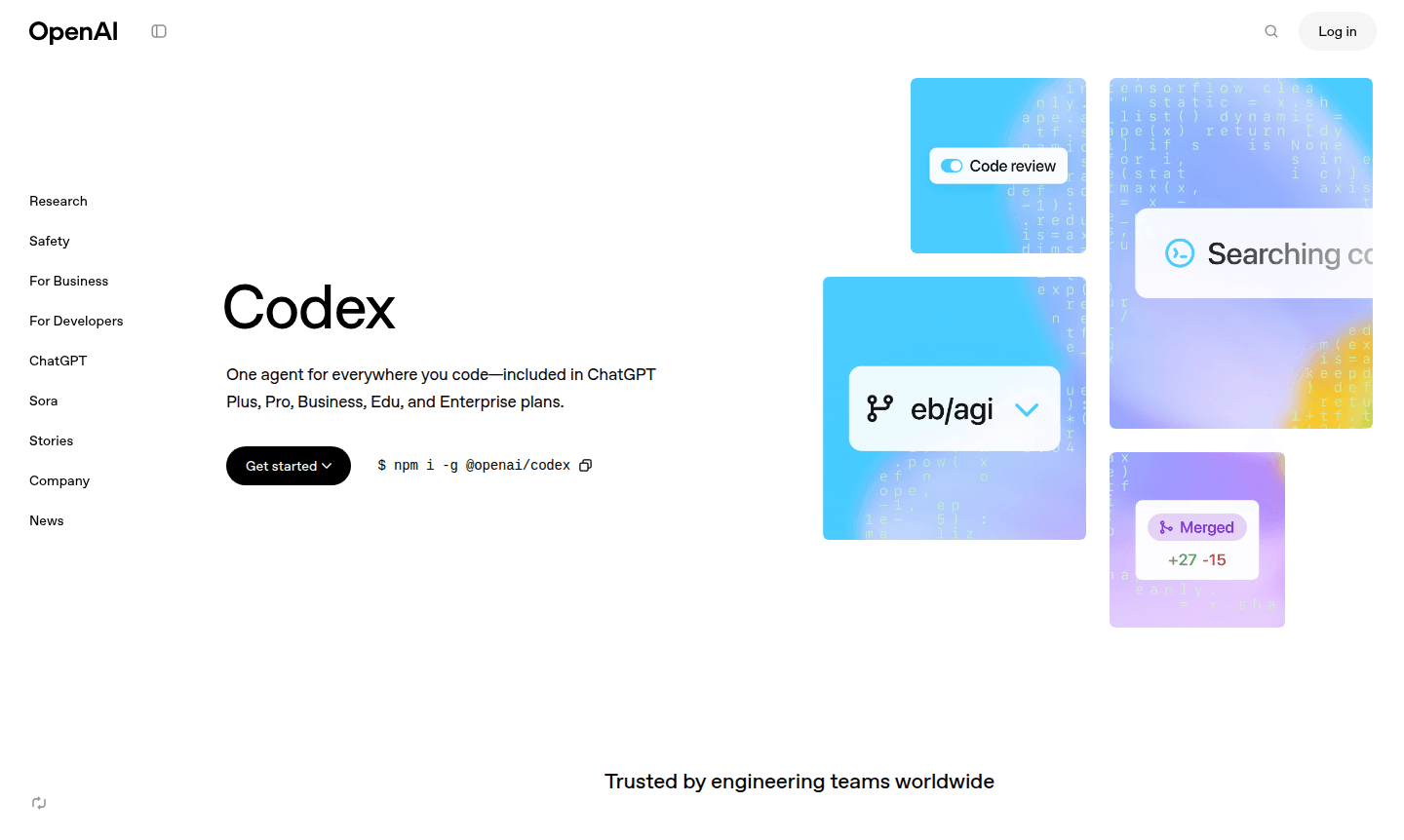
Overview of Codex
Codex is OpenAI's advanced AI coding assistant that serves as your engineering partner across every development environment. Available through ChatGPT Plus, Pro, Business, Edu, and Enterprise plans, Codex helps development teams accelerate their workflow by handling coding tasks in parallel while maintaining security and context awareness. This powerful tool integrates seamlessly with your existing development stack, allowing you to delegate complex coding tasks while staying focused on high-level architecture and strategic decisions.
Trusted by engineering teams worldwide, Codex functions as a versatile coding companion that adapts to your preferred workflow – whether you're working locally in your terminal, collaborating in real-time, or managing tasks asynchronously. The platform supports development across multiple environments including IDE extensions, AI Agents & Assistants, and cloud-based execution, making it an essential tool for modern software development teams looking to optimize their productivity and code quality.
How to Use Codex
Getting started with Codex is straightforward – simply access it through your existing ChatGPT account if you have a Plus, Pro, Business, Edu, or Enterprise subscription. You can begin by installing the Codex CLI for terminal access, adding the IDE extension to VSCode, Cursor, or Windsurf, or using the web interface for cloud-based tasks. Once configured, Codex automatically loads your repository context and environment settings, allowing you to delegate tasks ranging from feature development and bug fixes to code reviews and test execution while maintaining full visibility and control over all changes.
Core Features of Codex
- Multi-Environment Support – Work seamlessly across CLI, IDE extensions, cloud sandbox, and mobile platforms
- Automated Code Review – Integrates with GitHub to automatically review PRs and provide detailed feedback
- Team Collaboration Tools – Assign tasks directly from Slack and manage team workflows efficiently
- Cloud Sandbox Execution – Runs tasks in isolated environments with your complete repository context
- Mobile Development Support – Initiate and track coding tasks from the ChatGPT mobile app
Use Cases for Codex
- Accelerating feature development and reducing time-to-market for new products
- Automating code review processes and maintaining consistent code quality standards
- Handling routine bug fixes and maintenance tasks across large codebases
- Supporting remote and distributed engineering teams with async collaboration
- Enabling mobile development workflows for on-the-go coding tasks
- Integrating AI-powered coding assistance into existing CI/CD pipelines
- Providing coding support and guidance for educational and training purposes
Support and Contact
For technical support, contact contact@openai.com or visit the OpenAI support portal. Comprehensive documentation and developer resources provide guidance for implementing and troubleshooting Codex across various environments.
Company Info
Codex is developed by OpenAI, a leading AI research company based in the United States. Learn more at OpenAI About.
Login and Signup
Access Codex through your ChatGPT account at ChatGPT Login. Sign up for plans via the OpenAI website.
Codex FAQ
How do I access Codex through my ChatGPT subscription?
Codex is included in ChatGPT Plus, Pro, Business, Edu, and Enterprise plans. Simply sign in to Codex CLI, IDE extension, or web interface using your ChatGPT credentials.
What's the difference between Codex CLI, IDE extension, and cloud versions?
Codex is a single agent that runs everywhere – CLI for terminal work, IDE extensions for editor integration, and cloud for background task execution, all syncing seamlessly.
How much does Codex cost for individual developers and teams?
Codex is included in ChatGPT subscription plans. Business and Enterprise users can purchase additional credits for extended usage beyond standard limits.
Which models can I use with Codex?
With the Codex CLI and IDE extension, GPT-5 is the default model. You can choose reasoning levels or use older models via API key.
Codex Pricing
Current prices may vary due to updates
ChatGPT Plus
Includes Codex access with basic usage limits for individual developers, providing AI coding assistance through CLI, IDE extensions, and cloud sandbox
ChatGPT Business
Business plan includes Codex with team management features, admin controls, and the ability to purchase additional credits for extended team usage and
ChatGPT Enterprise
Enterprise-grade plan with Codex access including advanced security, custom deployment options, dedicated support, and comprehensive team management f
Codex Reviews0 review
Would you recommend Codex? Leave a comment
Codex Alternatives
The best modern alternatives to the tool
New Tools Releases
Recently added tools
