
TRAE AI Coding Assistant
Discover TRAE, the adaptive AI IDE with dual modes, custom agents, and intelligent code completion. Experience 10x productivity gains with autonomous development and deep context understanding.
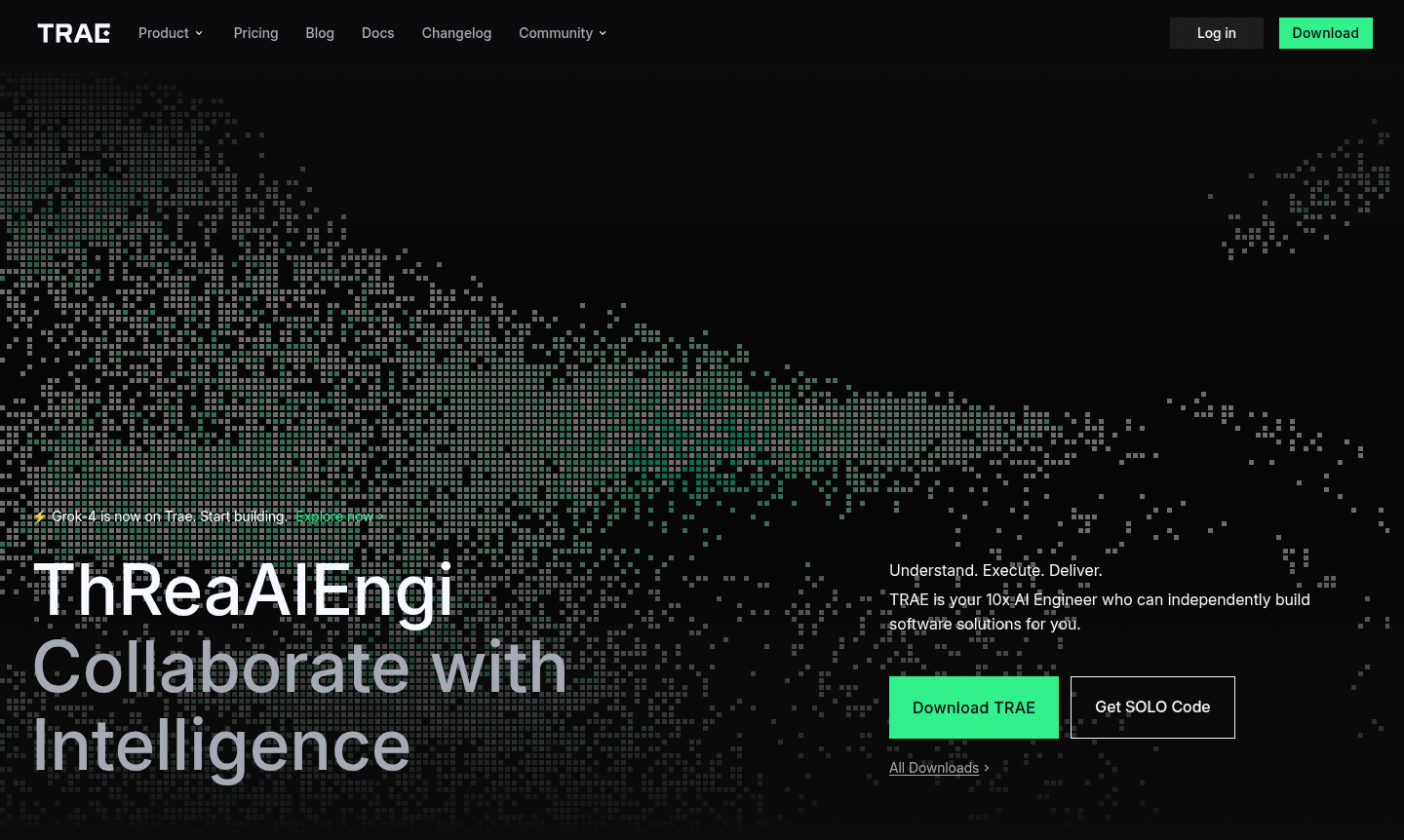
Overview of TRAE
TRAE is an adaptive AI-powered integrated development environment that transforms how developers build software by serving as your intelligent coding partner. This innovative platform seamlessly balances human creativity with AI capabilities, enabling developers to accelerate their workflow while maintaining full control over the development process. TRAE functions as your personal 10x AI engineer, capable of independently building software solutions from concept to deployment while collaborating intelligently throughout the entire development lifecycle.
Designed for modern developers seeking enhanced productivity, TRAE integrates advanced AI capabilities directly into your coding workflow. The platform understands your vision, plans development workflows, utilizes appropriate tools, executes with precision, and deploys production-ready code – effectively turning ideas into functional software. As a powerful alternative to traditional IDEs like IDE and emerging AI Agents & Assistants, TRAE represents the next evolution in Dev Tools by combining intelligent automation with developer oversight.
How to Use TRAE
Getting started with TRAE involves downloading the application and integrating it into your existing development workflow. The platform offers two distinct development modes that you can switch between seamlessly: IDE mode preserves your traditional workflow for granular control, while SOLO mode lets AI take the lead to complete entire development processes autonomously. You begin by setting up your development context through code repositories, then delegate tasks to TRAE's intelligent agents who execute with precision while allowing you to simply accept or reject changes as needed.
Core Features of TRAE
- Dual Development Modes – Switch between IDE control and autonomous SOLO mode for flexible workflow management
- Custom AI Agent Ecosystem – Create and configure specialized agents with unique tools, skills, and logic
- Advanced Context Understanding – Deeply analyzes your entire codebase, editor, and terminal for precise code generation
- Smart Autocompletion – Predicts your next edits with single-tab acceptance and multi-line smart suggestions
- Multimodal Input Support – Upload images to clarify requirements and streamline collaboration
Use Cases for TRAE
- Rapid prototyping and MVP development for startups and individual developers
- Accelerated feature development and code refactoring for established projects
- Learning new programming languages with AI-guided assistance and real-time explanations
- Building complete applications without writing code using Builder mode automation
- Team collaboration with shared agent configurations and consistent coding patterns
- Legacy code modernization and technical debt reduction through intelligent refactoring
- Cross-platform development with unified AI assistance across different tech stacks
Support and Contact
For technical support and general inquiries, visit the official TRAE website or email contact@trae.ai. The platform provides comprehensive documentation and community resources to assist users with implementation and troubleshooting.
Company Info
TRAE is developed by SPRING PTE. LTD., a technology company focused on creating innovative AI-powered development tools. The platform represents their commitment to advancing software development through intelligent automation and human-AI collaboration, with infrastructure deployed across multiple regions including the United States, Singapore, and Malaysia to meet local data regulations.
Login and Signup
To access TRAE's features, visit the official website where you can log in or sign up to download the application and begin using the platform. The service offers both free and subscription options.
TRAE AI Coding Assistant FAQ
What makes TRAE different from other AI coding assistants?
TRAE offers dual development modes, custom AI agent creation, and deep context understanding that goes beyond basic code completion to handle entire development workflows autonomously.
Can TRAE build complete applications without manual coding?
Yes, TRAE's Builder mode can autonomously break down and execute tasks to build full applications, with some users reporting creating RAG apps in under 30 minutes without writing code.
How does TRAE handle data privacy and security?
TRAE follows local-first principles with minimal data collection, stores codebase files locally, uses encrypted transmission, and offers privacy mode with regional data deployment for compliance.
Does TRAE offer a free trial?
Yes, TRAE provides both free and paid subscription options, allowing users to experience the AI coding assistant's capabilities before committing to a paid plan.
TRAE AI Coding Assistant Reviews0 review
Would you recommend TRAE AI Coding Assistant? Leave a comment
TRAE AI Coding Assistant Alternatives
The best modern alternatives to the tool
New Tools Releases
Recently added tools
