Docker
Docker is the leading containerization platform for building, sharing, and running applications securely. Learn Docker basics, installation guides, Docker Compose tutorials, and security best practices. Trusted by 20M+ developers for consistent environment management across cloud platforms.
Overview of Docker
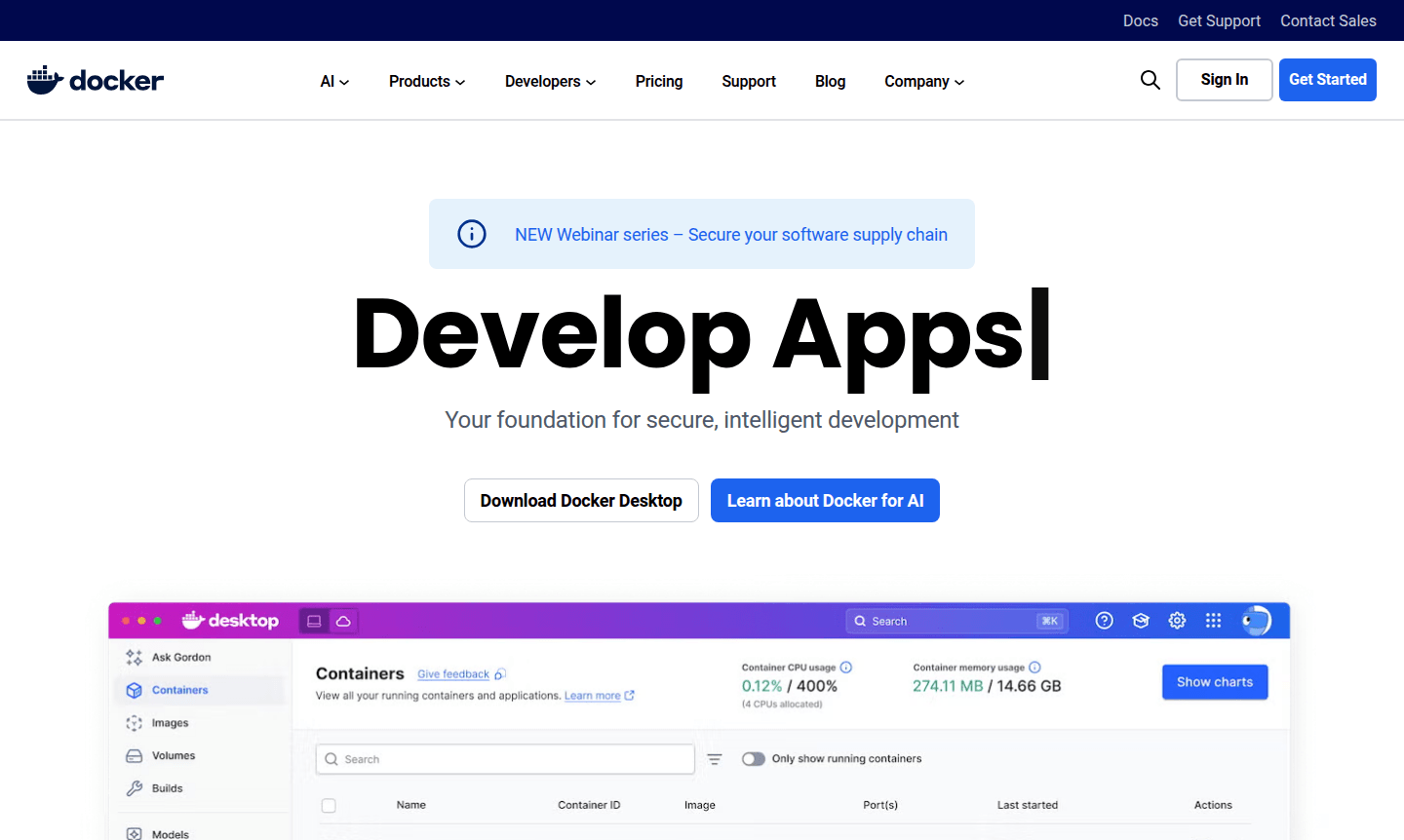
Docker is the leading containerization platform that revolutionizes how developers build, share, and run applications. As your foundation for secure, intelligent development, Docker eliminates tedious environment configuration and management, allowing teams to accelerate application delivery across any infrastructure. Trusted by over 20 million monthly developers and Fortune 100 companies, Docker provides a comprehensive suite of development tools, services, and trusted content that work seamlessly together or individually.
The platform serves developers working with modern application architectures, particularly those in CI/CD Tool and Build Tool workflows. Docker enables consistent application performance across diverse environments – from on-premises Kubernetes clusters to cloud platforms like AWS ECS, Azure ACI, and Google GKE. With support for 7 million applications and 20 billion monthly image pulls, Docker has become the industry standard for container development and deployment.
How to Use Docker
Getting started with Docker involves downloading Docker Desktop for your operating system (Mac, Windows, or Linux), then using Docker commands to containerize your first application. Developers typically begin by creating a Dockerfile that defines their application environment, building it into a container image, and running it locally for testing. Once verified, images can be pushed to Docker Hub for sharing with team members or deployment to production environments. The platform integrates seamlessly with existing development tools like VS Code, CircleCI, and GitHub, making adoption straightforward for development teams of all sizes.
Core Features of Docker
- Container Development – Build and test applications in isolated, consistent environments using Docker Desktop
- Docker Compose – Define and run multi-container applications with simple YAML configuration files
- Docker Scout – Enhance security with actionable insights and compliance policy evaluation
- Docker Build Cloud – Accelerate build times with cloud-based building capabilities
- Testcontainers – Run unit tests with real dependencies using lightweight, disposable containers
Use Cases for Docker
- Modern application development with consistent environment management
- Microservices architecture implementation and orchestration
- CI/CD pipeline automation and build process optimization
- Multi-cloud deployment strategies across AWS, Azure, and Google Cloud
- Legacy application modernization through containerization
- Development team collaboration and environment standardization
- Secure software supply chain management and vulnerability scanning
Support and Contact
For technical support and general inquiries, visit the Docker support page or email contact@docker.com. The Docker community offers extensive resources including hundreds of global meetups, Slack channels, and Discourse forums for peer support. Docker Captains provide expert insights and guidance for complex implementation challenges.
Company Info
Docker, Inc. develops the Docker platform, serving as the foundation for modern application development. The company maintains headquarters in the United States and supports a global community of developers and enterprises through its comprehensive container ecosystem and partnership network.
Login and Signup
Access your Docker account or create a new one at the Docker website. The platform offers various subscription options tailored to individual developers, teams, and enterprise requirements with different levels of collaboration, security, and support features.
Docker FAQ
What is Docker and how does it differ from virtual machines?
Docker is a containerization platform that packages applications with dependencies, running them in isolated environments without the overhead of full virtual machines.
How do I get started with Docker for beginners?
Begin by downloading Docker Desktop, then follow the step-by-step guide to containerize your first application and publish it on Docker Hub.
What security features does Docker provide for container images?
Docker Scout offers comprehensive security scanning, policy evaluation, and vulnerability assessment throughout the software supply chain.
How does Docker integrate with Kubernetes for orchestration?
Docker containers run seamlessly on Kubernetes clusters, with Docker providing the container runtime and Kubernetes handling orchestration and scaling.
What are the main differences between Docker Compose and Docker Swarm?
Docker Compose manages multi-container applications on a single host, while Docker Swarm provides clustering and orchestration for multiple hosts.
Docker Reviews0 review
Would you recommend Docker? Leave a comment
Docker Alternatives
The best modern alternatives to the tool
New Tools Releases
Recently added tools
