Keybr
Master touch typing with Keybr's free online tutor. Improve speed and accuracy through adaptive exercises. No registration required – start practicing immediately.
Overview of Keybr
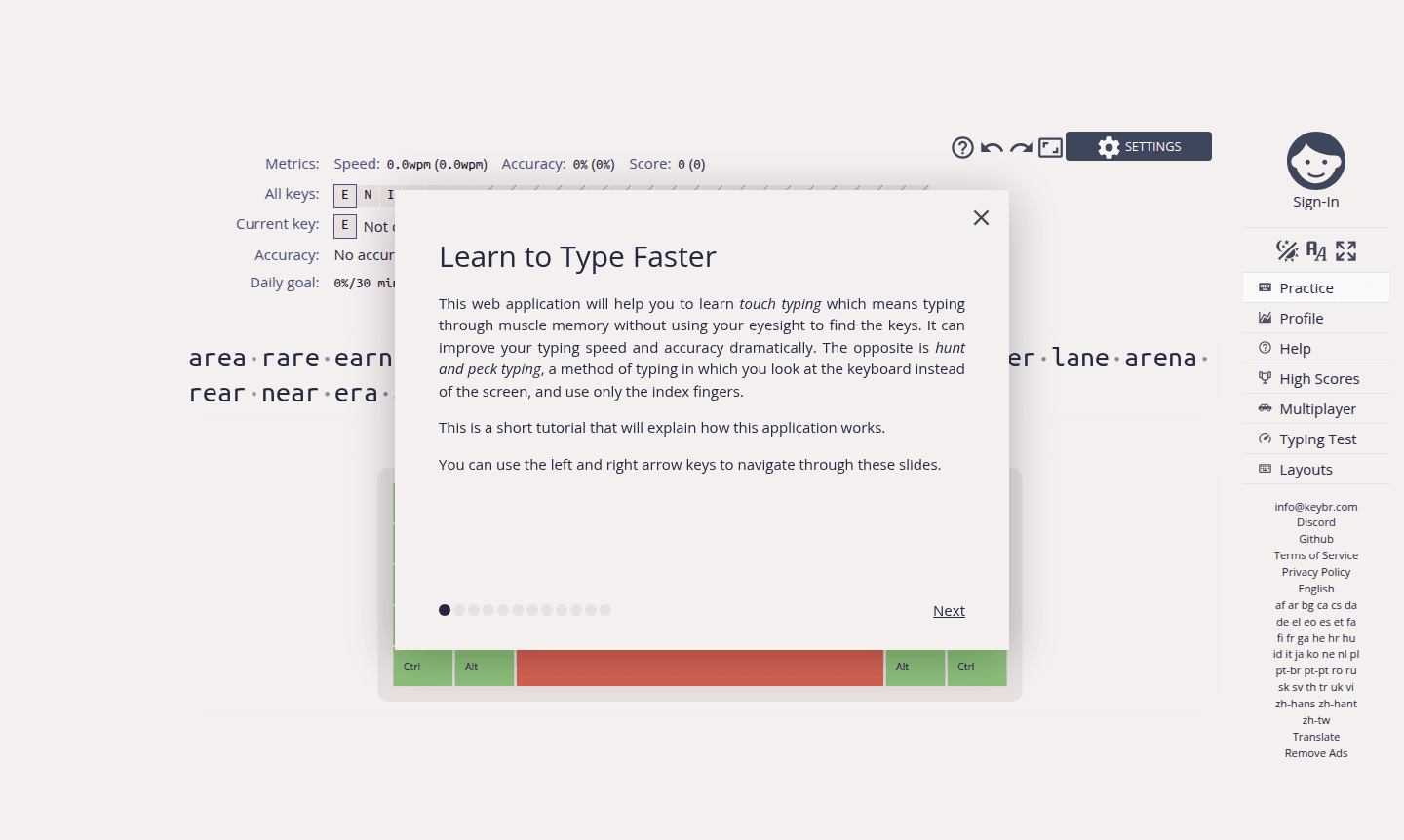
Keybr is a comprehensive web application that helps users master touch typing through muscle memory training. Unlike hunt-and-peck methods, it teaches typing without looking at the keyboard, improving speed and accuracy. Ideal for students, professionals, and anyone using computers frequently, it offers adaptive lessons tailored to individual skill levels.
As a specialized Typing Tutor, Keybr serves beginners, office workers, and programmers. It focuses on proper finger placement with scientifically-designed exercises that introduce keys gradually. Its browser-based accessibility makes it a popular choice among Education platforms for essential digital skills.
How to Use Keybr
Start using Keybr instantly without registration or downloads. Visit the website, and begin with an interactive tutorial navigable via arrow keys. Practice basic home row keys, and the system advances to complex combinations as accuracy improves, with real-time performance monitoring for personalized lessons.
Core Features of Keybr
- Adaptive Learning Algorithm – Customizes exercises based on performance and progress patterns
- Real-time Progress Tracking – Monitors typing speed, accuracy, and error rates with analytics
- Touch Typing Focus – Develops muscle memory without visual keyboard reference
- Browser-based Accessibility – Works on all modern browsers with no installation needed
- Structured Lesson Progression – Introduces new keys gradually as skills improve
Use Cases for Keybr
- Students developing computer skills for academic success
- Office professionals improving typing speed for productivity
- Programmers and developers seeking coding efficiency
- Writers and content creators enhancing workflow speed
- Job seekers preparing for employment typing tests
- Non-native English speakers practicing keyboard familiarity
- Individuals recovering from injury rebuilding typing capabilities
Support and Contact
For technical assistance, visit the official Keybr website. While no dedicated support email was found, the tutorial and interface provide guidance. For inquiries, use contact@keybr.com.
Company Info
Keybr is a web-based typing education platform available globally, offering free typing instruction through its official website.
Login and Signup
Access Keybr immediately at Keybr website without registration. Full functionality is available without account creation, with optional features for saving progress.
Keybr FAQ
How does Keybr help improve typing speed?
Keybr uses adaptive algorithms that customize exercises based on your performance, gradually building muscle memory through targeted practice sessions.
Is Keybr completely free to use?
Yes, Keybr offers full typing tutor functionality without any subscription fees or payment requirements for basic typing practice.
What makes Keybr different from other typing tutors?
Keybr focuses specifically on touch typing through muscle memory development with adaptive lessons that target individual weaknesses.
Do I need to create an account to use Keybr?
No registration is required – you can start typing practice immediately by visiting the website without any signup process.
Can beginners use Keybr effectively?
Absolutely, Keybr is designed for all skill levels with progressive lessons that start with basic keys and gradually increase complexity.
Keybr Reviews0 review
Would you recommend Keybr? Leave a comment
Keybr Alternatives
The best modern alternatives to the tool
New Tools Releases
Recently added tools
