
Gamma
Gamma AI helps you create stunning presentations, websites, documents, and social media content quickly with AI. Export to PowerPoint, collaborate in real-time, and access free plans. Ideal for educators, marketers, and teams.
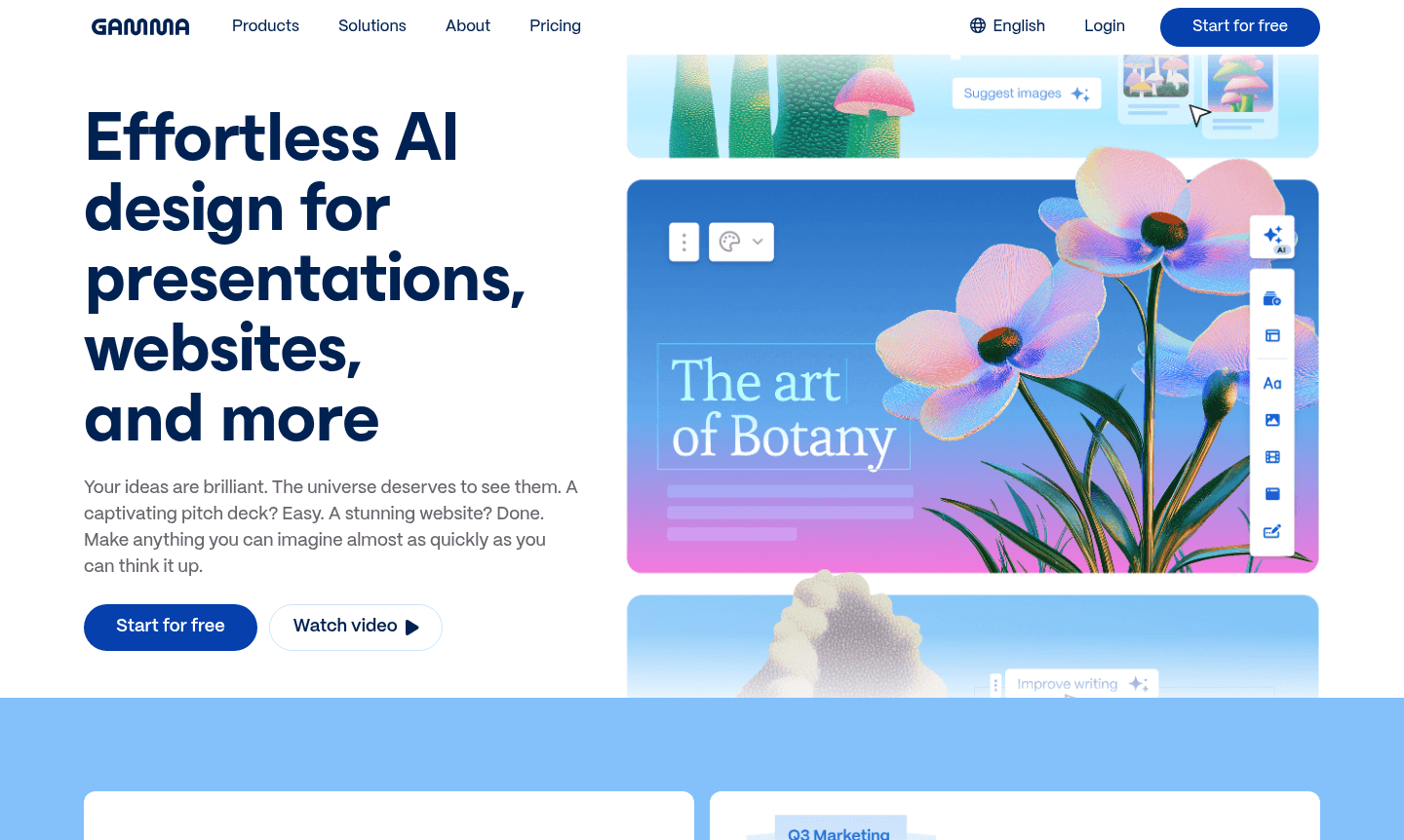
Overview of Gamma
Gamma is an AI-powered design platform that transforms how professionals create presentations, websites, documents, and social media content. With over 50 million users worldwide, Gamma eliminates the technical barriers of traditional design tools, allowing anyone to generate stunning visual content in minutes rather than hours. The platform serves educators, entrepreneurs, marketers, and teams who need to communicate ideas effectively without design expertise.
This versatile tool bridges multiple content creation domains including Presentation Maker, Writing Assistant, Collaboration Tool, and AI Writing Tools. Users can start with a simple idea, paste an outline, or import existing content, then leverage Gamma's 20+ AI models to generate professional-quality output with consistent branding across all materials.
How to Use Gamma
Getting started with Gamma involves a straightforward three-step workflow: generate, shape, and share. Begin by entering your core idea or importing existing content – the AI instantly creates a structured foundation with appropriate layouts and content suggestions. Then use the intuitive editing interface to refine designs, add images, adjust text, and collaborate with team members in real-time. Finally, export your creation as PowerPoint, PDF, or Google Slides, publish it as a website, or share directly to social media platforms while tracking engagement metrics.
Core Features of Gamma
- AI Content Generation – Create from ideas, outlines, or imported content using 20+ AI models
- Real-time Collaboration – Work simultaneously with team members on shared projects
- Multi-format Export – Download as PPT, PDF, PNG, or publish as websites
- Brand Customization – Apply your branding or choose from 100+ professional themes
- API Integration – Connect programmatically to automate creation and scale workflows
Use Cases for Gamma
- Create captivating pitch decks and investor presentations for startups
- Design stunning business websites and landing pages without coding
- Generate professional proposals, reports, and visual documents quickly
- Produce social media graphics and engaging content for marketing
- Develop educational materials and classroom presentations for teachers
- Build internal collaboration documents and team briefing materials
- Create portfolio websites and professional showcases for freelancers
Support and Contact
For assistance with Gamma, visit the official website at gamma.app or email contact@gamma.app. The platform offers online resources and community forums for help with features and pricing.
Company Info
Gamma operates as a leading AI design platform serving global users across education, business, and creative industries. The company focuses on democratizing design through artificial intelligence, making professional content creation accessible to users regardless of technical background or design experience.
Login and Signup
Sign up or log in to Gamma at gamma.app to access AI-powered design tools for presentations, websites, and more.
Gamma FAQ
What types of content can I create with Gamma AI presentation tool?
Gamma enables creation of presentations, websites, documents, social media graphics, and professional proposals using AI-powered design assistance.
Does Gamma offer a free plan for basic content creation needs?
Gamma provides free access with essential features, allowing users to explore AI content generation and basic design capabilities before upgrading.
Can I export Gamma presentations to PowerPoint and Google Slides?
Yes, Gamma supports export to multiple formats including PowerPoint, Google Slides, PDF, and PNG for flexible sharing and editing.
How does Gamma compare to traditional tools like Canva for design?
Gamma focuses on AI-driven content generation from ideas or outlines, while Canva offers more manual design control with templates and elements.
Gamma Reviews0 review
Would you recommend Gamma? Leave a comment
Gamma Alternatives
The best modern alternatives to the tool
New Tools Releases
Recently added tools
