
GoTo Meeting
GoTo Meeting provides secure video conferencing with HD quality for up to 250 participants. Free trials available for remote teams and business collaboration needs.
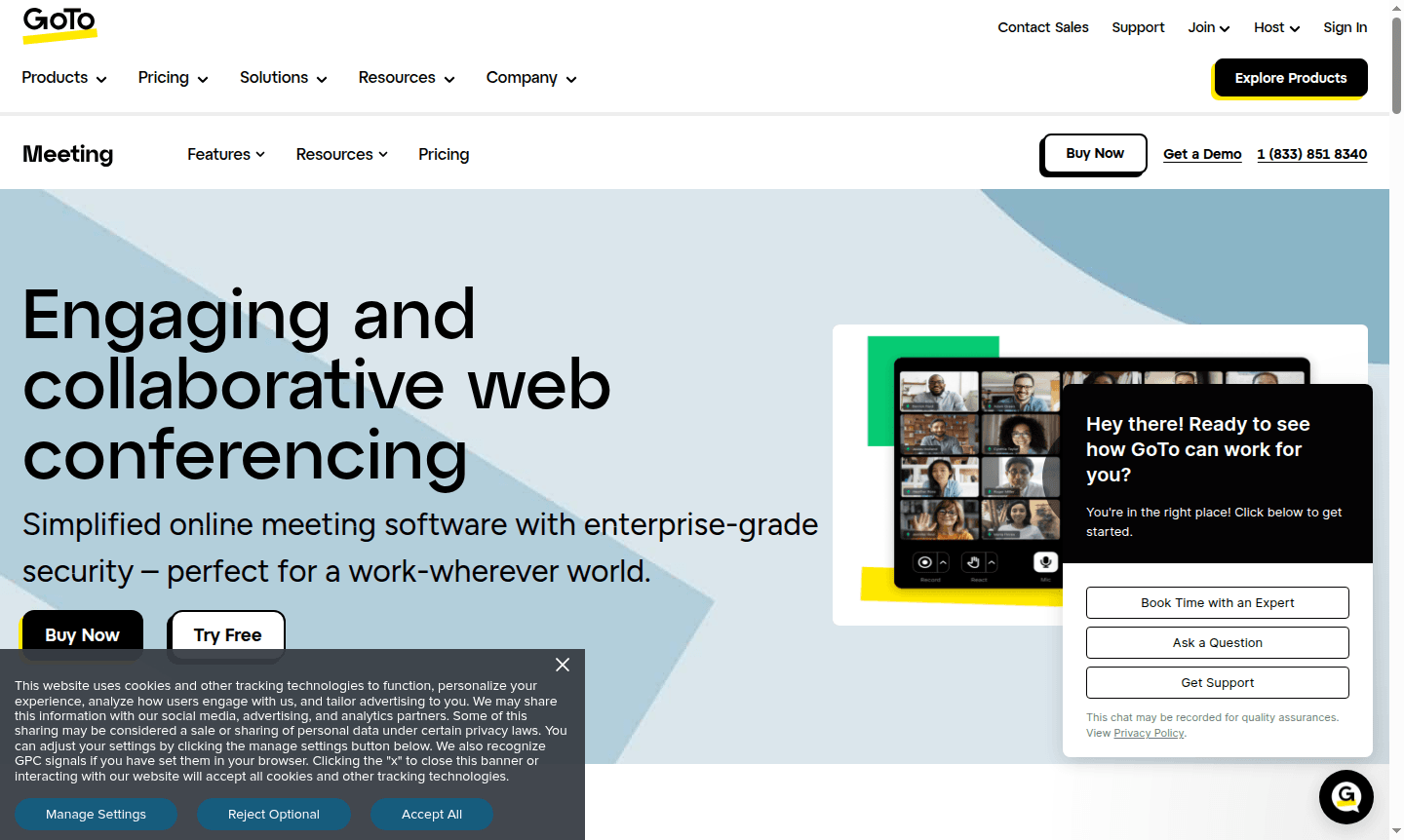
Overview of GoTo Meeting
GoTo Meeting is a comprehensive web conferencing platform designed for today's flexible work environments. This enterprise-grade solution offers secure, reliable virtual meeting capabilities that support remote collaboration across industries. With support for up to 250 participants and availability in 190+ countries, GoTo Meeting provides the scalability businesses need while maintaining crystal-clear audio and HD video quality. The platform is particularly valuable for Video Conferencing and Collaboration Tool needs, making it ideal for distributed teams seeking professional meeting experiences.
GoTo Meeting ensures security with 99.999% uptime and integrates with existing workflows. It adapts to network conditions for reliable meetings across various industries.
How to Use GoTo Meeting
Getting started with GoTo Meeting is straightforward – users can begin with the 14-day free trial that requires no credit card. Hosts can schedule meetings in advance or launch one-click instant meetings directly from the desktop or mobile app. Participants join effortlessly without downloads through browser-based access, entering via personalized meeting links. During sessions, hosts can manage attendees, share screens, utilize drawing tools, and record meetings for later reference. The platform's intuitive interface allows for easy navigation between features like breakout rooms, chat functionality, and audio controls.
Core Features of GoTo Meeting
- HD Video Conferencing – High-definition video with webcam preview and screen sharing capabilities for clear visual communication
- Crystal-Clear Audio – Background noise suppression with built-in VoIP and toll options across 50+ countries
- Enterprise Security – End-to-end encryption, meeting locks, and single sign-on for protected sessions
- Collaboration Tools – Drawing tools, keyboard sharing, in-session chat, and breakout rooms for interactive meetings
- Meeting Management – Cloud recording, transcriptions, custom email templates, and unified administration
Use Cases for GoTo Meeting
- Virtual classrooms and remote learning sessions for educational institutions
- Secure telehealth appointments and patient consultations for healthcare providers
- Client presentations and sales demonstrations for professional services
- Team collaboration and project meetings for distributed workforces
- Training sessions and webinars with recording and transcription capabilities
- Board meetings and executive discussions requiring high security
- Customer support sessions with screen sharing and remote assistance
Support and Contact
For assistance with GoTo Meeting, contact contact@goto.com or visit the GoTo Meeting homepage for knowledge base articles, community forums, and direct support channels.
Company Info
GoTo Meeting is developed by GoTo, a provider of communication and collaboration solutions for remote work with a global presence.
Login and Signup
Access your GoTo Meeting account through the official login portal or sign up for a free trial to experience full features.
GoTo Meeting FAQ
Is GoTo Meeting HIPAA compliant for healthcare use?
Yes, GoTo Meeting supports HIPAA compliance with signed Business Associate Agreements and security features like encrypted video and meeting locks.
Does GoTo Meeting offer a free version for small teams?
GoTo Meeting provides free video conferencing for up to 4 participants with basic meeting features and no download requirements.
How many attendees can join a GoTo Meeting session?
GoTo Meeting supports up to 250 attendees in a single session, making it suitable for large team meetings and presentations.
Can participants join GoTo Meeting without downloading software?
Yes, participants can join meetings directly through web browsers without any software downloads for quick and easy access.
What security features does GoTo Meeting provide for business use?
GoTo Meeting offers enterprise-grade security including end-to-end encryption, meeting locks, password protection, and attendee management controls.
GoTo Meeting Pricing
Current prices may vary due to updates
Free
Free video conferencing for up to 4 participants with basic meeting features like screen sharing and chat. No downloads needed to join, providing secu
Business
14-day free trial with full Business plan features including HD video, screen sharing, meeting recording for up to 250 attendees, and enterprise-grade
GoTo Meeting Reviews0 review
Would you recommend GoTo Meeting? Leave a comment
GoTo Meeting Alternatives
The best modern alternatives to the tool
New Tools Releases
Recently added tools
