KiCad
KiCad is a professional-grade, open-source EDA suite for PCB design, including schematic capture, PCB layout with interactive routing, and 3D visualization for electronics projects.
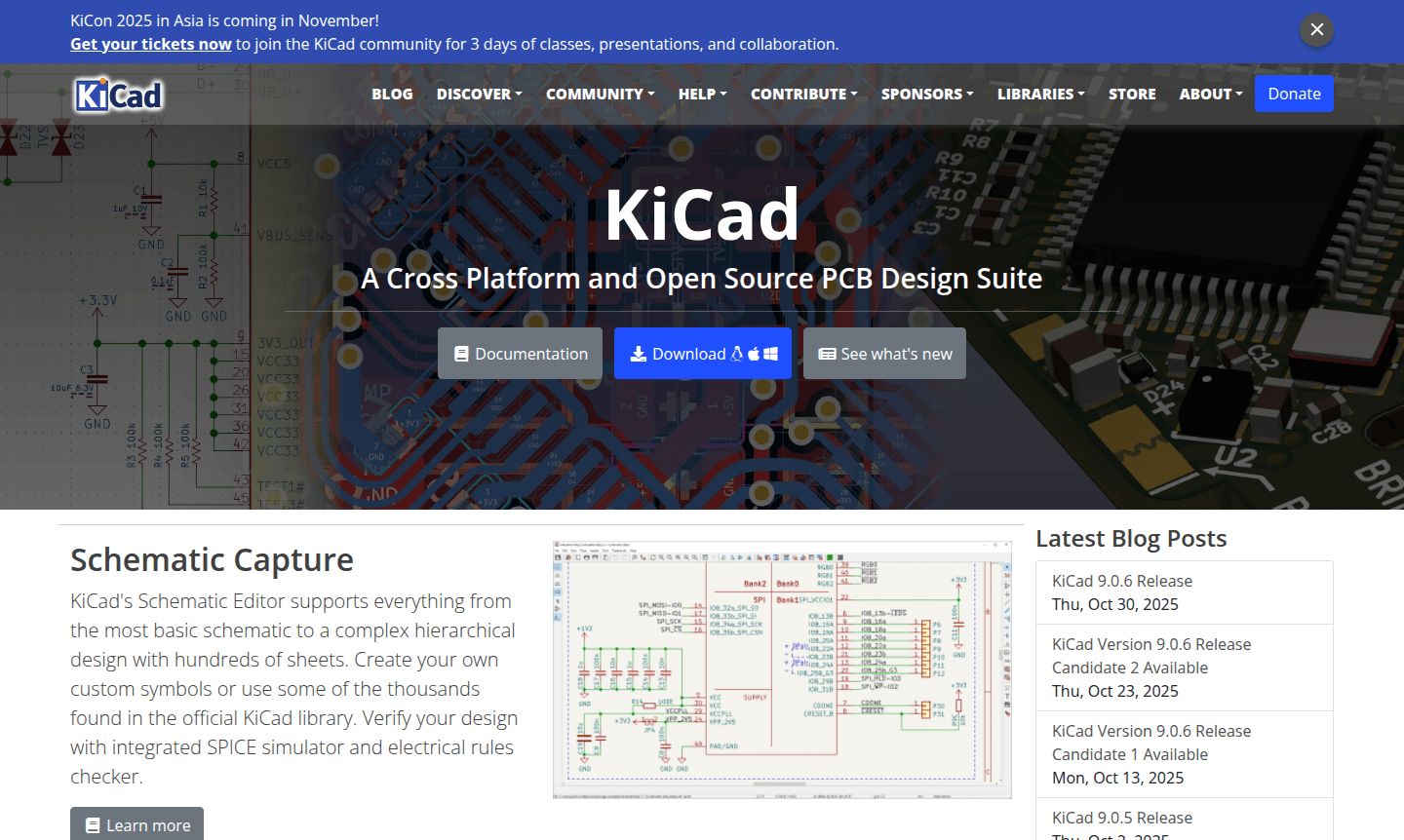
Overview of KiCad
KiCad is a comprehensive, open-source electronic design automation (EDA) suite for creating printed circuit boards (PCBs) from concept to manufacturing. This professional-grade software enables engineers, hobbyists, and students to design everything from simple circuits to complex multi-layer boards with hundreds of components. As a free alternative to commercial tools like Altium and Eagle, KiCad is ideal for makers, educators, and professionals seeking capable PCB design software without licensing costs, offering features like schematic capture and PCB layout.
The integrated workflow covers schematic design, PCB routing, and 3D visualization for mechanical verification. With support for custom symbols, extensive libraries, and community development, KiCad is robust for beginners and experts alike. Its cross-platform compatibility ensures performance across IDE and 3D Modeling environments, making it a go-to for kicad download and kicad tutorial needs.
How to Use KiCad
Getting started with KiCad involves a logical workflow: begin with circuit schematic creation using the Eeschema editor, select components from libraries or design custom symbols, verify with electrical rules checking, then move to PCB layout with Pcbnew for component placement and interactive routing. Finally, use the 3D viewer to inspect mechanical fit and generate renderings before exporting manufacturing files for PCB fabrication, suitable for kicad pcb design projects.
Core Features of KiCad
- Schematic Editor – Supports hierarchical designs and SPICE simulation for circuit verification, ideal for kicad schematic editor use.
- PCB Layout Tools – Features interactive routing and improved visualization for efficient board design with kicad pcb layout.
- 3D Viewer – Allows mechanical inspection with raytracing for realistic previews, part of kicad 3d viewer.
- Component Libraries – Provides thousands of symbols and footprints with custom creation support.
- Design Verification – Includes electrical rules and design rule validation for manufacturing-ready outputs.
Use Cases for KiCad
- Creating custom PCBs for electronics projects and prototypes
- Designing hierarchical schematics for professional applications
- Learning PCB design fundamentals as a beginner or student
- Developing open-source hardware projects and community designs
- Verifying circuit functionality with integrated SPICE simulation
- Generating manufacturing files for PCB fabrication services
- Creating 3D visualizations for product presentations
Support and Contact
For support, visit the official KiCad website for documentation and forums. Email inquiries can be sent to contact@kicad.org for assistance with installation or advanced usage.
Company Info
KiCad is developed by an international team of volunteers through the KiCad Services Corporation, a community-driven open-source project supported by professionals and enthusiasts worldwide.
Login and Signup
KiCad requires no login or signup; it is freely available for download from the official website without registration or subscription, ensuring accessibility for all users.
KiCad FAQ
Is KiCad completely free to use for commercial projects?
Yes, KiCad is free and open-source software that can be used for personal and commercial projects without licensing fees or restrictions.
How does KiCad compare to commercial PCB design software like Altium?
KiCad offers professional-grade PCB design capabilities comparable to commercial tools, with features for schematic capture, PCB layout, and 3D visualization.
What is the learning curve like for beginners starting with KiCad?
KiCad provides approachable tools for beginners with extensive tutorials and community resources, while offering advanced features for complex designs.
What platforms does KiCad support for download and use?
KiCad is cross-platform and available for Windows, macOS, and Linux, ensuring compatibility across different operating systems.
KiCad Reviews0 review
Would you recommend KiCad? Leave a comment
KiCad Alternatives
The best modern alternatives to the tool
New Tools Releases
Recently added tools