Geek Uninstaller
Geek Uninstaller is a portable Windows utility that completely removes software and leftover files. It features deep scanning, force removal, Microsoft Store app support, and multilingual interface.
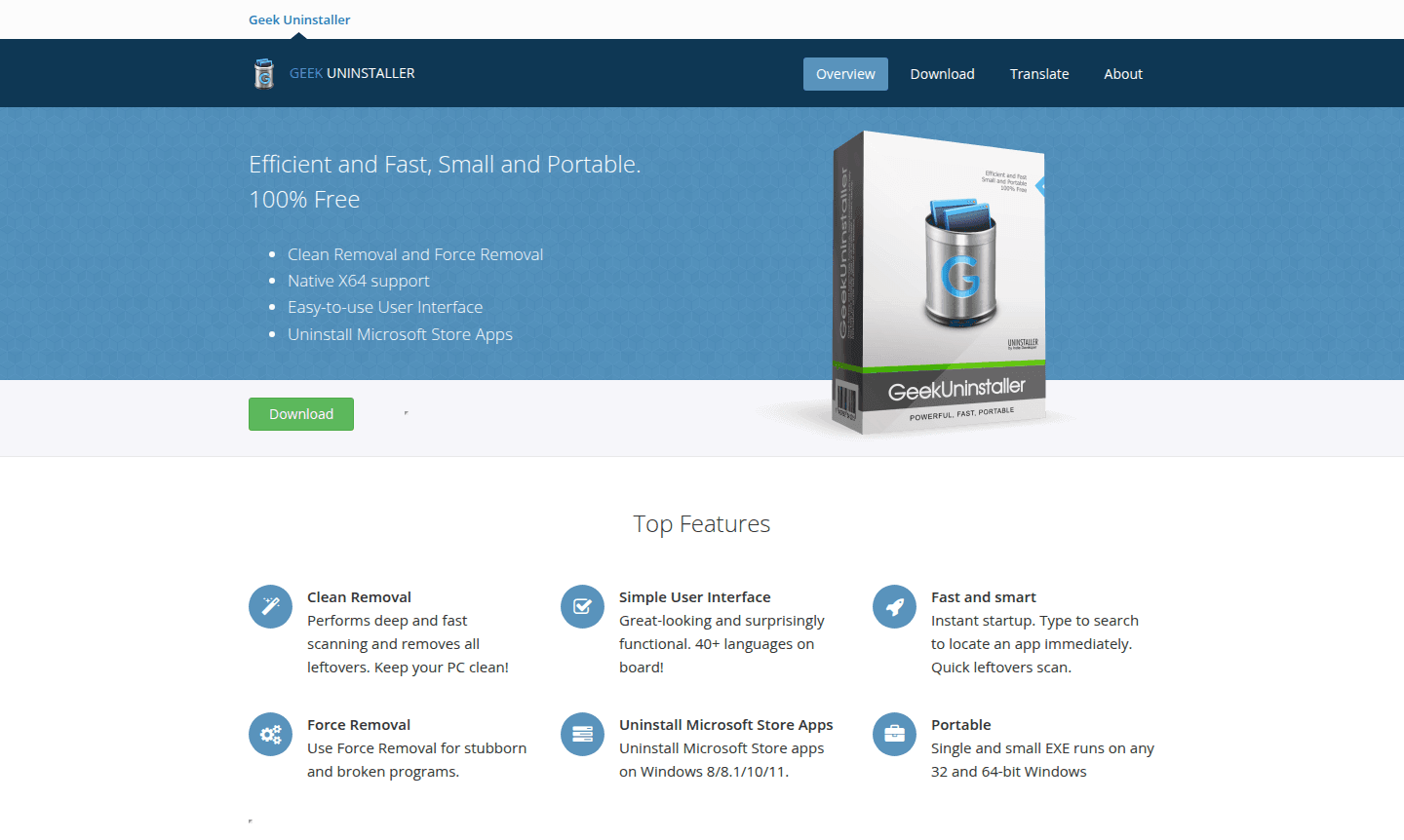
Overview of Geek Uninstaller
Geek Uninstaller is a powerful, portable Windows utility designed to completely remove software and all associated leftover files from your system. Unlike standard Windows uninstallation methods that often leave behind registry entries, temporary files, and other digital clutter, this tool performs deep scanning to ensure clean removal. Developed by Thomas Koen, it's particularly valuable for users who need to maintain system performance, troubleshoot problematic installations, or prepare their computers for fresh software deployments.
This lightweight application serves both casual users and IT professionals who require reliable system maintenance tools. With support for over 40 languages and native 64-bit compatibility, Geek Uninstaller works seamlessly across Windows 8, 10, and 11 environments. The tool falls under Uninstaller and System Optimizer categories, making it essential for anyone serious about PC cleanup and performance optimization.
How to Use Geek Uninstaller
Using Geek Uninstaller is straightforward: simply download the single executable file (no installation required), run it, and you'll see a complete list of installed programs. You can sort applications by installation date, search for specific software using the instant search feature, and choose between standard removal or force removal for stubborn programs. After selecting an application to uninstall, the tool runs the standard uninstaller first, then performs a deep scan for leftover files, folders, and registry entries, giving you the option to remove all detected remnants with one click.
Core Features of Geek Uninstaller
- Clean Removal – Scans and removes all leftover files and registry entries after uninstallation.
- Force Removal – Removes stubborn or corrupted programs that resist normal uninstallation.
- Microsoft Store App Support – Uninstalls Microsoft Store apps on Windows 8, 10, and 11.
- Portable Operation – Runs as a single executable without installation on 32-bit or 64-bit Windows.
- Multilingual Interface – Available in over 40 languages with native 64-bit support.
Use Cases for Geek Uninstaller
- Completely removing software trial versions before purchasing full licenses
- Cleaning up after failed or incomplete software installations
- Removing stubborn malware or adware that resists standard removal
- Preparing systems for software upgrades or migrations
- Maintaining system performance by eliminating digital clutter
- Uninstalling Microsoft Store apps that lack proper removal options
- Troubleshooting software conflicts caused by leftover components
Support and Contact
For support inquiries, you can contact the developer directly via email at thomas@geekuninstaller.com. Additional resources and updates are available on the official Geek Uninstaller website.
Company Info
Geek Uninstaller is developed by Thomas Koen, an independent software developer focused on creating efficient system utilities. While specific country information isn't provided, the tool has gained international recognition through publications like Softonic, Softpedia, CNET, and Lifewire for its effectiveness in PC maintenance.
Login and Signup
Geek Uninstaller requires no account creation or login process. Simply visit the official website to download the latest version. The free version requires no registration, making it immediately accessible for all users.
Geek Uninstaller FAQ
Is Geek Uninstaller completely free to use?
Yes, the standard version of Geek Uninstaller is 100% free with no limitations on features or usage frequency.
How does Geek Uninstaller differ from Windows' built-in uninstaller?
Geek Uninstaller performs deep scanning after standard removal to find and eliminate leftover files, folders, and registry entries that Windows misses.
Can Geek Uninstaller remove Microsoft Store apps?
Yes, it supports uninstalling Microsoft Store apps on Windows 8, 10, and 11 through a dedicated interface toggle.
What Windows versions does Geek Uninstaller support?
Geek Uninstaller supports Windows 8, 10, and 11, both 32-bit and 64-bit architectures.
Geek Uninstaller Pricing
Current prices may vary due to updates
Geek Uninstaller
100% free uninstaller with clean removal, force removal, Microsoft Store app support, portable EXE, dark mode, and 40+ language support. No registrati
Geek Uninstaller Pro
Professional version with enhanced features based on the original code. Specific pricing is not listed on the official website.
Geek Uninstaller Reviews0 review
Would you recommend Geek Uninstaller? Leave a comment
Geek Uninstaller Alternatives
The best modern alternatives to the tool
New Tools Releases
Recently added tools