
Adblock Plus
Adblock Plus: Free ad blocker extension for Chrome, Firefox, Safari. Block ads, tracking, and malware for faster, safer browsing.
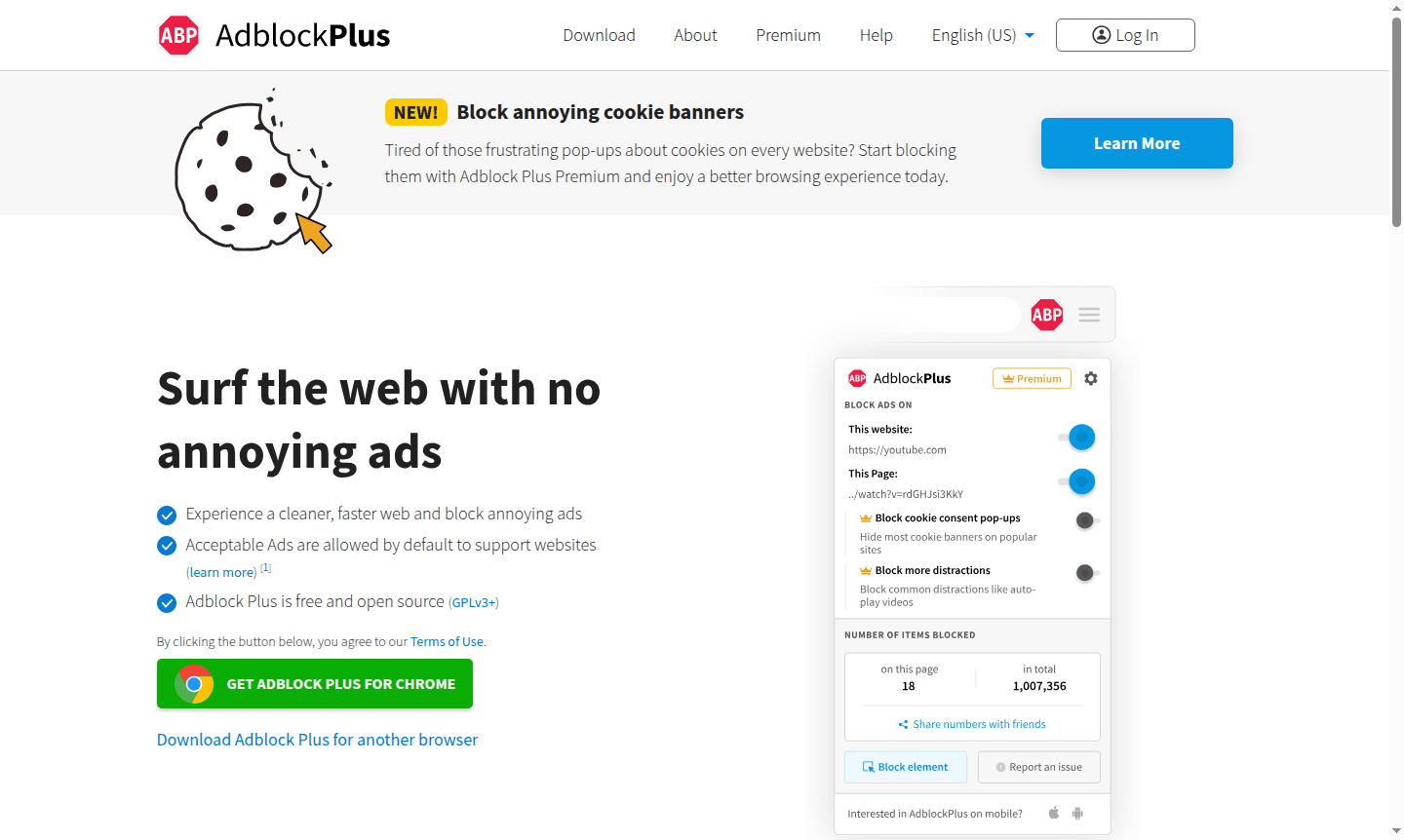
Overview of Adblock Plus
Adblock Plus is the world's most popular free ad blocking extension that transforms your browsing experience by eliminating intrusive ads, blocking tracking scripts, and protecting against malware domains. This powerful browser tool allows complete customization of your web environment, giving you control over what content appears while you browse. Available for all major desktop browsers including Chrome, Firefox, Safari, and Opera, plus mobile devices through Adblock Browser, it helps pages load faster while saving data and battery life.
Developed by Eyeo GmbH as an open source project licensed under GPLv3, Adblock Plus operates on a unique Acceptable Ads model that supports websites by allowing non-intrusive advertising by default. Users can customize their blocking preferences through extensive filter lists, choosing to block everything or allow specific content. The tool is particularly valuable for users seeking Ad Blocker functionality, Security & Privacy protection, and Browser Extension Manager enhancement.
How to Use Adblock Plus
Getting started with Adblock Plus is straightforward – simply download the extension from the official website for your preferred browser, install it with one click, and the tool immediately begins blocking intrusive ads using default filter lists. You can then customize your experience by accessing the settings to enable additional blocking for tracking protection, malware prevention, or cookie banner removal. For advanced users, creating custom filter rules or subscribing to specialized filter lists provides granular control over exactly what gets blocked during browsing sessions.
Core Features of Adblock Plus
- Advanced Ad Blocking – Eliminates intrusive ads including pop-ups, video ads, and flashing banners
- Tracking Protection – Prevents companies from monitoring your online activities and browsing behavior
- Malware Defense – Blocks access to domains known to spread malicious software and infections
- Cookie Banner Control – Removes annoying cookie consent pop-ups for cleaner browsing
- Custom Filter Lists – Allows complete customization through user-defined blocking rules
Use Cases for Adblock Plus
- Block annoying ads that interrupt reading and watching content online
- Improve browsing speed by preventing resource-heavy ads from loading
- Protect privacy by disabling tracking scripts that monitor your activity
- Avoid malware infections from malicious advertising networks
- Save mobile data and extend battery life on laptops and phones
- Remove distracting cookie banners that appear on every website visit
- Customize web experience by blocking specific elements you find annoying
Support and Contact
For technical support and general inquiries, contact contact@adblockplus.org or visit the official Adblock Plus website at adblockplus.org. The platform maintains active community forums and comprehensive documentation for help.
Company Info
Adblock Plus is developed and maintained by Eyeo GmbH, a German company focused on creating tools that improve the web browsing experience. The company operates with transparency about its Acceptable Ads program and maintains the open source nature of the Adblock Plus project while ensuring sustainable development through whitelisting services for larger entities.
Login and Signup
Adblock Plus requires no account creation or login for basic functionality – simply install and use. For premium features and enhanced functionality, users can access additional options through the official website. The Adblock Browser mobile app is available through standard app stores without requiring special registration beyond typical app installation procedures.
Adblock Plus FAQ
Is Adblock Plus completely free to use?
Yes, Adblock Plus offers a fully functional free version that blocks ads, tracking, and malware across all major browsers without any cost.
What browsers support Adblock Plus extension?
Adblock Plus works with Chrome, Firefox, Safari, Opera, Edge, and other major browsers, plus mobile devices through Adblock Browser.
How does the Acceptable Ads feature work in Adblock Plus?
Acceptable Ads allows non-intrusive advertisements by default to support websites, but users can disable this feature to block all ads completely.
Is Adblock Plus safe to use?
Yes, Adblock Plus is safe and trusted by millions of users worldwide. It does not collect personal data and only blocks ads and trackers as configured.
Adblock Plus Pricing
Current prices may vary due to updates
Free
Comprehensive ad blocking extension that removes intrusive ads, prevents tracking, blocks malware domains, and supports all major desktop browsers and
Premium
Enhanced version offering advanced features including cookie banner blocking for improved browsing experience, with additional ad blocking capabilitie
Adblock Plus Reviews0 review
Would you recommend Adblock Plus? Leave a comment
Adblock Plus Alternatives
The best modern alternatives to the tool
New Tools Releases
Recently added tools
