
HappyScribe
HappyScribe converts audio/video to text with AI transcription, subtitles, and translation in 120+ languages. Trusted by 6M+ users, with human-edited accuracy and meeting automation.
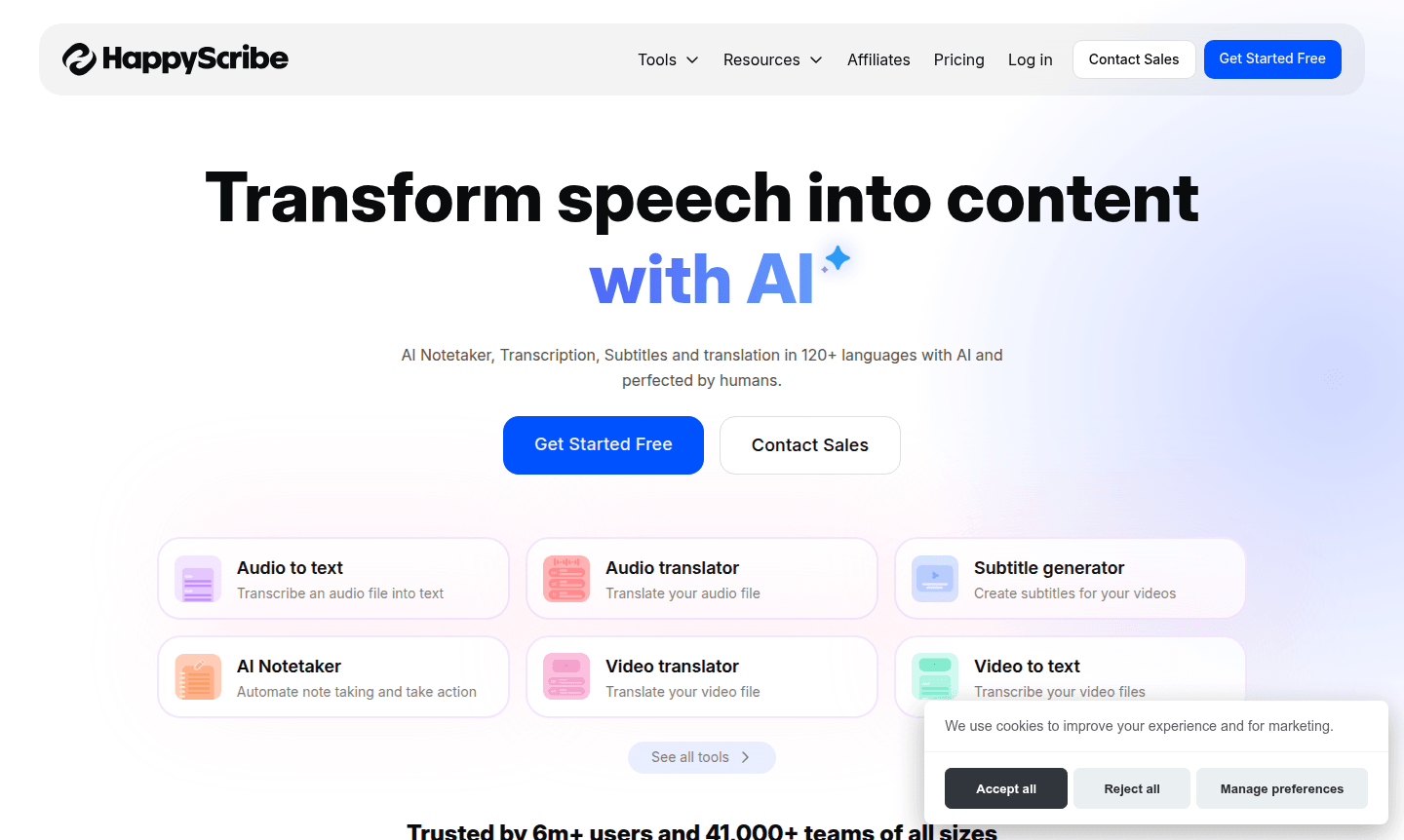
Overview of HappyScribe
HappyScribe transforms speech into actionable content using advanced AI technology combined with human expertise. This comprehensive platform offers transcription, subtitle generation, translation, and automated note-taking across 120+ languages, serving over 6 million users and 41,000 teams worldwide. It is ideal for tools in AI writing and note-taking categories, providing AI-powered speed and human-verified accuracy for professional results.
The platform integrates seamlessly with popular collaboration tools like Google Meet, Microsoft Teams, and Zoom, making it suitable for businesses, content creators, educators, and remote teams. With enterprise-grade security including GDPR compliance and SOC 2 Type II certification, HappyScribe ensures data protection while offering workflow automation and team collaboration features.
How to Use HappyScribe
Getting started with HappyScribe is straightforward: upload audio or video files directly to the platform or connect cloud storage accounts. The system automatically processes content using AI transcription technology, allowing review and editing with intuitive online editors. For enhanced accuracy, opt for human-made transcription services as an add-on, then generate subtitles, translate content, or use the AI notetaker to extract key insights and action items.
Core Features of HappyScribe
- Multilingual Transcription – Convert audio and video to text in 120+ languages with AI and human options
- AI Meeting Notetaker – Automatically document meetings from Zoom, Teams, and Google Meet with summaries
- Subtitle Generation – Create same-language captions and translated subtitles for video content
- Translation Services – Accurately translate transcripts and subtitles preserving cultural context
- Team Collaboration – Share projects, assign roles, and collaborate in real-time with secure controls
Use Cases for HappyScribe
- Transcribing podcast episodes and interviews for content creators
- Generating subtitles for YouTube videos and social media content
- Automating meeting documentation for remote teams and businesses
- Translating educational materials and online course content
- Creating accessible content with closed captions for compliance
- Processing multilingual customer interviews and market research
- Documenting legal proceedings and medical consultations accurately
Support and Contact
For assistance, visit the official support page or email contact@happyscribe.com. Access the help center for documentation and troubleshooting guides.
Company Info
HappyScribe serves a global user base of over 6 million individuals and 41,000 teams across various industries. The company maintains enterprise-grade security standards. Learn more on the about page.
Login and Signup
Access your account at the login page. New users can sign up here to begin using transcription and subtitle services.
HappyScribe FAQ
What languages does HappyScribe support for transcription?
HappyScribe supports transcription in 120+ languages including English, Spanish, German, French and many others with both AI and human-made solutions.
Can HappyScribe integrate with video conferencing platforms?
Yes, HappyScribe integrates with Google Meet, Microsoft Teams, and Zoom for automated meeting transcription and note-taking when connected to your calendar.
Does HappyScribe offer human transcription services?
Yes, HappyScribe provides human-edited transcripts and subtitles as an add-on service for production-ready quality with quick turnaround times.
Does HappyScribe have a free trial?
HappyScribe offers various plans; visit their website for free trial availability and current pricing details.
HappyScribe Pricing
Current prices may vary due to updates
Pricing information not available
Current pricing plans and subscription options for HappyScribe services are not publicly listed. Please visit the official website or contact their te
HappyScribe Reviews0 review
Would you recommend HappyScribe? Leave a comment
HappyScribe Alternatives
The best modern alternatives to the tool
New Tools Releases
Recently added tools
