
Wispr Flow
Wispr Flow: AI voice dictation software for Mac, Windows, iPhone. Speeds up writing 4x with auto-editing, personal dictionary, 100+ languages. HIPAA-ready security for professionals.
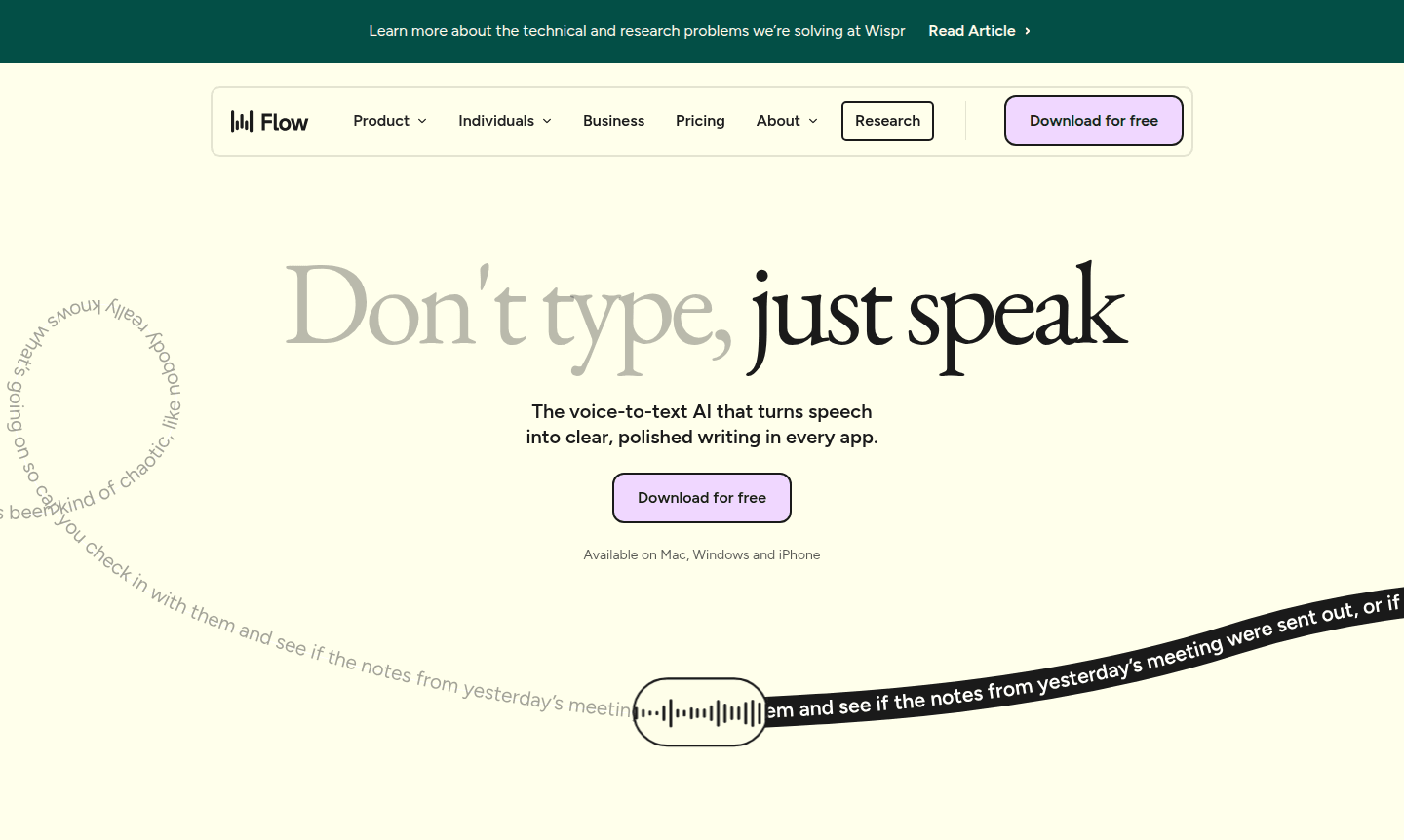
Overview of Wispr Flow
Wispr Flow is an advanced voice-to-text AI application that transforms spoken words into polished, structured writing across all your applications. Available on Mac, Windows, and iPhone, this innovative tool enables users to communicate and create content up to 4x faster than traditional typing. By speaking naturally at the speed of thought, users can maintain their creative flow while Flow handles the transcription and editing automatically. The platform supports over 100 languages and adapts its tone based on the application you're using, ensuring your voice always sounds authentic and context-appropriate.
Designed for professionals across various industries, Wispr Flow serves as a powerful productivity enhancer for writing assistants, accessibility tools, and AI writing tools. Whether you're drafting emails in Gmail, coding in VS Code, creating content in ChatGPT, or managing tasks in Slack, Flow integrates seamlessly into your existing workflow. The AI automatically edits your speech, removing filler words and typos while maintaining your unique voice and personal dictionary of specialized terms.
How to Use Wispr Flow
Getting started with Wispr Flow is easy: download the app for Mac, Windows, or iPhone, install it, and allow microphone access. Once installed, it runs in the background and works in any application. Position your cursor in a text field and speak naturally; the AI transcribes and edits your speech in real-time, producing clear text. Your personal dictionary and snippets sync across devices for a consistent experience.
Core Features of Wispr Flow
- AI Auto-Editing – Automatically transcribes and polishes spoken words into clear, formatted text
- Multi-Platform Support – Available on Mac, Windows, and iPhone with seamless device synchronization
- Personal Dictionary – Learns and remembers your unique vocabulary and technical terms
- Snippet Library – Creates voice shortcuts for frequently used text and responses
- Context-Aware Tone – Adjusts writing style based on the application you're using
Use Cases for Wispr Flow
- Accessibility support for individuals with mobility challenges or typing difficulties
- Healthcare documentation with HIPAA-ready security across all plans
- Legal professionals drafting contracts and case notes with precision
- Developers dictating code and commit messages in natural language
- Content creators drafting articles, social media posts, and emails
- Students capturing class notes and drafting assignments hands-free
- Customer support teams resolving tickets faster with natural speech
Support and Contact
For technical support and general inquiries, contact contact@wisprflow.ai or visit the official website. The platform offers comprehensive support resources online. Enterprise customers have SOC2 Type II compliance and dedicated support.
Company Info
Wispr Flow is developed by Wispr AI, a company specializing in voice-powered productivity tools and AI speech recognition for enhanced efficiency and accessibility. It serves a global user base across various industries.
Login and Signup
To get started with Wispr Flow, visit wisprflow.ai to download and install the app. Account creation is part of the setup, enabling immediate use of voice dictation across applications with easy onboarding.
Wispr Flow FAQ
What platforms does Wispr Flow support for voice dictation?
Wispr Flow is available on Mac, Windows, and iPhone, providing seamless voice-to-text functionality across all three platforms with synchronized personal dictionaries.
How does Wispr Flow compare to traditional typing speed?
Wispr Flow enables speaking at 220 words per minute, making it approximately 4x faster than average keyboard typing at 45 words per minute.
Does Wispr Flow work with multiple languages and applications?
Yes, Wispr Flow supports over 100 languages and automatically adapts its tone based on the specific application you're using for context-appropriate writing.
Is Wispr Flow secure for handling sensitive data?
Wispr Flow offers HIPAA-ready security on all plans and SOC2 Type II compliance for enterprise, ensuring data protection for healthcare, legal, and other sensitive uses.
Wispr Flow Reviews0 review
Would you recommend Wispr Flow? Leave a comment
Wispr Flow Alternatives
The best modern alternatives to the tool
New Tools Releases
Recently added tools
