
HomeByMe
Design your dream home with HomeByMe's free 3D floor plan software. Create 2D and 3D designs, generate 4K renderings, and share with community. Ideal for home renovation and interior design.
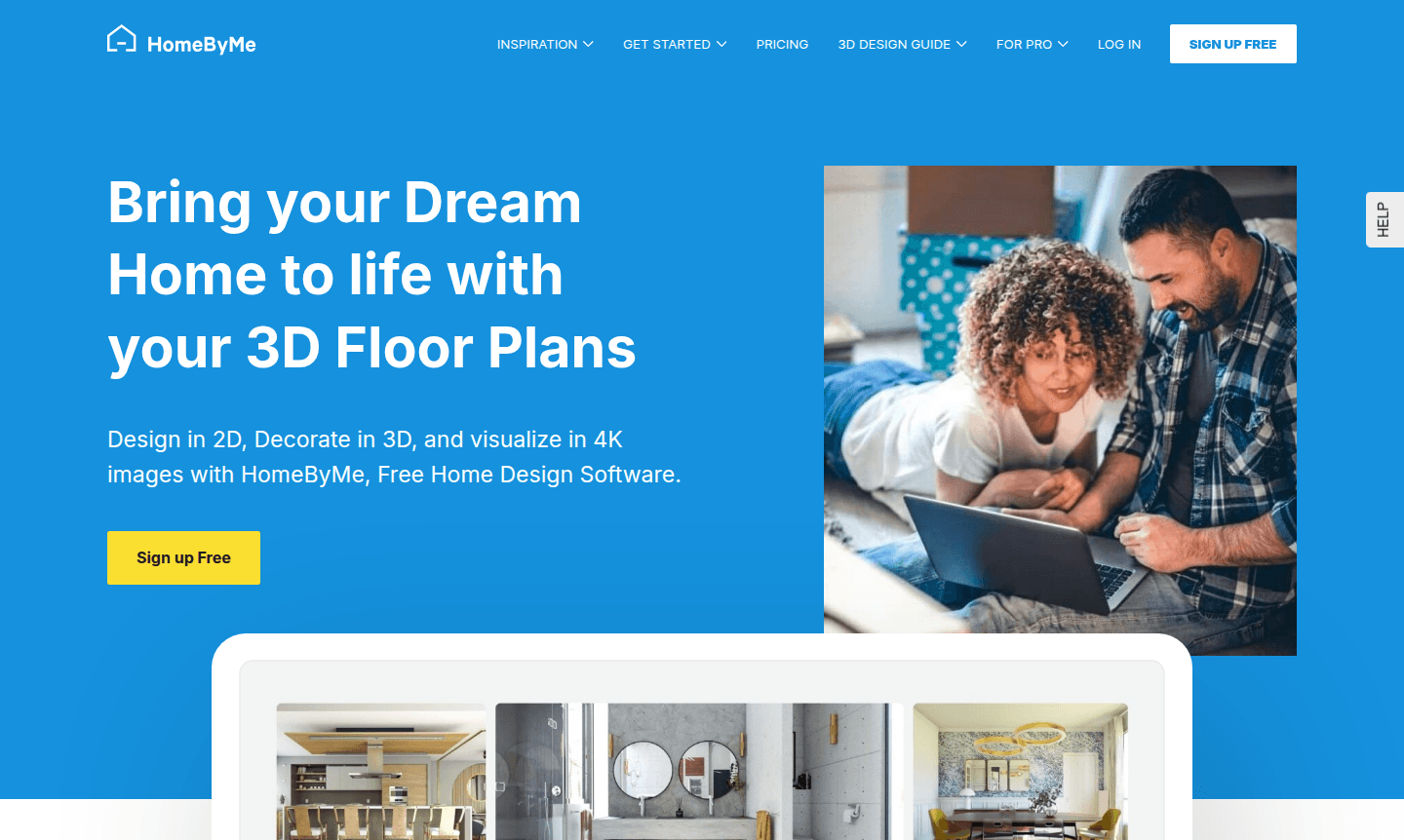
Overview of HomeByMe
HomeByMe is a comprehensive free home design software that empowers users to bring their dream homes to life through intuitive 3D floor planning and interior design tools. This powerful platform enables you to design in 2D, decorate in 3D, and visualize your creations with stunning 4K images, making it accessible for both beginners and experienced designers. Whether you're planning a complete home renovation or focusing on specific rooms like kitchens, living rooms, bedrooms, or bathrooms, HomeByMe provides the tools and inspiration needed to transform your vision into reality.
The platform serves a diverse audience including homeowners, interior decorators, and design enthusiasts looking to explore home decor ideas and create professional-quality visualizations. With its extensive catalog of branded furniture, rugs, and wall coverings, users can express their personal style while receiving guidance from the HomeByMe community. The software also offers dedicated resources for those interested in starting an interior decorating business, providing practical tips and fundamentals to develop creativity and design skills. Explore more in our Interior Design Planner and 3D Modeling categories.
How to Use HomeByMe
Getting started with HomeByMe is straightforward – begin by browsing the community gallery for inspiration, then create your 2D floor plan using the intuitive drag-and-drop interface. Once your layout is complete, switch to 3D mode to furnish and decorate your space with real branded products from the extensive catalog. Generate ultra-realistic 4K renderings to visualize your design decisions, then share your project online to gather feedback from friends and the HomeByMe community. The entire process can be completed on desktop or mobile, allowing you to work on your home design projects anywhere, anytime.
Core Features of HomeByMe
- 3D Floor Plan Design – Create detailed 2D floor plans and visualize them in immersive 3D environments
- 4K Rendering Engine – Generate ultra-realistic images to visualize your interior design projects
- Branded Product Catalog – Access furniture, rugs, and decor from real brands for authentic styling
- Mobile App Integration – Design and browse inspiration on the go with full mobile functionality
- Community Sharing Platform – Share projects and get feedback from other design enthusiasts
Use Cases for HomeByMe
- Home renovation planning for kitchens, living rooms, bedrooms, bathrooms
- Interior decorating business development with professional tools
- Virtual home staging for real estate marketing
- DIY home improvement with 3D visualization
- Architectural planning for new home construction
- Furniture arrangement testing for space optimization
- Design inspiration from community projects
Support and Contact
For assistance with HomeByMe, contact us at contact@home.by.me or visit the official website at home.by.me for comprehensive support resources and community forums.
Company Info
HomeByMe is developed by a dedicated team focused on making professional home design tools accessible to everyone. The company provides extensive educational resources for aspiring interior decorators and maintains an active community platform.
Login and Signup
Access your HomeByMe account or create a new one by visiting home.by.me. The platform offers free registration with immediate access to all basic design features.
HomeByMe FAQ
Is HomeByMe really free to use for home design projects?
Yes, HomeByMe offers free home design software with comprehensive features including 2D floor planning, 3D decoration, and 4K rendering capabilities at no cost.
Can I use HomeByMe for professional interior design work?
Absolutely, HomeByMe provides professional-grade tools and resources suitable for interior decorators and those starting in the interior design business.
Does HomeByMe work on mobile devices for on-the-go design?
Yes, HomeByMe offers a mobile app that allows you to create projects and find design inspiration anywhere with full functionality.
What support options are available for HomeByMe users?
HomeByMe users can access comprehensive help documentation, community forums, and email support at contact@home.by.me for any assistance needed.
HomeByMe Reviews0 review
Would you recommend HomeByMe? Leave a comment
HomeByMe Alternatives
The best modern alternatives to the tool
New Tools Releases
Recently added tools
