Autodesk Mudbox
Autodesk Mudbox: Professional 3D sculpting and texture painting software for character creation, environments, and production assets. Ideal for game developers, VFX artists, and 3D modelers.
Overview of Autodesk Mudbox
Autodesk Mudbox is a professional 3D digital sculpting and painting software designed for creating highly detailed characters, creatures, and environments. This powerful tool enables artists to bring their creative visions to life with intuitive brush-based workflows that feel natural and responsive. Mudbox serves the needs of VFX studios, game developers, and digital artists who require production-quality meshes and realistic textures for their projects.
The software provides a comprehensive toolset for 3D modeling, texture painting, and mesh refinement, making it ideal for professionals working in animation, visual effects, and game development. With its layer-based workflow and advanced retopology capabilities, Mudbox helps artists efficiently create clean, production-ready assets while maintaining artistic control throughout the entire creative process. Explore more tools in 3D Modeling and Animation Software categories.
How to Use Autodesk Mudbox
Getting started with Mudbox involves importing your base mesh or creating one from scratch, then using the intuitive sculpting tools to add detail and form. Artists can work with multiple layers to non-destructively build up complex surfaces, then switch to texture painting tools to apply colors, materials, and fine details directly onto the 3D model. The workflow supports both high-resolution sculpting for fine details and efficient retopology for creating optimized production meshes that maintain the sculpted details while being animation-friendly.
Core Features of Autodesk Mudbox
- Advanced Digital Sculpting - Intuitive brush-based tools for detailed 3D character and environment sculpting
- Accurate Texture Painting - Direct painting on 3D models with layer-based organization
- Production Retopology - Create clean, animation-ready meshes from sculpted data
- Layer-Based Workflow - Non-destructive editing with multiple layers for sculpting and painting
- High-Resolution Mesh Support - Handle millions of polygons for highly detailed models
Use Cases for Autodesk Mudbox
- Character sculpting for video games and animated films
- Environment creation and detailing for VFX productions
- Texture painting and material application on 3D models
- Creating production-quality meshes from scanned data
- Digital maquette creation for concept development
- High-resolution model preparation for 3D printing
- Asset creation for virtual reality and augmented reality projects
Support and Contact
For technical support, contact contact@autodesk.com or visit the Autodesk Mudbox Official Page for documentation, tutorials, and community forums.
Company Info
Autodesk Inc., headquartered in San Rafael, California, develops professional software solutions for architecture, engineering, construction, manufacturing, media, and entertainment industries. The company has been a leader in 3D design software for decades, with Mudbox serving as their dedicated digital sculpting solution for entertainment professionals.
Login and Signup
Access Autodesk Mudbox through the Autodesk account system. Create an account or sign in at Autodesk Mudbox Access Page to start your subscription and download the software.
Autodesk Mudbox FAQ
What is Autodesk Mudbox used for in professional workflows?
Autodesk Mudbox is used for digital sculpting, texture painting, and creating high-resolution 3D models for games, films, and visual effects production.
How much does Mudbox subscription cost for individual artists?
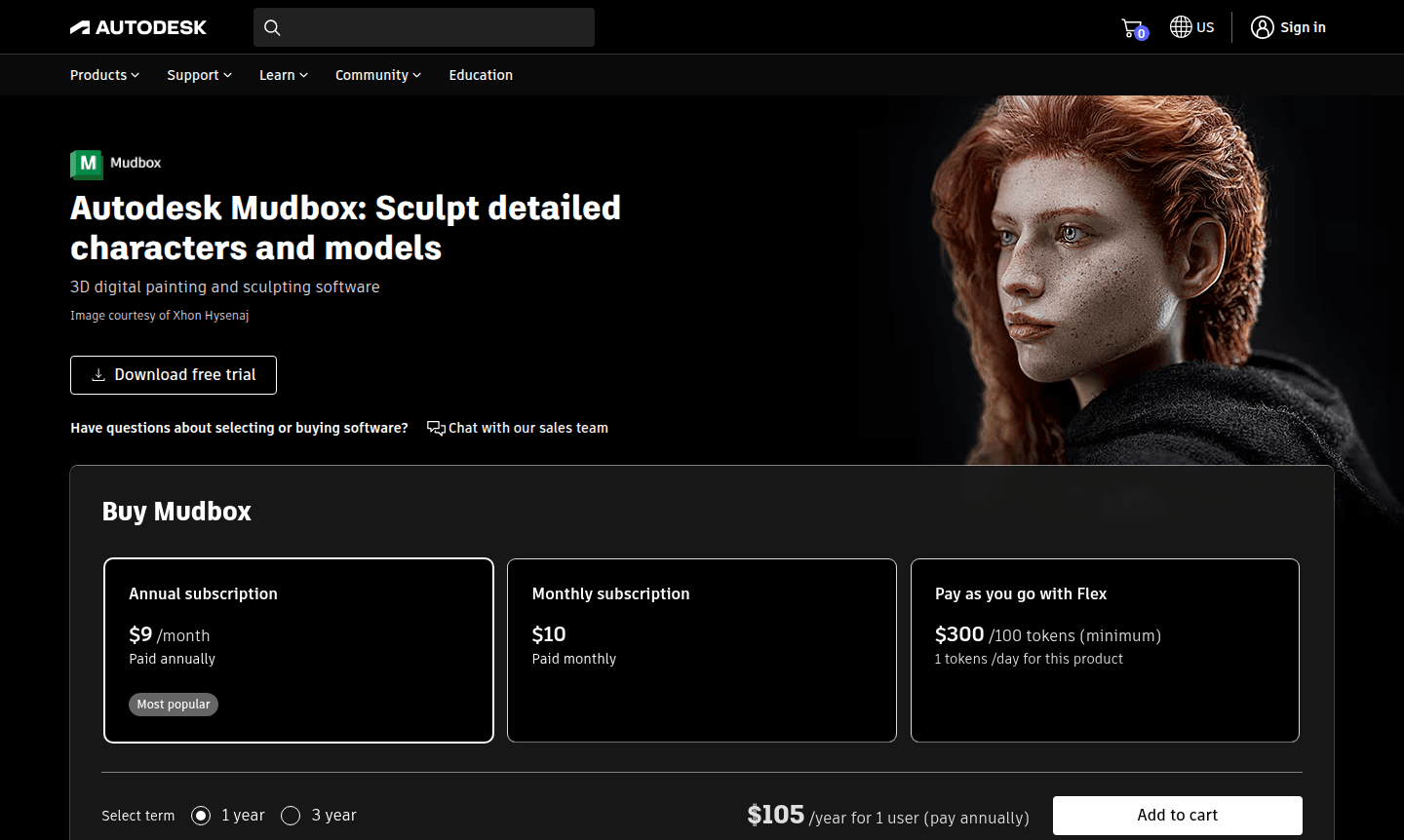
Mudbox offers flexible pricing including monthly at $10, annual at $105, and three-year subscriptions at $315, with token-based options available.
What are the main differences between Mudbox and ZBrush?
Mudbox focuses on intuitive brush-based sculpting and texture painting with layer workflows, while ZBrush offers different sculpting approaches and specialized tools.
Can beginners learn 3D sculpting with Autodesk Mudbox?
Yes, Mudbox's intuitive interface and brush-based workflow make it accessible for beginners learning 3D character sculpting and digital painting techniques.
What file formats does Mudbox support for importing and exporting?
Mudbox supports industry-standard formats including OBJ, FBX, and other common 3D file types for seamless integration with other software.
Autodesk Mudbox Pricing
Current prices may vary due to updates
Annual Subscription
Most popular plan providing continuous access to Mudbox's complete 3D sculpting and painting toolset with annual billing commitment, equivalent to $10
Monthly Subscription
Flexible monthly subscription offering full access to Mudbox's digital sculpting and texture painting features without long-term commitment or contrac
Autodesk Mudbox Reviews0 review
Would you recommend Autodesk Mudbox? Leave a comment
Autodesk Mudbox Alternatives
The best modern alternatives to the tool
New Tools Releases
Recently added tools
