
3D Builder
Microsoft's 3D Builder is a free, powerful 3D modeling and printing software for Windows. Create 3D objects from scratch, convert photos to 3D models using webcam scanning, repair existing models, and prepare for 3D printing. Supports multiple file formats including STL, OBJ, 3MF with intuitive tools for beginners and enthusiasts.
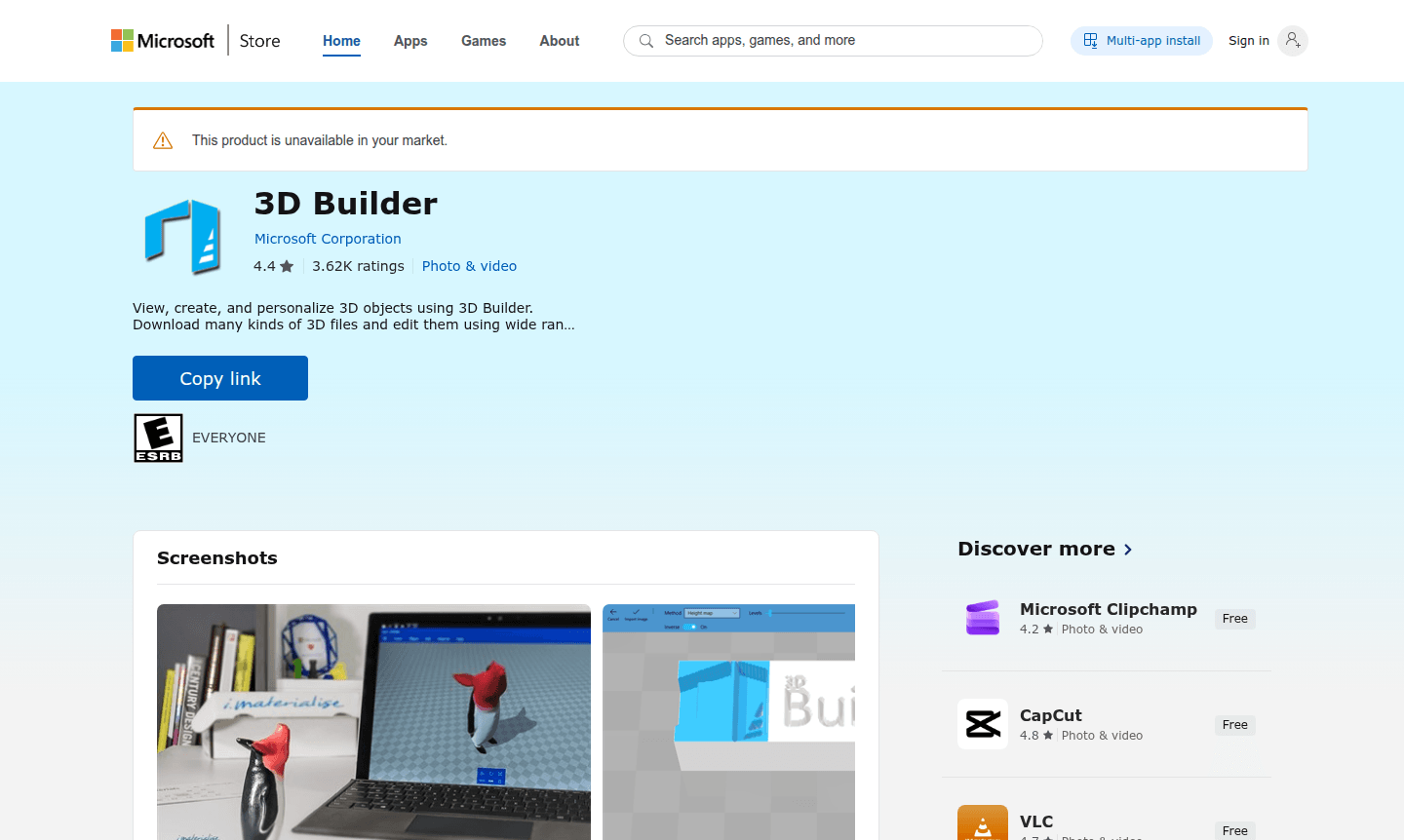
Overview of 3D Builder
Microsoft's 3D Builder is a comprehensive 3D modeling and printing application designed for Windows users seeking accessible 3D creation tools. This free software enables both beginners and enthusiasts to view, create, and personalize 3D objects through an intuitive interface that simplifies complex modeling tasks. With its powerful yet easy-to-use toolset, 3D Builder serves as an ideal entry point for those exploring 3D Modeling and Animation Software without the steep learning curve of professional applications.
The application supports multiple platforms including PC, Mobile, Surface Hub, and HoloLens, making 3D creation accessible across various Microsoft devices. Users can download numerous 3D file formats, edit existing models, or build from scratch using customizable shapes. The software's integration with webcam scanning and image-to-3D conversion capabilities provides unique approaches to model creation, while its automatic repair functions ensure models are printable and optimized for Game Engine compatibility and other 3D applications.
How to Use 3D Builder
Getting started with 3D Builder involves downloading the application from the Microsoft Store and installing it on your Windows device. Once launched, users can immediately begin by importing existing 3D files in formats like STL, OBJ, or 3MF, or start fresh with basic shapes. The workflow typically involves selecting or creating a base model, using the drag-and-drop interface to modify shapes, applying textures or embossing text, then using the automatic repair tools to prepare the model for 3D printing. The software guides users through each step with visual cues and simplified controls, making the transition from 2D to 3D creation seamless even for those new to 3D modeling software for beginners.
Core Features of 3D Builder
- Webcam Scanning – Transform photos into 3D models using your device's camera
- Automatic Repair – Fix model errors and ensure print readiness automatically
- File Format Support – Open and save 3MF, STL, OBJ, PLY, and glTF files
- Shape Customization – Build from basic shapes with adjustable properties
- Object Merging – Combine, intersect, or slice multiple 3D objects
Use Cases for 3D Builder
- Creating personalized 3D printed gifts with custom text embossing
- Converting 2D images and webcam photos into 3D models for printing
- Repairing and optimizing existing 3D files for successful printing
- Designing custom shapes and objects from basic geometric forms
- Preparing 3D models for game development and virtual environments
- Educational projects introducing students to 3D modeling concepts
- Prototyping and creating physical objects through 3D printing technology
Support and Contact
For technical assistance and customer support, contact Microsoft at appservices@microsoft.com. Additional resources and documentation are available through the official Microsoft Support Website where you can find troubleshooting guides and community forums.
Company Info
3D Builder is developed and published by Microsoft Corporation, headquartered at One Microsoft Way, Redmond, WA, 98052, United States. As one of the world's leading technology companies, Microsoft provides a wide range of software solutions and services across multiple platforms and devices.
Login and Signup
Access 3D Builder by visiting the Microsoft Store application page. The software requires signing in with your Microsoft account for installation and may utilize your account for certain features and cloud storage integration.
3D Builder FAQ
Is Microsoft 3D Builder completely free to use?
Yes, 3D Builder is completely free software available through the Microsoft Store with no subscription fees or hidden costs for its core modeling and printing features.
What 3D file formats does 3D Builder support for import and export?
3D Builder supports 3MF, STL, OBJ, PLY, WRL (VRML v2.0), and glTF (v2.0) files for import, and can export as 3MF, STL, PLY, or OBJ formats.
Can I use 3D Builder without a 3D printer?
Absolutely, you can create, edit, and view 3D models in 3D Builder without owning a 3D printer, and even order prints through online services.
What are the system requirements for 3D Builder?
3D Builder requires Windows 10 version 15063.0 or higher and is available on PC, Mobile, Surface Hub, and HoloLens. It supports various 3D printers and file formats for seamless 3D creation.
3D Builder Pricing
Current prices may vary due to updates
Free
Complete access to all 3D modeling tools including webcam scanning, object repair, file format support, shape customization, and printing preparation
3D Builder Reviews0 review
Would you recommend 3D Builder? Leave a comment
3D Builder Alternatives
The best modern alternatives to the tool
New Tools Releases
Recently added tools
