
Canvas LMS
Canvas LMS is the leading learning management system in North America. It streamlines course management, assignments, and grading with features like SpeedGrader and mobile apps. Ideal for K-12, universities, and corporate training.
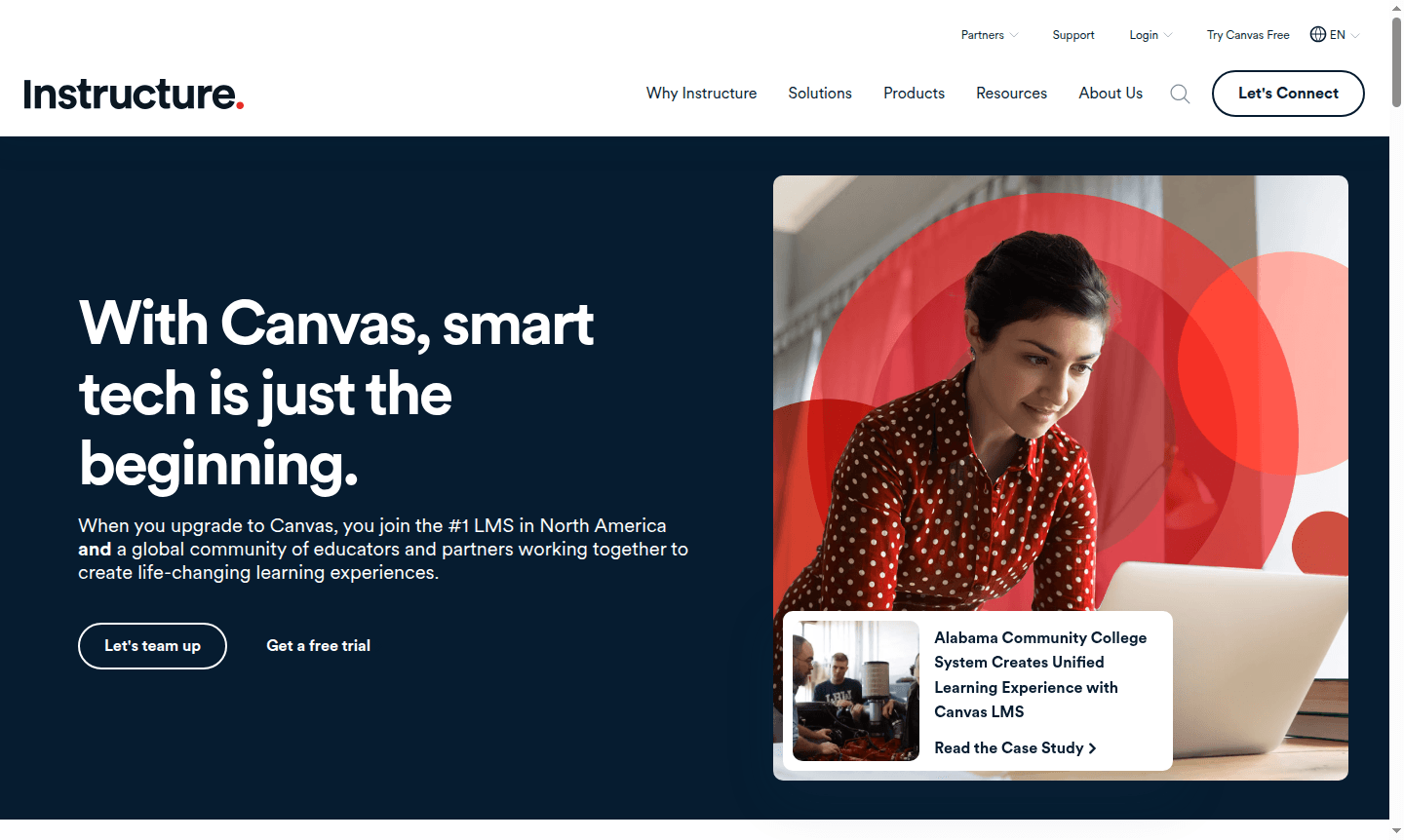
Overview of Canvas LMS
Canvas LMS is the leading learning management system in North America, trusted by tens of millions of educators and students worldwide. This cloud-based platform transforms traditional classrooms into dynamic digital learning environments where educators can create engaging courses, manage assignments, track student progress, and facilitate meaningful interactions. Built on open technology with a strong commitment to accessibility standards, Canvas ensures equitable learning experiences for diverse student populations across K-12 schools, universities, and corporate training programs.
The platform serves as a comprehensive hub for teaching and learning, supporting over 1,000 integrations with external tools and applications. Canvas enables institutions to scale engaging curriculum across multiple campuses while maintaining centralized control. With free mobile apps for students, teachers, and parents, learning extends beyond the classroom walls, making education accessible anytime, anywhere. Explore related tools in Course Platform and Classroom Tools categories.
How to Use Canvas LMS
Getting started with Canvas LMS begins with institution setup, where administrators configure courses, user roles, and integration settings. Educators then build their courses using the intuitive course builder, adding modules, assignments, discussions, and quizzes. Students access courses through web browsers or mobile apps, submitting assignments, participating in discussions, and tracking their progress. The platform's SpeedGrader tool streamlines assessment workflows, while the comprehensive Gradebook provides real-time visibility into student performance. Regular updates and course modifications can be pushed across multiple sections with single-click deployment.
Core Features of Canvas LMS
- SpeedGrader – Grade submissions, leave comments, and annotate documents in one streamlined interface
- Mobile Apps – Free applications for students, teachers, and parents with full platform functionality
- Blueprint Courses – Scale curriculum across institutions with centralized course management
- Canvas Data – Access raw event-level data for custom analytics and reporting
- Gradebook – Comprehensive grade management with customizable weighting and organization
Use Cases for Canvas LMS
- K-12 school districts implementing standardized digital curriculum
- Universities delivering online and hybrid degree programs
- Corporate training departments managing employee development
- Educators creating interactive assignments and assessments
- Students accessing course materials and submitting work remotely
- Administrators tracking institutional learning analytics
- Parents monitoring student progress and school communications
Support and Contact
For technical support and implementation assistance, visit the Canvas support portal. While no direct email was found, institutions can request demos and access comprehensive documentation through the official website. The platform offers extensive training resources, community forums, and dedicated support for enterprise clients.
Company Info
Canvas LMS is developed by Instructure, an education technology company based in the United States. The company specializes in creating software that supports teaching and learning across educational institutions and corporate organizations worldwide. Learn more about their mission and products at Instructure's about page.
Login and Signup
Access your Canvas account through your institution's specific login portal or visit the main Canvas website for demo requests and trial access. Educational institutions can schedule implementation consultations and existing users can log in through their school's designated Canvas URL.
Canvas LMS FAQ
What is Canvas LMS and who uses it?
Canvas LMS is a learning management system used by K-12 schools, universities, and corporations for online course delivery, assignment management, and student progress tracking.
Does Canvas LMS offer mobile access for students and teachers?
Yes, Canvas provides free mobile apps for students, teachers, and parents with full functionality for course access, assignment submission, and grade viewing.
How does Canvas LMS compare to alternatives like Blackboard or Moodle?
Canvas leads in user experience with intuitive design, better mobile apps, and superior integration capabilities compared to many learning management system alternatives.
How can I try Canvas LMS for free?
Canvas offers a free trial for educational institutions. You can request a demo or start a trial through the official Canvas website.
Canvas LMS Reviews0 review
Would you recommend Canvas LMS? Leave a comment
Canvas LMS Alternatives
The best modern alternatives to the tool
New Tools Releases
Recently added tools
