
Google Classroom
Google Classroom helps educators create engaging lessons, manage assignments, and track student progress with AI tools, analytics, and seamless integrations. Free for K-12, higher ed, and remote learning.
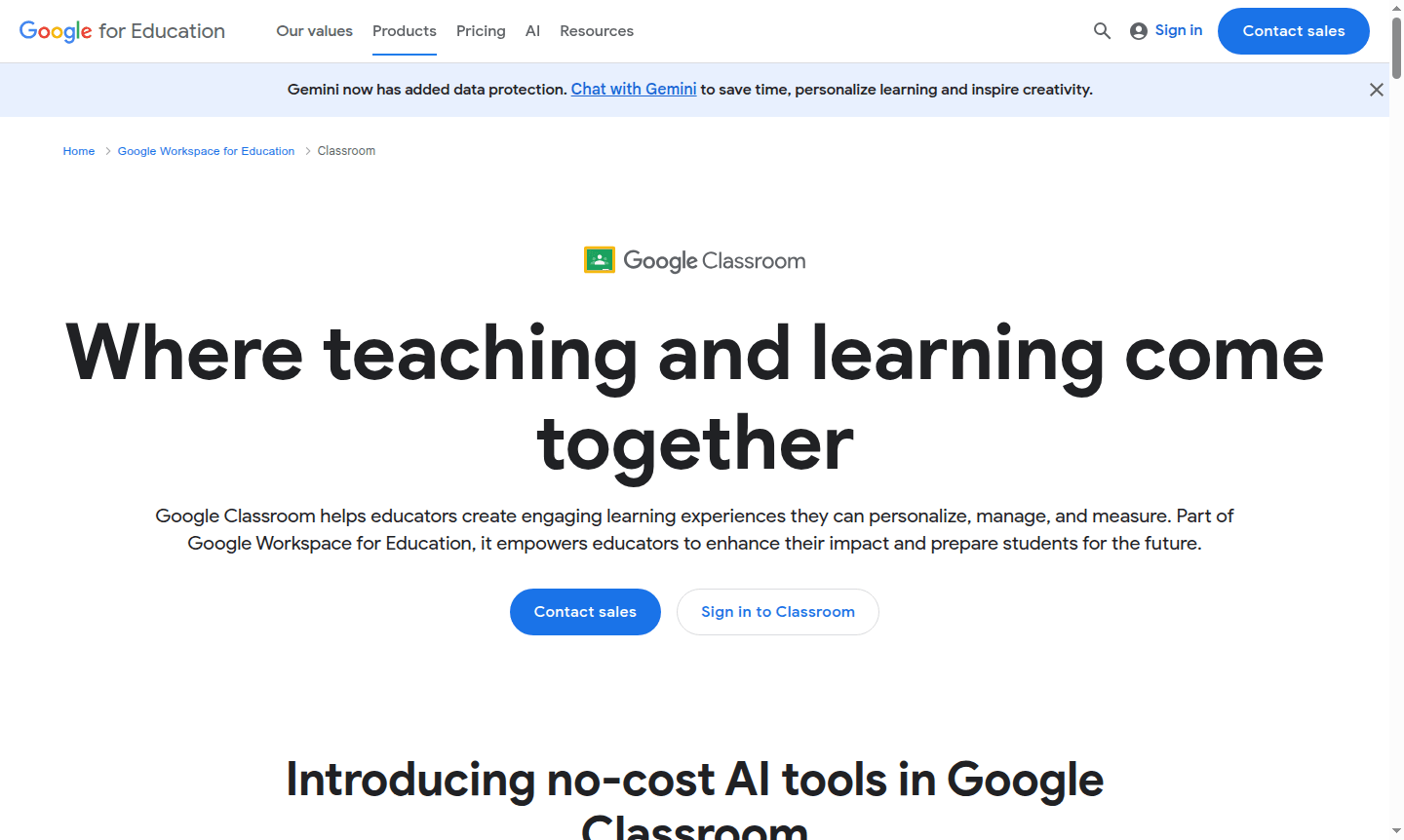
Overview of Google Classroom
Google Classroom serves as a comprehensive learning management platform where teaching and learning seamlessly converge. Designed specifically for educational environments, this powerful tool helps educators create engaging, personalized learning experiences while efficiently managing classroom activities and measuring student progress. As part of the Google Workspace for Education ecosystem, it empowers teachers to enhance their instructional impact and prepare students for future success through intuitive digital tools and collaborative features.
The platform now integrates advanced AI capabilities through Gemini in Classroom, providing educators with smart tools to accelerate lesson planning and instructional delivery. Education leaders can leverage Classroom analytics for data-driven insights, while students benefit from personalized learning paths and real-time feedback. With support for hundreds of educational integrations and seamless SIS connectivity, Google Classroom transforms traditional classrooms into dynamic, interactive learning environments accessible across devices and locations. Explore more educational tools in our Classroom Tools and Course Platform categories.
How to Use Google Classroom
Getting started with Google Classroom is remarkably straightforward – educators can set up their virtual classroom in minutes by creating classes, inviting students via email or class codes, and beginning to distribute assignments. The workflow follows a natural teaching progression: create engaging coursework using built-in templates or existing materials, share it with the entire class instantly, collect student submissions digitally, provide personalized feedback through comments and rubrics, then track progress through comprehensive analytics. The mobile apps for iOS and Android enable teaching and learning on the go, while the web interface offers full functionality for desktop users.
Core Features of Google Classroom
- Assignment Management – Create, distribute, and grade assignments with automated due dates and submission tracking
- AI-Powered Tools – Access Gemini AI for lesson planning, interactive assignments, and personalized student support
- Real-Time Collaboration – Enable instant communication through embedded chat, comments, and shared documents
- Comprehensive Analytics – Monitor student engagement, assignment completion, and performance trends with detailed insights
- Seamless Integration – Connect with student information systems and hundreds of educational apps and add-ons
Use Cases for Google Classroom
- K-12 teachers managing daily classroom activities and student assignments
- Higher education instructors facilitating online and blended learning courses
- School administrators overseeing classroom adoption and educational outcomes
- Students organizing coursework, submitting assignments, and tracking progress
- Educational institutions implementing standardized curriculum and assessments
- Professional development coordinators delivering training and tracking participation
- Special education teachers providing differentiated instruction and accommodations
Support and Contact
For support, email contact@google.com or visit the Google Classroom Help Center. Educators can access comprehensive resources, community forums, and troubleshooting guides. For urgent issues, contact your school's IT administrator or Google Workspace for Education support representative.
Company Info
Google Classroom is developed by Google LLC, headquartered in Mountain View, California, United States. As part of Google's commitment to education, the platform benefits from the company's extensive infrastructure, security protocols, and continuous innovation in educational technology.
Login and Signup
Access Google Classroom through classroom.google.com using your Google account. Educational institutions can deploy Classroom through Google Workspace for Education, while individual teachers and students can use personal Google accounts. Mobile users can download the Classroom app from the Google Play Store or Apple App Store for on-the-go access.
Google Classroom FAQ
How does Google Classroom help teachers manage assignments?
Google Classroom streamlines assignment management by enabling teachers to create, distribute, collect, and grade work digitally with automated due dates and submission tracking.
What AI features are available in Google Classroom?
Google Classroom integrates Gemini AI for lesson planning, interactive assignments with real-time feedback, and personalized learning tools to support differentiated instruction.
Can Google Classroom integrate with other educational tools?
Yes, Google Classroom supports hundreds of educational app integrations and connects with major student information systems for seamless grade export and data synchronization.
Is Google Classroom free to use?
Yes, Google Classroom is free for educators and students with a Google account, offering core features without cost.
Google Classroom Reviews0 review
Would you recommend Google Classroom? Leave a comment
Google Classroom Alternatives
The best modern alternatives to the tool
New Tools Releases
Recently added tools
