
npm
Discover npm, the essential package manager for Node.js. Access over 2 million packages, manage dependencies with npm CLI, and learn about Free and Pro features including security auditing and private packages.
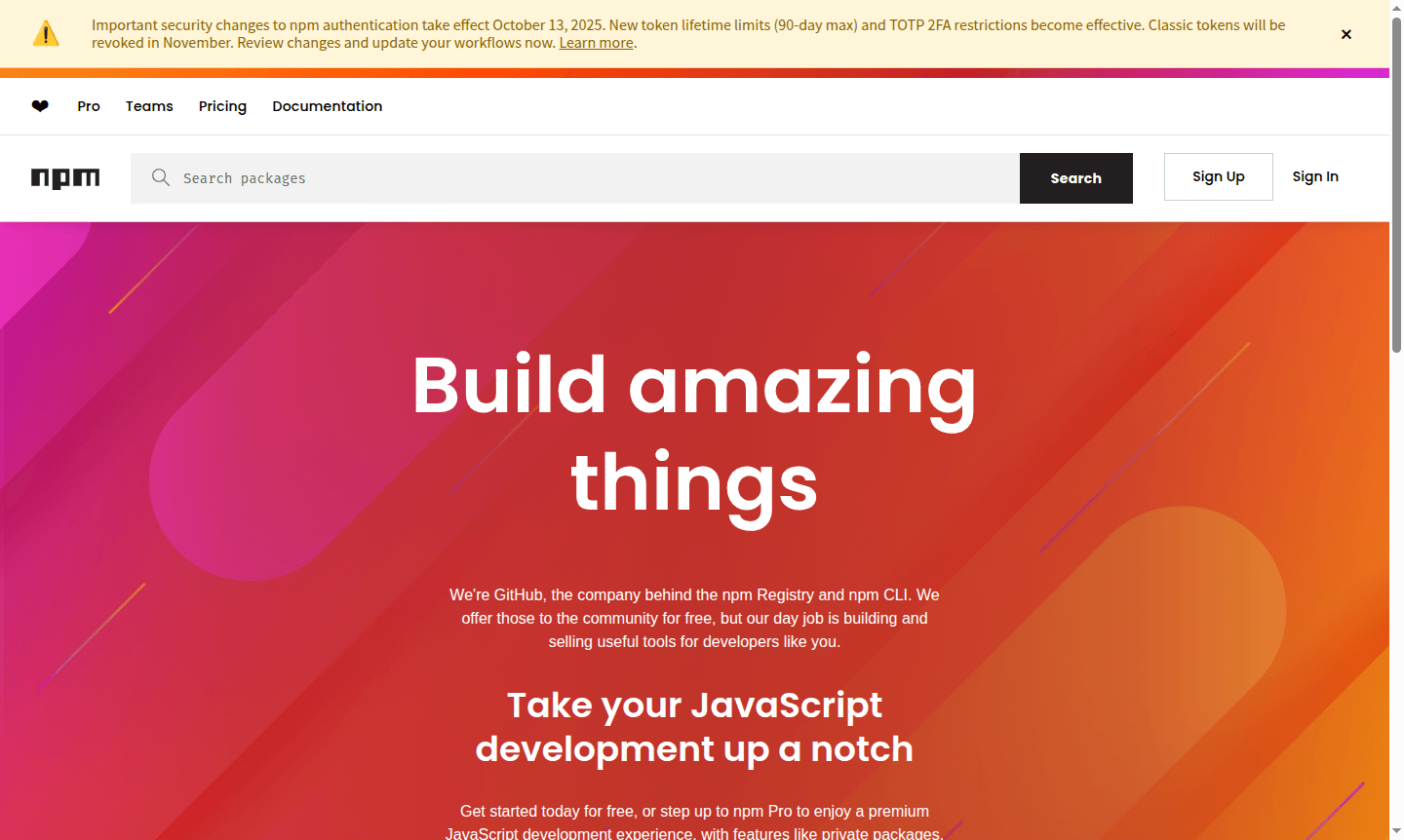
Overview of npm
npm is the world's largest software registry and the default package manager for Node.js, serving over 17 million developers globally. As the centerpiece of JavaScript development, npm provides both the npm Registry for package discovery and the npm CLI (Command Line Interface) for dependency management. This powerful combination enables developers to efficiently share, discover, and reuse JavaScript code across projects of all sizes – from personal experiments to enterprise applications. npm is a key tool in the Package Manager category and supports Code Repository Hosting for the JavaScript ecosystem.
Developed and maintained by GitHub, npm brings the best of open source to individual developers, teams, and companies alike. The platform has become essential for modern web development, offering both free access to public packages and premium features through npm Pro for professional development needs. With more than two million packages available, npm supports everything from simple utility functions to complex frameworks and libraries across the JavaScript ecosystem.
How to Use npm
Getting started with npm is straightforward – begin by installing Node.js, which includes npm automatically. Once installed, you can initialize a new project using npm init to create a package.json file, then install dependencies with npm install package-name. The npm CLI provides commands for managing packages, running scripts, updating dependencies, and auditing security vulnerabilities. Developers typically use npm commands within their terminal or integrate them into build processes and CI/CD pipelines for automated dependency management.
Core Features of npm
- Package Management – Install, update, and manage JavaScript dependencies efficiently with npm commands.
- Registry Access – Access the world's largest software registry with millions of packages for discovery and sharing.
- Security Auditing – Identify and fix security vulnerabilities in project dependencies using npm audit.
- Private Packages – Create and manage private packages for teams and organizations with npm Pro.
- Script Automation – Run custom scripts and automate development workflows through npm scripts.
Use Cases for npm
- Managing dependencies in Node.js applications and projects
- Sharing reusable code as published npm packages
- Installing JavaScript libraries and frameworks like React or Vue
- Running build scripts and development automation tasks
- Managing private packages for enterprise development teams
- Auditing project dependencies for security vulnerabilities
- Setting up development environments with consistent dependencies
Support and Contact
For support and inquiries, contact contact@npmjs.com or visit the npm website for comprehensive documentation, community forums, and GitHub resources.
Company Info
npm is developed and maintained by GitHub Inc., based in the United States. The company behind the npm Registry and npm CLI offers these tools to the community for free while building additional developer tools and services.
Login and Signup
Create your free npm account at npm signup page or learn about premium features at the npm Pro page. Existing users can access their accounts through the npm website.
npm FAQ
What is npm and what does it do for JavaScript developers?
npm is the default package manager for Node.js that helps developers install, share, and manage dependencies in their JavaScript projects through command-line tools.
How do I install packages using npm commands?
Use npm install followed by the package name to add dependencies to your project, which npm automatically downloads from the registry and manages.
What are the main differences between npm Free and npm Pro?
npm Free provides access to public packages and basic tools, while npm Pro offers premium features including private packages for professional development needs.
How can I update npm to the latest version?
Run 'npm install -g npm@latest' in your terminal to update npm globally to the most recent version.
npm Pricing
Current prices may vary due to updates
Free
Free access to npm Registry and npm CLI for JavaScript development, offering public package sharing and basic development tools for the open source co
Pro
Premium JavaScript development experience with enhanced features including private packages for professional developers and teams needing advanced pac
npm Reviews0 review
Would you recommend npm? Leave a comment
npm Alternatives
The best modern alternatives to the tool
New Tools Releases
Recently added tools
