
Tail Lens
Tail Lens: Visual Tailwind CSS inspector browser extension with live class preview, editing, and debugging tools for v3 and v4. Ideal for developers.
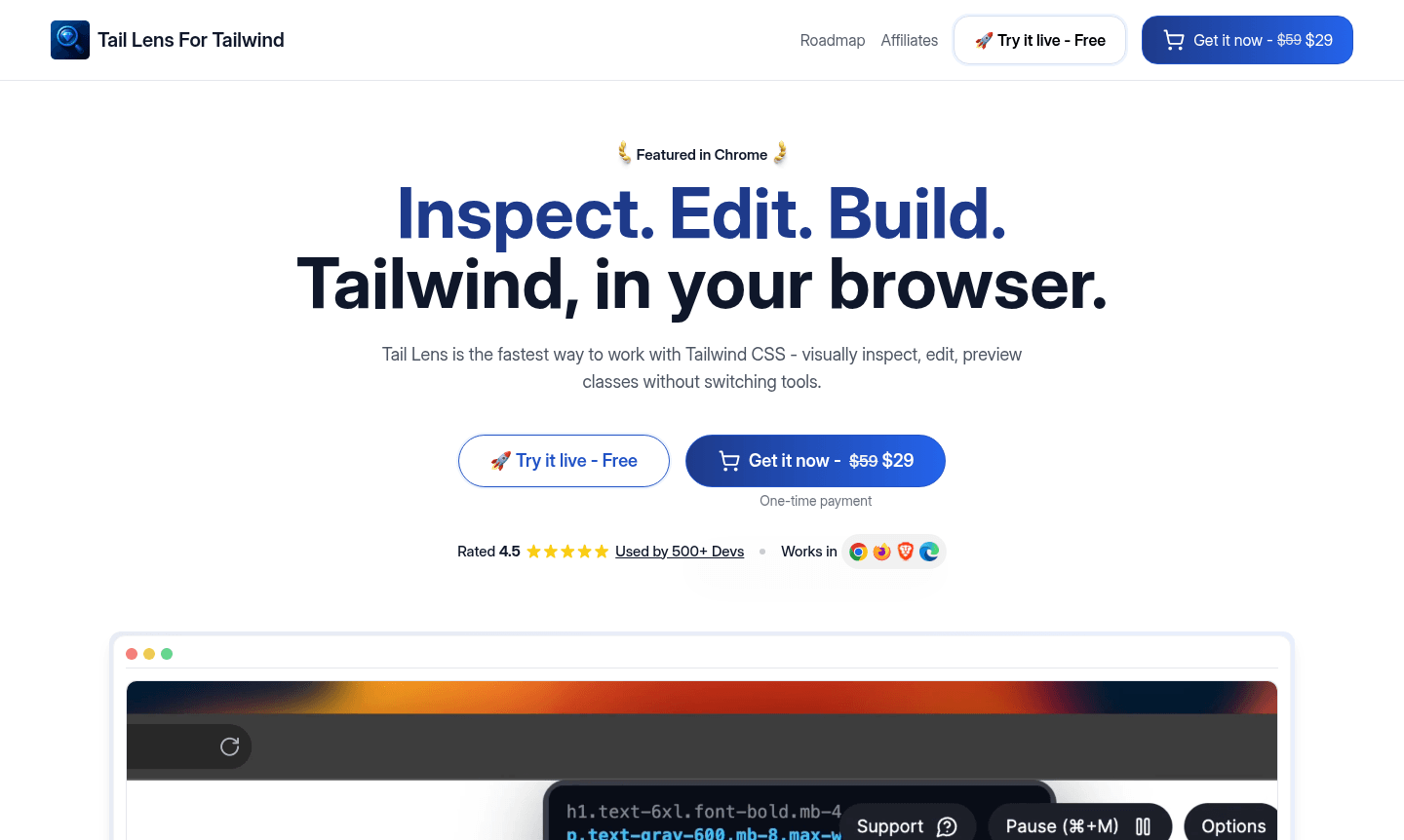
Overview of Tail Lens
Tail Lens revolutionizes Tailwind CSS development by providing a comprehensive browser extension that enables visual inspection, editing, and preview capabilities directly within your browser. This powerful Tailwind CSS inspector tool eliminates constant context switching, allowing developers to work more efficiently. It supports both Tailwind CSS v3 and v4, making it future-proof for projects and ideal for users of IDEs and debuggers.
The extension serves as a complete visual Tailwind editor, integrating seamlessly with development environments. Developers can preview class changes, explore styling options, and debug layout issues without refreshing pages. This browser-based tool is valuable for teams working on complex UI systems with Tailwind CSS, enhancing productivity for frontend workflows.
How to Use Tail Lens
Using Tail Lens begins with installing the browser extension from the Chrome Web Store or Firefox Add-ons marketplace. Once installed, navigate to any webpage using Tailwind CSS and activate the extension to start inspecting elements. Hover over HTML elements to see applied classes, preview alternatives in real-time, and make instant edits that reflect immediately. Use keyboard shortcuts for efficient navigation and one-click class copying for a streamlined experience.
Core Features of Tail Lens
- Smart Class Alternatives – Instantly view and switch between Tailwind class alternatives with intelligent suggestions.
- Live Class Preview – Hover over class alternatives to preview layout changes instantly without reloads.
- Custom Config Support – Full compatibility with tailwind.config.js, including themes and breakpoints.
- Visual Debugging Tools – Real-time overlays for margin, padding, and positioning with layout guides.
- Efficient Workflow – Pin elements, toggle classes, and copy applied classes with single clicks.
Use Cases for Tail Lens
- Rapid prototyping and iteration of Tailwind CSS components
- Debugging and optimizing existing Tailwind CSS implementations
- Learning Tailwind CSS through visual exploration and experimentation
- Converting designs to Tailwind CSS with immediate visual feedback
- Testing responsive breakpoints and conditional styling approaches
- Collaborating with designers on Tailwind CSS implementation details
- Maintaining and updating legacy Tailwind CSS codebases efficiently
Support and Contact
For technical support, feature requests, or assistance with Tail Lens, reach out via contact@taillens.io or visit the official website for documentation and community resources.
Company Info
Tail Lens is developed by a specialized team focused on creating innovative developer tools. Learn more on the company website.
Login and Signup
Access Tail Lens by visiting the official website to purchase the lifetime license and download the browser extension for Chrome or Firefox.
Tail Lens FAQ
Which versions of Tailwind CSS does Tail Lens support?
Tail Lens supports both Tailwind CSS v3 and v4, including v4's new CSS config structure and all standard utility classes.
Is there a free trial available for Tail Lens?
Tail Lens offers a lifetime license with one-time payment, providing unlimited access without subscription fees or hidden costs.
Does Tail Lens work with custom Tailwind configurations?
Yes, Tail Lens fully understands and supports custom tailwind.config.js files, including themes, breakpoints, and custom utilities.
Can I use Tail Lens on multiple devices with one license?
The lifetime license includes unlimited device usage, allowing installation and synchronization across all your development machines.
Tail Lens Pricing
Current prices may vary due to updates
Lifetime License
Get lifetime access with a one-time payment of $29. Includes free updates forever, use on unlimited devices, priority email support, and full custom c
Tail Lens Reviews0 review
Would you recommend Tail Lens? Leave a comment
Tail Lens Alternatives
The best modern alternatives to the tool
New Tools Releases
Recently added tools
