
Arch Linux
Arch Linux is a lightweight rolling release Linux distribution for competent users, featuring pacman package manager, AUR, and extensive customization options.
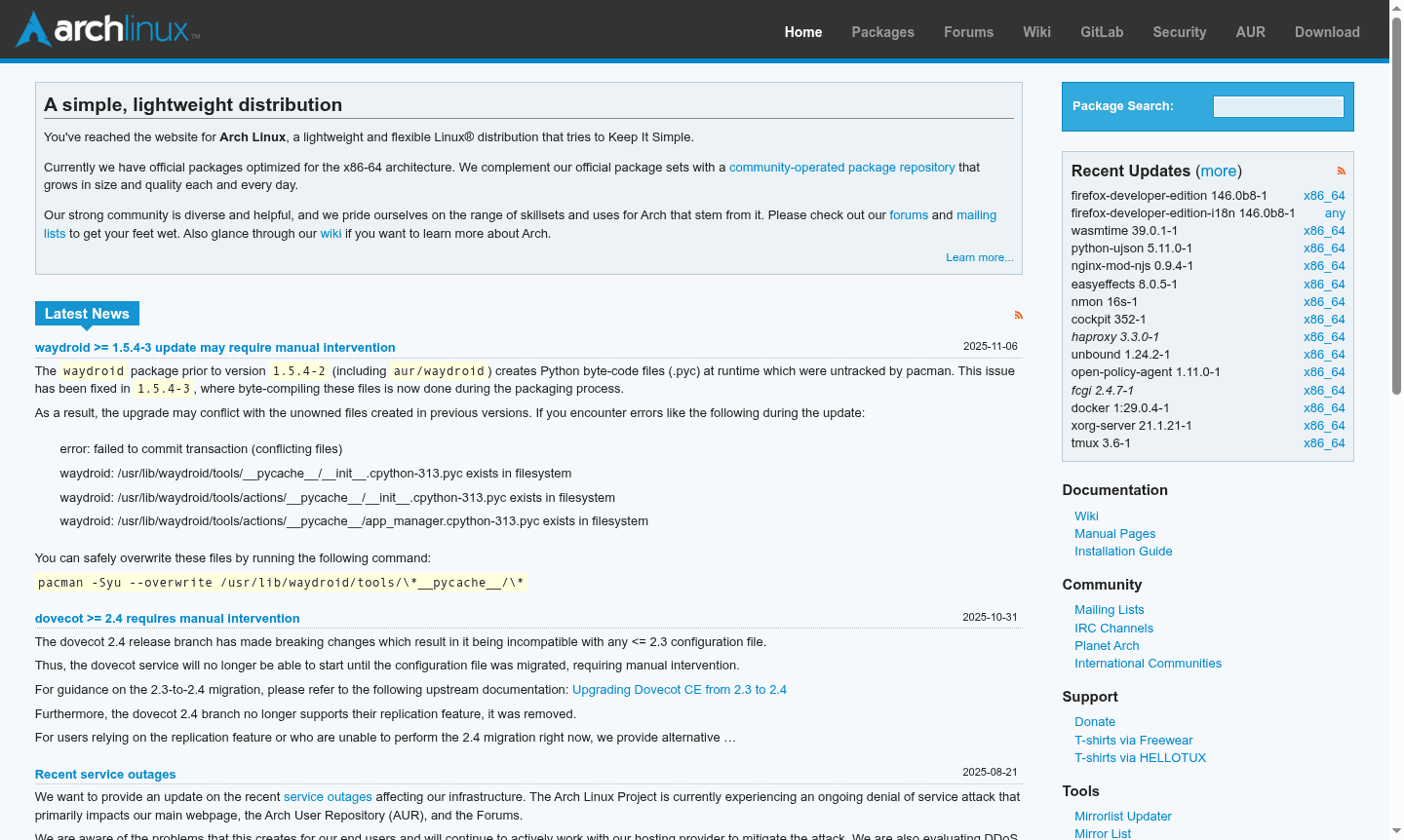
Overview of Arch Linux
Arch Linux is an independently developed, lightweight Linux distribution designed for competent users who value simplicity and control. This rolling release system provides continuous updates to the latest software through its pacman package manager, ensuring users always have access to cutting-edge applications with full dependency tracking. The distribution targets x86-64 architecture and offers a minimal base installation that serves as a foundation for building custom systems tailored to specific needs.
The Arch ecosystem is supported by a vibrant community that maintains the extensive Arch User Repository (AUR), providing thousands of additional packages beyond the official repositories. Users can access comprehensive documentation through the Arch Wiki, participate in discussions on the community forums, and stay updated via mailing lists. Arch Linux excels in package management and system customization, making it ideal for users who want complete control over their computing environment.
How to Use Arch Linux
Getting started with Arch Linux involves downloading the installation media and following the comprehensive installation guide available in the official documentation. The process begins with partitioning disks, configuring the base system, and installing essential packages through pacman. Users then customize their environment by selecting desktop environments, window managers, and additional software according to their preferences. The Arch Build System enables advanced users to compile packages from source, while the AUR provides access to community-maintained packages through helper tools like yay or paru.
Core Features of Arch Linux
- Rolling Release Model – Continuous updates deliver the latest software without version upgrades
- Pacman Package Manager – Fast dependency resolution and system maintenance capabilities
- Arch User Repository – Community-driven package repository with extensive software selection
- Minimal Base Installation – Clean foundation for building customized systems
- Comprehensive Documentation – Detailed wiki covering installation, configuration, and troubleshooting
Use Cases for Arch Linux
- Custom desktop environment setup with preferred window managers and applications
- Development workstation with latest programming tools and libraries
- Gaming system optimized for performance with current graphics drivers
- Server deployment with minimal resource footprint and custom configurations
- Learning platform for understanding Linux internals and system administration
- Dual boot setups alongside Windows or other operating systems
- Security-focused installations with hardened configurations and privacy tools
Support and Contact
For support and community interaction, visit the Arch Linux forums or browse the extensive documentation wiki. The community maintains active mailing lists for development discussions and general announcements. For direct inquiries, email contact@archlinux.org.
Company Info
Arch Linux is developed by the Arch Linux Project, an open-source community of developers and contributors worldwide. The project operates as a collaborative effort without formal corporate structure, maintaining the distribution through volunteer contributions and community support.
Login and Signup
Arch Linux does not require user accounts or registration for system usage. The distribution is freely available for download from the official website, and community participation through forums and mailing lists is open to all interested users.
Arch Linux FAQ
What makes Arch Linux different from Ubuntu?
Arch Linux uses a rolling release model with minimal base installation, while Ubuntu provides fixed releases with pre-configured desktop environments.
How difficult is Arch Linux installation for beginners?
Arch Linux installation requires command-line proficiency and following detailed documentation, making it challenging for complete Linux beginners.
What is the Arch User Repository (AUR) used for?
The AUR provides community-maintained packages not available in official repositories, greatly expanding software availability.
Is Arch Linux suitable for server deployments?
Yes, Arch Linux can be used on servers due to its minimal base and rolling updates, but it requires regular maintenance and manual configuration.
Arch Linux Reviews0 review
Would you recommend Arch Linux? Leave a comment
Arch Linux Alternatives
The best modern alternatives to the tool
New Tools Releases
Recently added tools
