
Writerside
Writerside is a free JetBrains IDE plugin for creating, testing, and publishing API and product documentation. Supports Markdown, XML, live preview, automated testing, and REST API docs. Ideal for docs-as-code with Git integration.
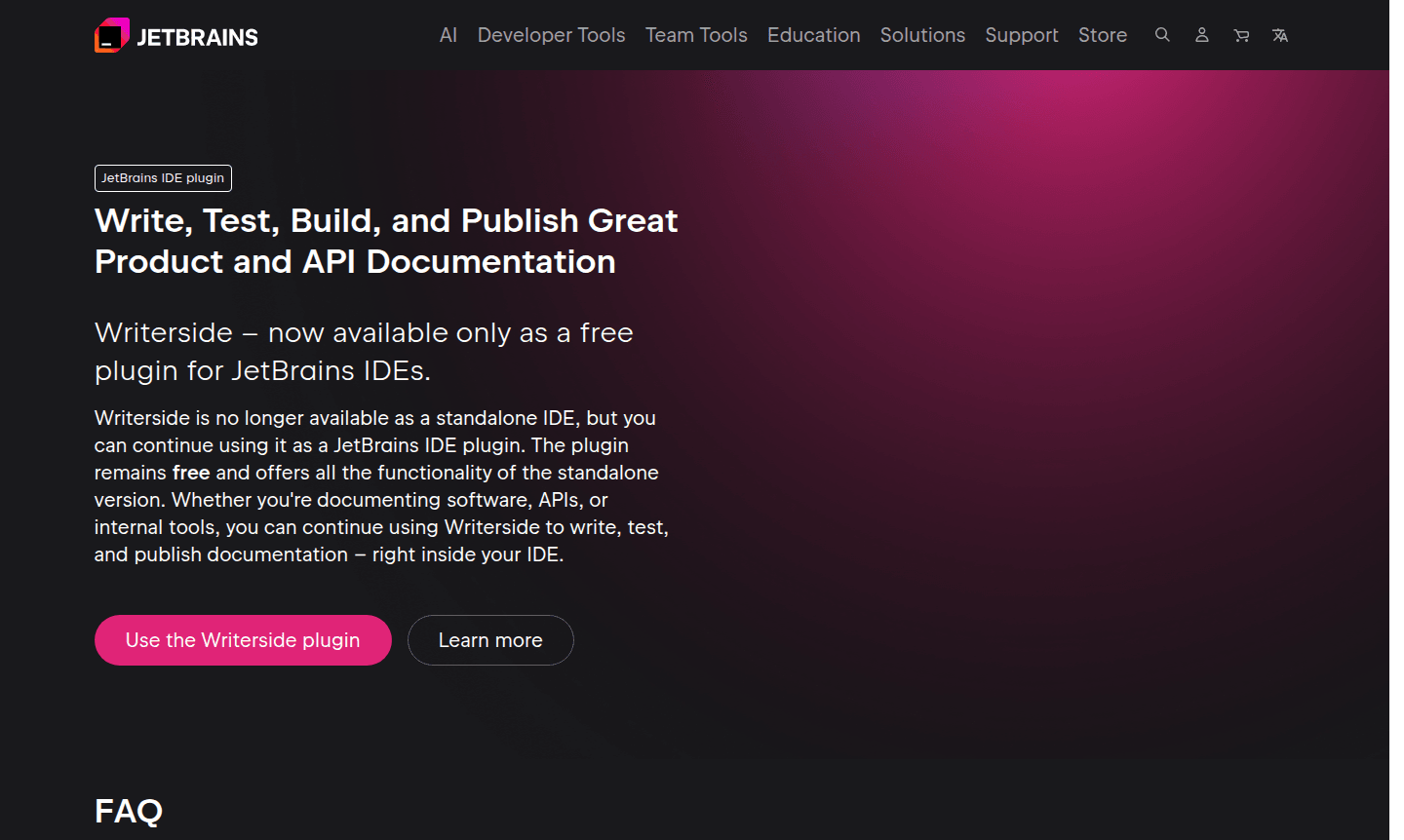
Overview of Writerside
Writerside is a powerful documentation tool designed specifically for developers and technical writers who need to create, test, and publish comprehensive product and API documentation. Originally available as a standalone IDE, Writerside has transitioned to a free plugin for JetBrains IDEs, offering the same robust functionality within your existing development environment. This documentation builder enables teams to maintain a complete docs-as-code pipeline, eliminating the need for multiple tools while ensuring consistent, high-quality documentation output.
The tool serves developers creating technical documentation, API references, and internal tool documentation by integrating seamlessly with their workflow. Writerside combines the simplicity of Markdown with the power of semantic markup, allowing for rich documentation elements like Mermaid diagrams and LaTeX math formulas. With built-in Git integration, automated testing, and customizable layouts, it's an ideal solution for teams practicing documentation as code. Explore related tools in IDE and Static Site Generator categories.
How to Use Writerside
Getting started with Writerside involves installing the free plugin from the JetBrains Marketplace into your preferred JetBrains IDE. Once installed, you can open existing Writerside projects or create new ones directly within your development environment. The workflow typically begins with writing content using Markdown or XML formats, then previewing documentation in real-time through the Live Preview feature. You can run automated tests to ensure documentation quality, build the final output using the integrated build tool, and publish directly to your preferred hosting platform through existing CI/CD integrations.
Core Features of Writerside
- Integrated Documentation Environment – Complete writing, testing, and publishing workflow within JetBrains IDEs
- Markdown and XML Support – Combine simple Markdown with semantic markup for rich documentation
- Live Preview – Real-time documentation preview matching final published appearance
- Automated Quality Checks – 100+ on-the-fly inspections and tests during editing and build
- REST API Documentation – Generate and incorporate API references directly into help websites
Use Cases for Writerside
- Creating comprehensive API documentation for developer portals
- Building product documentation for software applications and libraries
- Developing internal tool documentation for engineering teams
- Maintaining technical writing projects with version control integration
- Generating REST API references with auto-generated and manual content
- Producing documentation with complex elements like diagrams and math formulas
- Establishing docs-as-code pipelines with automated testing and deployment
Support and Contact
For support and community interaction, join the Writerside Slack community where you can get help from other users and the development team. Additional resources and plugin downloads are available through the JetBrains Marketplace.
Company Info
Writerside is developed by JetBrains, a leading software development company known for creating intelligent development tools. The company maintains an active presence and provides regular updates through their official channels.
Login and Signup
Access Writerside by installing the plugin from the JetBrains Marketplace. No separate account creation is required beyond your existing JetBrains IDE setup.
Writerside FAQ
Is Writerside still available as a standalone application?
Writerside is now exclusively available as a free plugin for JetBrains IDEs, offering all the same features as the standalone version.
Do I need to migrate existing Writerside projects to the plugin?
No migration is required – simply open your existing Writerside projects with the plugin and continue working as before.
What happens to my current CI/CD integrations with Writerside?
All existing CI/CD integrations, GitHub actions, and Docker images will continue to function without any changes needed.
Does the Writerside plugin support upcoming JetBrains IDE versions?
Yes, the plugin is compatible with all future JetBrains IDE versions, including EAP builds and stable releases.
Writerside Pricing
Current prices may vary due to updates
Free Plugin
Complete documentation tool available as a free plugin for JetBrains IDEs, offering all features including writing, testing, building, and publishing
Writerside Reviews0 review
Would you recommend Writerside? Leave a comment
Writerside Alternatives
The best modern alternatives to the tool
New Tools Releases
Recently added tools
