
RoboForm
Discover RoboForm, a leading password manager with secure storage, one-click logins, 2FA, and data breach monitoring. Compare pricing for Free, Premium, and Family plans.
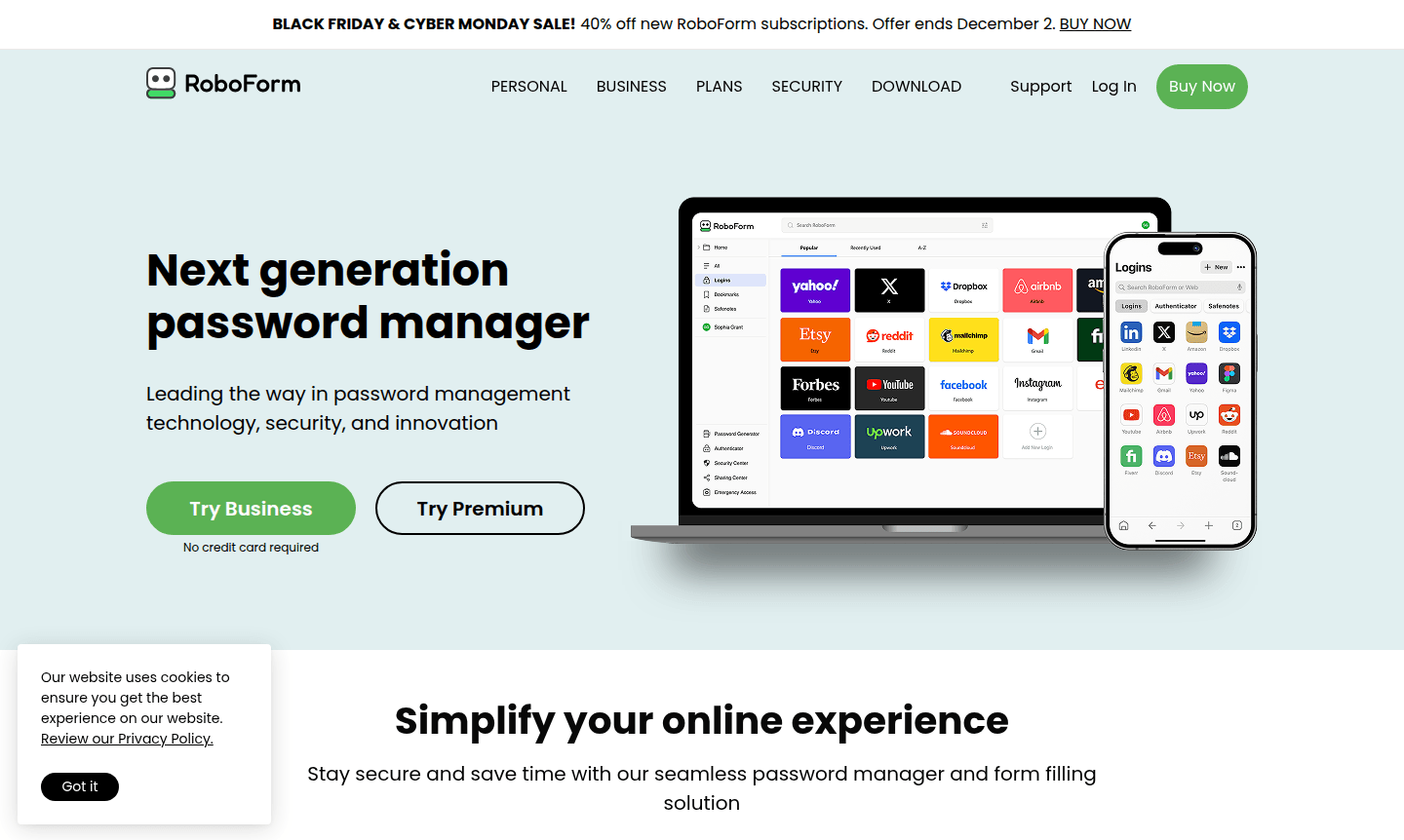
Overview of RoboForm
RoboForm stands as a next-generation password manager that combines cutting-edge security technology with exceptional user convenience. This comprehensive solution securely stores and manages all your passwords in one encrypted vault, eliminating the need to remember multiple login credentials while ensuring your digital life remains protected against cyber threats. With robust AES256 bit encryption and a zero-knowledge architecture, RoboForm ensures only you can access your sensitive data through your Master Password.
Designed for individuals, families, and businesses alike, RoboForm offers seamless cross-device synchronization and works across all major browsers and platforms. Whether you're managing personal accounts, sharing passwords with family members, or implementing enterprise-level security policies, this password manager adapts to your specific needs while maintaining the highest security standards. Explore more Password Manager solutions and Two-Factor Authentication tools to enhance your digital security.
How to Use RoboForm
Getting started with RoboForm is straightforward – simply download the application or browser extension, create your secure Master Password, and begin importing existing passwords from browsers or other password managers. The tool automatically captures new login credentials as you browse, generates strong unique passwords for each site, and enables one-click logins across all your devices. For optimal security, enable advanced two-factor authentication options like passkeys, trusted devices, or hardware security keys to add an extra layer of protection to your vault.
Core Features of RoboForm
- Password Generation and Storage – Creates strong, unique passwords and securely stores them in an encrypted vault
- One-Click Login and Form Filling – Automatically logs you into websites and fills online forms with a single click
- Advanced Security Protection – Features AES256 encryption, two-factor authentication, and passwordless unlock options
- Data Breach Monitoring – Scans email addresses for security breaches and alerts you to compromised accounts
- Secure Password Sharing – Enables safe password sharing with trusted contacts without exposing sensitive data
Use Cases for RoboForm
- Individuals seeking to secure personal accounts with strong, unique passwords
- Families needing to share streaming, shopping, and household account credentials safely
- Business teams requiring centralized password management with administrative controls
- Remote workers accessing multiple accounts across different devices and locations
- Security-conscious users implementing robust two-factor authentication measures
- People concerned about data breaches and compromised password protection
- Organizations needing compliance with security policies and audit requirements
Support and Contact
For assistance with RoboForm, visit the official support resources at RoboForm Help Center. Premium users receive priority 24/7 support with dedicated troubleshooting and onboarding assistance. The comprehensive knowledge base includes detailed tutorials for setup, migration from other password managers, and advanced feature configuration.
Company Info
RoboForm is developed by Siber Systems, a company with decades of experience in creating reliable software solutions. The company maintains a strong focus on security innovation and user privacy, continuously updating their password management technology to address evolving cyber threats while maintaining ease of use for all customers.
Login and Signup
Access your RoboForm account or create a new one through the official website at RoboForm Login and Signup. The platform supports multiple authentication methods including traditional passwords, passkeys, and advanced two-factor options for enhanced security during account access.
RoboForm FAQ
How secure is RoboForm compared to browser password managers?
RoboForm offers superior security with AES256 encryption, cross-platform compatibility, and advanced features like two-factor authentication that browser managers lack.
Can I import my existing passwords into RoboForm?
Yes, RoboForm supports importing passwords from all major browsers, other password managers, and CSV files for easy migration.
What makes RoboForm's security architecture different?
RoboForm uses zero-knowledge encryption where all data is encrypted locally on your device, ensuring your Master Password never reaches their servers.
Does RoboForm work across multiple devices and browsers?
Yes, RoboForm syncs securely across all your devices and works with all major browsers, including incognito and private browsing modes.
RoboForm Pricing
Current prices may vary due to updates
Free
Unlimited passwords on one device with 1-click login, password generator, secure cloud backup, form filling, compromised password scan, built-in TOTP
Popular Premium
Premium features on unlimited devices including everything in Free plus access on all devices, web access, Secure Shared Folders, Emergency Access, Da
Family
5 Premium accounts for family with unified billing, access on all devices, web access, Secure Shared Folders, Emergency Access, Data Breach Monitoring
RoboForm Reviews0 review
Would you recommend RoboForm? Leave a comment
RoboForm Alternatives
The best modern alternatives to the tool
New Tools Releases
Recently added tools
