
RustDesk
RustDesk is an open-source remote desktop tool with self-hosting, multi-platform support, and custom branding. A secure alternative to TeamViewer and AnyDesk for IT support and remote work.
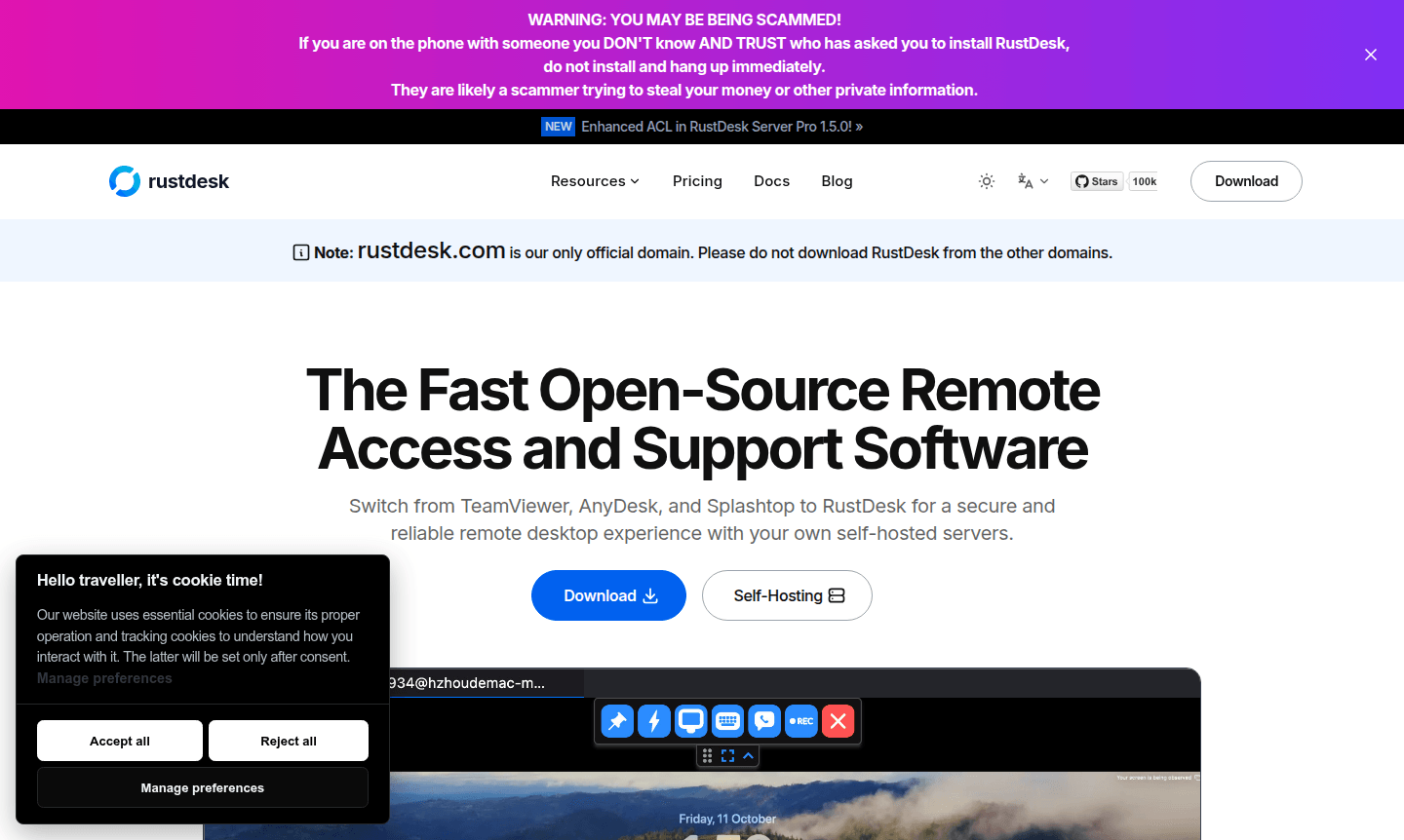
Overview of RustDesk
RustDesk is a powerful open-source remote desktop software that provides secure and reliable remote access solutions for individuals and organizations. As a compelling alternative to commercial platforms like TeamViewer and AnyDesk, this software enables seamless remote control across multiple devices while maintaining complete data sovereignty. The platform's self-hosting capabilities allow users to deploy their own servers, ensuring enhanced security and regulatory compliance for sensitive operations. With millions of downloads and a vibrant community, RustDesk has established itself as a trusted solution for IT support teams, remote workers, and businesses seeking customizable remote access tools.
The software's multi-platform support extends to Windows, macOS, Linux, and Android devices, making it versatile for diverse computing environments. Organizations can leverage RustDesk's custom client branding options to personalize the interface with their logos and branding elements, creating a cohesive user experience. The web client functionality further enhances accessibility by allowing remote connections through standard browsers. With over 90 configuration options available, users can tailor the software to meet specific security protocols and performance requirements, making it an ideal choice for both personal use and enterprise deployments in the Remote Desktop and Remote Access Tool categories.
How to Use RustDesk
Getting started with RustDesk involves a straightforward installation process that begins with downloading the appropriate client for your operating system. For self-hosting deployments, users can utilize Docker to set up their private servers by downloading the compose.yml file and running the containerization process. Once installed, the software automatically handles network configuration, allowing immediate remote connections between devices. Users can establish sessions by entering the unique ID and password of the target device, or through the web client interface for browser-based access. The intuitive interface provides comprehensive control over remote systems, including file transfer capabilities, chat functionality, and performance monitoring tools for optimal remote desktop management.
Core Features of RustDesk
- Self-Hosting Deployment – Complete control over data sovereignty and server infrastructure with Docker-based installation
- Multi-Platform Compatibility – Seamless remote access across Windows, macOS, Linux, and Android devices
- Custom Branding Options – Personalized client interfaces with company logos, icons, and naming conventions
- Advanced Configuration – Over 90 customizable settings for security, performance, and user experience optimization
- Web Client Access – Browser-based remote connections without requiring full client installation
Use Cases for RustDesk
- IT support teams providing remote technical assistance to clients and employees
- System administrators managing multiple servers and workstations remotely
- Remote workers accessing office computers from home or mobile locations
- Educational institutions facilitating distance learning and technical support
- Healthcare organizations maintaining HIPAA-compliant remote access solutions
- Manufacturing and industrial environments monitoring equipment remotely
- Developers accessing development environments from different locations
Support and Contact
For technical support, email contact@rustdesk.com or visit the support page. Access community resources and documentation on the official website for comprehensive assistance and troubleshooting.
Company Info
RustDesk is an open-source project by a global community. With over 20 million downloads and 96,000 GitHub stars, it supports 50+ languages for secure remote access.
Login and Signup
Access RustDesk by downloading the client or using the web client at rustdesk.com. No signup required for basic functionality; self-hosted setups allow admin account configuration.
RustDesk FAQ
How does RustDesk compare to TeamViewer for remote desktop access?
RustDesk offers similar functionality to TeamViewer but with open-source flexibility, self-hosting options, and no mandatory subscription fees for basic usage.
Can I use RustDesk for commercial purposes without licensing costs?
Yes, RustDesk is open-source software that can be used commercially without licensing fees, though enterprise support may involve costs.
What security features does RustDesk provide for remote connections?
RustDesk provides encryption for remote sessions, self-hosting for data control, and over 90 configurable security options for enterprise deployments.
How to set up self-hosting with RustDesk?
Self-hosting is set up using Docker: download compose.yml and run the container for a private server with custom configuration.
RustDesk Pricing
Current prices may vary due to updates
Open Source
Complete remote desktop functionality with self-hosting capabilities, multi-platform support, and community-driven development. Includes all core feat
RustDesk Reviews0 review
Would you recommend RustDesk? Leave a comment
RustDesk Alternatives
The best modern alternatives to the tool
New Tools Releases
Recently added tools
