
Topaz Gigapixel
Topaz Gigapixel AI software upscales images up to 6x with enhanced detail preservation. Ideal for photographers and professionals for high-quality printing and sharing.
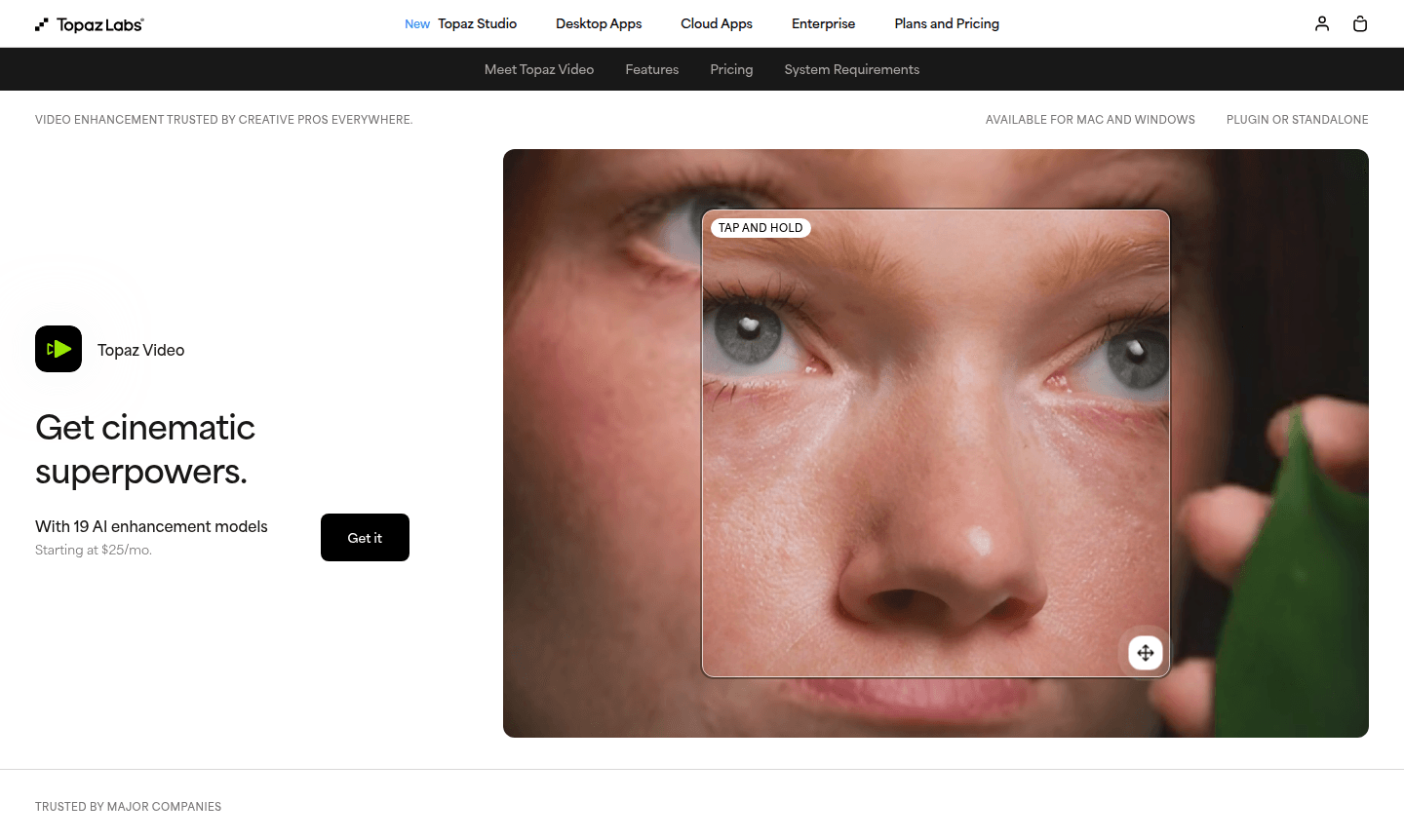
Overview of Topaz Gigapixel
Topaz Gigapixel is an advanced AI-powered image upscaling software that transforms low-resolution photos into high-quality, detailed images. Using sophisticated artificial intelligence algorithms, the tool can enlarge images up to 6x while preserving and enhancing details, making it ideal for photographers, visual storytellers, and creative professionals who need to print, share, or display their work at larger scales without compromising quality. It is particularly useful for AI image generators and photo editors.
As part of the Topaz Labs ecosystem, Gigapixel serves visual creators, artists, photographers, and filmmakers who require professional-grade image enhancement tools. The software maintains accuracy and realism while upscaling, ensuring that enlarged images remain true to the original input. With options for commercially safe workflows and local, private processing, Topaz Gigapixel provides a reliable solution for professionals working with image resolution enhancement and quality improvement across various creative industries.
How to Use Topaz Gigapixel
Using Topaz Gigapixel involves a straightforward workflow: simply import your low-resolution image into the software, select your desired upscaling factor (up to 6x enlargement), and let the AI processing work its magic. The tool automatically analyzes the image content and applies intelligent enhancement algorithms to add realistic details while maintaining the original image's character. After processing, you can review the results, make any necessary adjustments, and export the high-resolution version for printing, digital display, or further editing in other applications like Photoshop or Topaz Studio.
Core Features of Topaz Gigapixel
- AI Image Upscaling – Enlarge low-resolution images up to 6x with enhanced detail preservation
- Quality Enhancement – Improve image resolution and recover lost details using advanced algorithms
- Realistic Results – Maintain accuracy and true-to-input appearance throughout the upscaling process
- Professional Workflow – Support for commercial use with local, private processing options
- Multi-Platform Support – Available for Windows, macOS, and web-based processing environments
Use Cases for Topaz Gigapixel
- Enlarging low-resolution photos for high-quality printing and large-format displays
- Improving image resolution for digital sharing and online publication
- Enhancing old or small images for restoration and archival purposes
- Preparing images for professional presentations and marketing materials
- Upscaling product photos for e-commerce and commercial applications
- Improving image quality for photographers and visual content creators
- Enhancing details in images for forensic or analytical purposes
Support and Contact
For support inquiries and technical assistance, contact Topaz Labs at Press@topazlabs.com. Additional resources and documentation are available through the official Topaz Labs website.
Company Info
Topaz Labs is a leading developer of AI-powered image and video enhancement tools, recognized for creating innovative solutions like Starlight (the world's first generative video upscaling model family) and Astra (the first creative video upscaler). The company specializes in AI research for visual quality improvement and serves a global user base of creative professionals.
Login and Signup
Access Topaz Gigapixel and other Topaz Labs applications through the main company website. Users can explore pricing options and compare plans directly on the platform to find the right solution for their image enhancement needs.
Topaz Gigapixel FAQ
What is Topaz Gigapixel and how does it work?
Topaz Gigapixel is AI image upscaling software that enlarges low-resolution photos up to 6x while enhancing details using advanced artificial intelligence algorithms.
How much does Topaz Gigapixel cost to use?
Pricing information for Topaz Gigapixel is available directly through the Topaz Labs website, where users can compare different plan options and features.
What makes Topaz Gigapixel different from other image upscalers?
Topaz Gigapixel uses advanced AI technology to preserve and enhance image details during upscaling, producing more realistic and higher-quality results than traditional methods.
What platforms does Topaz Gigapixel support?
Topaz Gigapixel is available for Windows, macOS, and web-based processing environments, providing flexibility for different user preferences.
Topaz Gigapixel Reviews0 review
Would you recommend Topaz Gigapixel? Leave a comment
Topaz Gigapixel Alternatives
The best modern alternatives to the tool
New Tools Releases
Recently added tools
