
Google Photos
Google Photos provides 15 GB free cloud storage with AI-powered organization, smart search, and editing tools like Magic Eraser. Automatically backup and organize memories across all devices.
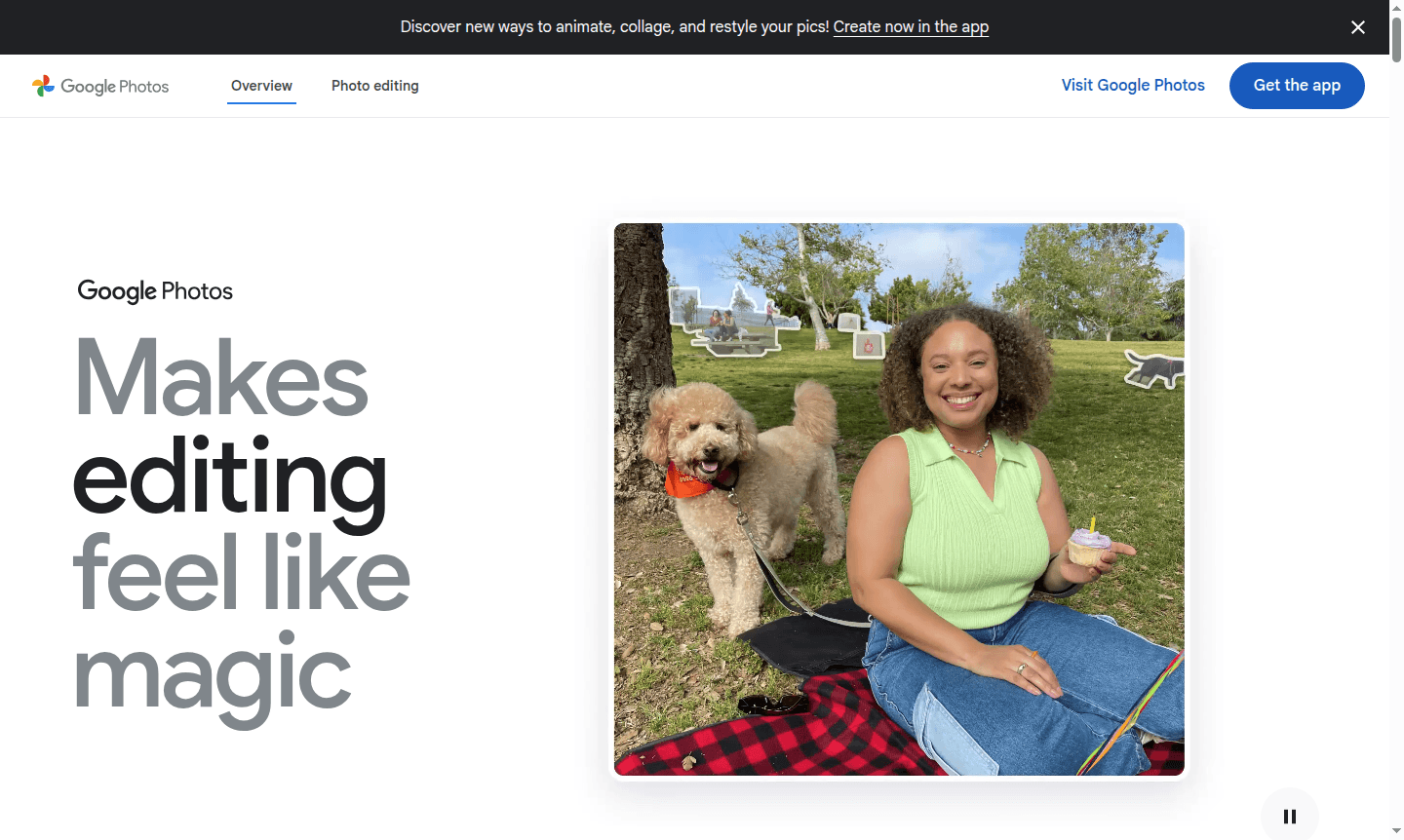
Overview of Google Photos
Google Photos is Google's comprehensive photo and video storage service that automatically backs up your visual memories while providing powerful AI-powered organization and editing tools. With 15 GB of free storage shared across Google services, it offers a secure home for your photos and videos while making them easily accessible across all your devices. The platform transforms how you interact with your memories through intelligent search, automatic album creation, and creative editing features that bring your photos to life.
This versatile tool serves photographers, families, and anyone looking to preserve and enhance their visual memories. Google Photos excels at Cloud Storage and Photo Editor, making it ideal for both personal archiving and creative projects. The service automatically organizes your library using machine learning, groups similar shots together, and even helps you rediscover forgotten moments through curated memories and anniversary reminders.
How to Use Google Photos
Getting started with Google Photos is straightforward – simply download the mobile app or access it through your web browser, then enable automatic backup in settings to begin syncing your existing photo library. The service works seamlessly across iOS, Android, and desktop platforms, automatically organizing your content as you upload. Once set up, you can search for specific images using natural language queries, create shared albums with friends and family, and use the powerful editing suite to enhance your photos with tools like Magic Eraser and Photo Unblur.
Core Features of Google Photos
- AI-Powered Search – Find photos using natural language like "beach sunset" or "birthday cake"
- Automatic Backup – Securely store photos and videos with 15 GB free cloud storage
- Smart Organization – Auto-group similar photos and create curated memories
- Advanced Editing – Enhance images with Magic Eraser and Photo Unblur tools
- Easy Sharing – Create shared albums and send photos directly to contacts
Use Cases for Google Photos
- Automatic cloud backup for smartphone photos and videos
- Family photo sharing through collaborative albums
- Travel memory organization with location-based grouping
- Photo editing and enhancement for social media content
- Document storage for receipts, notes, and screenshots
- Creative projects using collage and animation tools
- Long-term photo preservation with secure cloud storage
Support and Contact
For assistance with Google Photos, visit the official support page or email contact@google.com. Access help resources through the app.
Company Info
Google Photos is developed by Google, based in the United States. Learn more about the company at Google About.
Login and Signup
Access Google Photos at photos.google.com or download the mobile app from your device's app store.
Google Photos FAQ
How much free storage does Google Photos provide?
Google Photos offers 15 GB of free storage shared across Google Photos, Gmail, and Google Drive for automatic backup.
Can I use Google Photos on iPhone devices?
Yes, Google Photos works on both iOS and Android devices, plus desktop and tablet platforms for full cross-device access.
How does Google Photos organize my photos automatically?
Using AI and machine learning, Google Photos automatically groups similar photos, creates albums, and organizes by people, places, and things.
What editing features are available in Google Photos?
Google Photos includes Magic Eraser to remove distractions, Photo Unblur for sharper images, and various enhancement tools in the mobile app.
Google Photos Pricing
Current prices may vary due to updates
Free
Includes 15 GB storage shared across Google Photos, Gmail and Google Drive with automatic backup, AI-powered organization, basic editing tools, and sm
Google Photos Reviews0 review
Would you recommend Google Photos? Leave a comment
Google Photos Alternatives
The best modern alternatives to the tool
New Tools Releases
Recently added tools
