
Vizcom
Vizcom AI tool transforms sketches into 3D models with real-time rendering. Ideal for automotive, industrial, and concept art design. Free starter plan available.
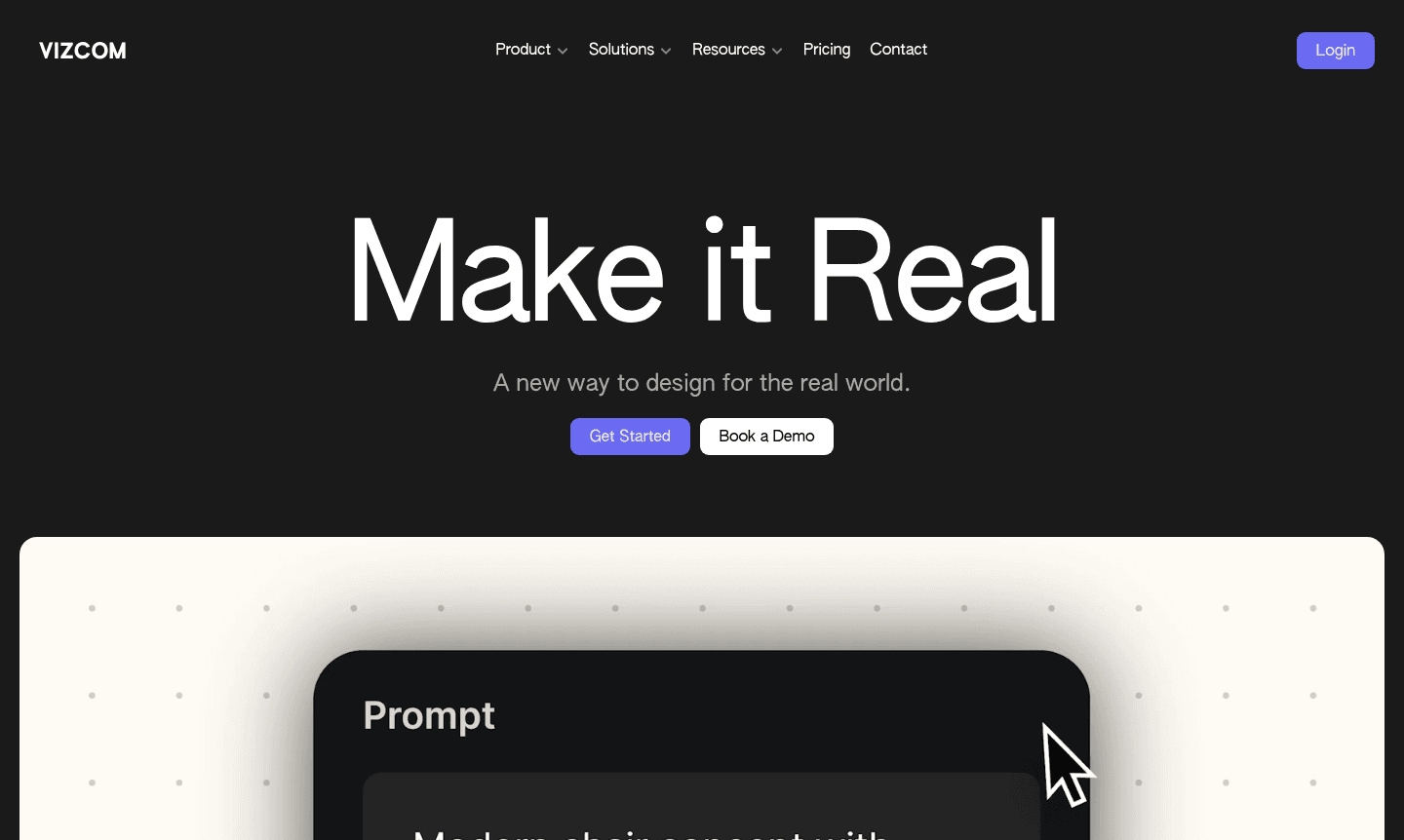
Overview of Vizcom
Vizcom is an AI-powered design tool that transforms sketches into photorealistic 3D renderings using advanced technology. It bridges the gap between concepts and visualizations, enabling designers in automotive, industrial, and concept art to bring ideas to life with speed and accuracy. The intuitive workflow supports exploration of variations while maintaining creative integrity.
Built for design teams, Vizcom enhances collaboration and accelerates the creative process from sketch to completion. With real-time rendering, it allows for instant feedback and detailed visualizations, making it a key AI image generator and 3D modeling solution for modern workflows, trusted by professionals worldwide.
How to Use Vizcom
Start by sketching your concept in the Vizcom interface to establish your idea. Then, use the rendering tools to apply default styles or custom palettes for transformation. Generate 3D models from sketches to view designs from multiple angles, utilize environment references for realistic scenes, and extract materials from real objects to apply textures. Finally, export designs for AR, 3D printing, or presentations.
Core Features of Vizcom
- Live Render Technology – Real-time sketch rendering that responds instantly to strokes and input
- 3D Model Generation – Transform 2D sketches into detailed 3D models for evaluation
- Material Extraction – Capture textures from real objects and apply to designs
- Environment Integration – Place concepts in realistic scenes for contextual visualization
- Animation Capabilities – Create motion sequences to demonstrate concept movement
Use Cases for Vizcom
- Automotive design rendering and concept development
- Industrial product design visualization and prototyping
- Concept art creation for entertainment and gaming
- Architectural visualization and spatial design
- Consumer product design and material studies
- Fashion design visualization and textile application
- Educational tool for design students and professionals
Support and Contact
For assistance, contact contact@vizcom.com or visit the support page. Billing and account management are available in workspace settings.
Company Info
Vizcom develops cutting-edge design visualization technology to help creative professionals realize ideas efficiently, focusing on collaboration tools for industries like automotive and consumer products.
Login and Signup
New users can sign up for the free Starter plan, and existing users can log in to their accounts.
Vizcom FAQ
Does Vizcom offer a free plan for new users?
Yes, Vizcom provides a completely free Starter plan with unlimited files, one team, two editors, and unlimited viewers without requiring credit card information.
What payment methods does Vizcom accept for paid plans?
Vizcom accepts all major credit and debit cards for paid subscription plans, with both monthly and annual billing options available.
Who owns the content created using Vizcom's design tools?
Users retain full ownership of all content they create in Vizcom, with paid users enjoying complete privacy for their designs and generated images.
Does Vizcom use customer data to train AI models?
Paid users' data remains private and is not used for AI training, while free users' generated images may help improve Vizcom's services.
Vizcom Pricing
Current prices may vary due to updates
Starter
Completely free plan with unlimited files, one team, two editors, and unlimited viewers. No credit card required. Perfect for exploring Vizcom's AI re
Paid Plans
Paid plans include Admin and Editor roles with full editing capabilities, workspace management, team billing, and private data handling. Viewers are f
Vizcom Reviews0 review
Would you recommend Vizcom? Leave a comment
Vizcom Alternatives
The best modern alternatives to the tool
New Tools Releases
Recently added tools
