
Firefox Sync
Firefox Sync offers free, encrypted sync for bookmarks, history, passwords, and tabs across all devices. Maintain browsing continuity with Mozilla's privacy-focused service.
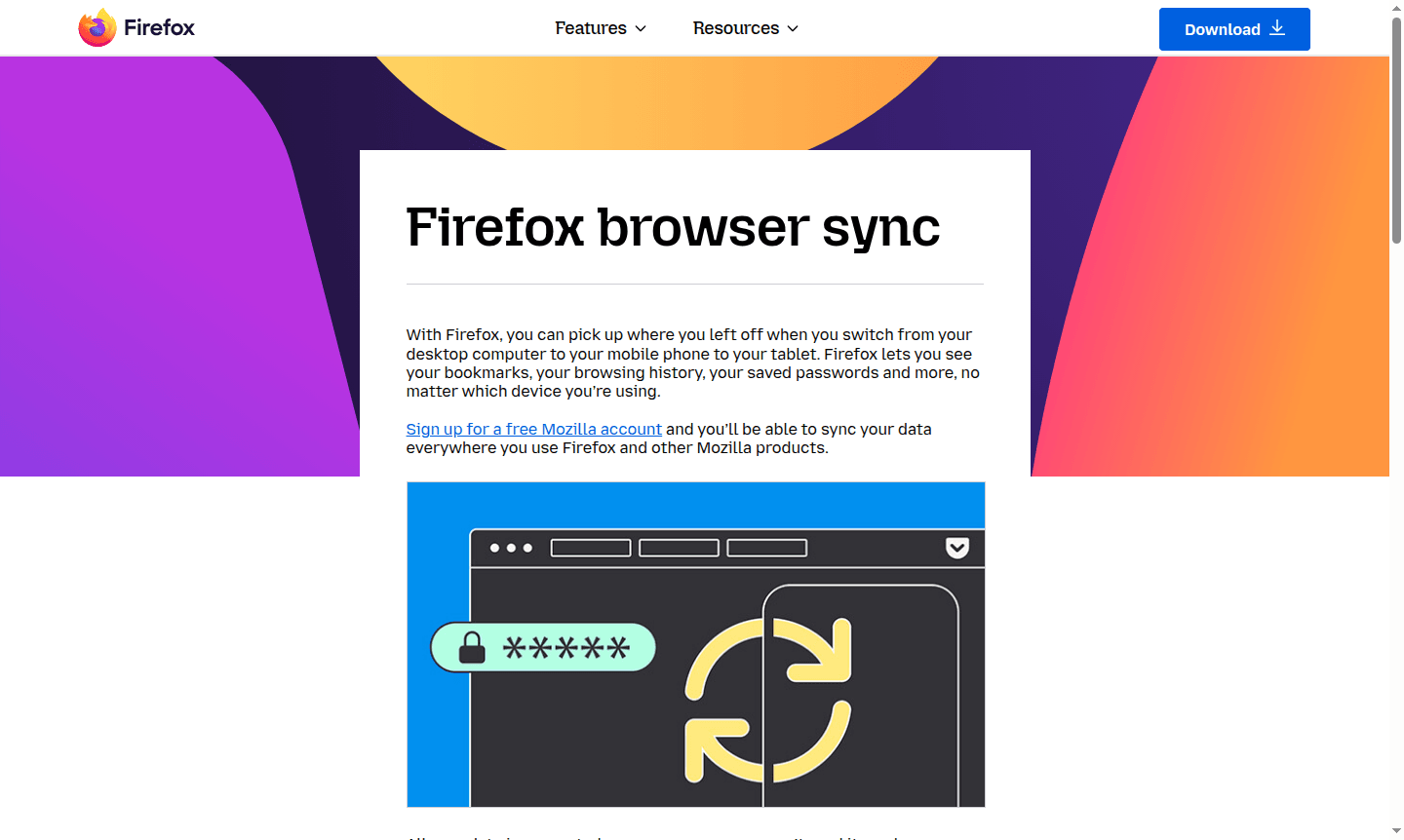
Overview of Firefox Sync
Firefox Sync is Mozilla's seamless cross-device synchronization service that keeps your browsing experience consistent across desktop computers, mobile phones, and tablets. With a free Mozilla account, you can securely access your bookmarks, browsing history, saved passwords, and other essential browsing data no matter which device you're using Firefox on. This powerful synchronization tool ensures you can pick up exactly where you left off, making it perfect for users who switch between multiple devices throughout their day.
Built with privacy at its core, Firefox Sync encrypts all your data on Mozilla's servers, meaning only you can access your information – not even Mozilla can read it. The service reflects Mozilla's strong commitment to user privacy and data protection, with a clear promise not to sell user information to advertisers. Firefox Sync integrates perfectly with other Browser Tools and serves as a reliable File Sync solution for your browsing data.
How to Use Firefox Sync
Getting started with Firefox Sync is straightforward – simply create a free Mozilla account through the Firefox browser interface, then enable synchronization in your browser settings. Once activated, your bookmarks, browsing history, passwords, and other data will automatically sync across all devices where you're signed into Firefox. The setup process takes just minutes and requires no technical expertise, making it accessible for all users regardless of their technical background.
Core Features of Firefox Sync
- Cross-Device Synchronization – Seamlessly sync bookmarks, history, and passwords across all your devices
- Send Tab Feature – Instantly send open tabs from one device to another for continuous browsing
- End-to-End Encryption – All data encrypted on servers for maximum privacy protection
- Free Service – Complete synchronization capabilities available at no cost to users
- Multi-Platform Support – Works across Windows, macOS, Linux, Android, and iOS devices
Use Cases for Firefox Sync
- Continue reading articles and research across different devices without losing your place
- Access important work documents and bookmarks from any device, anywhere
- Share recipes, shopping links, or research between your laptop and kitchen tablet
- Maintain consistent browsing experience when switching between office and home computers
- Keep passwords and login information synchronized across all your devices securely
- Transfer urgent browsing sessions from mobile to desktop when returning to your desk
- Ensure browsing history and bookmarks are preserved during device upgrades or replacements
Support and Contact
For technical support and assistance with Firefox Sync, visit the Mozilla Support website. While no direct email contact was found for Firefox Sync specifically, comprehensive help resources are available through Mozilla's official support channels and community forums.
Company Info
Firefox Sync is developed by Mozilla Corporation, a wholly-owned subsidiary of the non-profit Mozilla Foundation based in the United States. Mozilla is renowned for creating privacy-focused, open-source software that puts users first. Learn more about Mozilla's mission and values at their about page.
Login and Signup
To start using Firefox Sync, create a free Mozilla account or login to your existing account. The signup process is quick and requires only basic information to get your synchronization service activated across all your Firefox installations.
Firefox Sync FAQ
How does Firefox Sync protect my privacy and secure my data?
Firefox Sync uses end-to-end encryption so only you can access your data – not even Mozilla can read your bookmarks, history, or passwords on their servers.
Is Firefox Sync compatible with iPhone and Android devices?
Yes, Firefox Sync works seamlessly across iOS iPhones, iPad tablets, Android devices, and all desktop platforms for complete cross-device synchronization.
What browsing data does Firefox Sync synchronize between devices?
Firefox Sync synchronizes bookmarks, browsing history, saved passwords, open tabs, and other essential browsing data across all your connected devices.
Firefox Sync Pricing
Current prices may vary due to updates
Free
Complete synchronization of bookmarks, browsing history, saved passwords, and other data across all devices with end-to-end encryption and privacy pro
Firefox Sync Reviews0 review
Would you recommend Firefox Sync? Leave a comment
Firefox Sync Alternatives
The best modern alternatives to the tool
New Tools Releases
Recently added tools
