
Wave
Wave is all-in-one accounting software for small businesses. Create invoices, track expenses, manage payroll, and accept payments with free and premium plans. Ideal for freelancers and entrepreneurs.
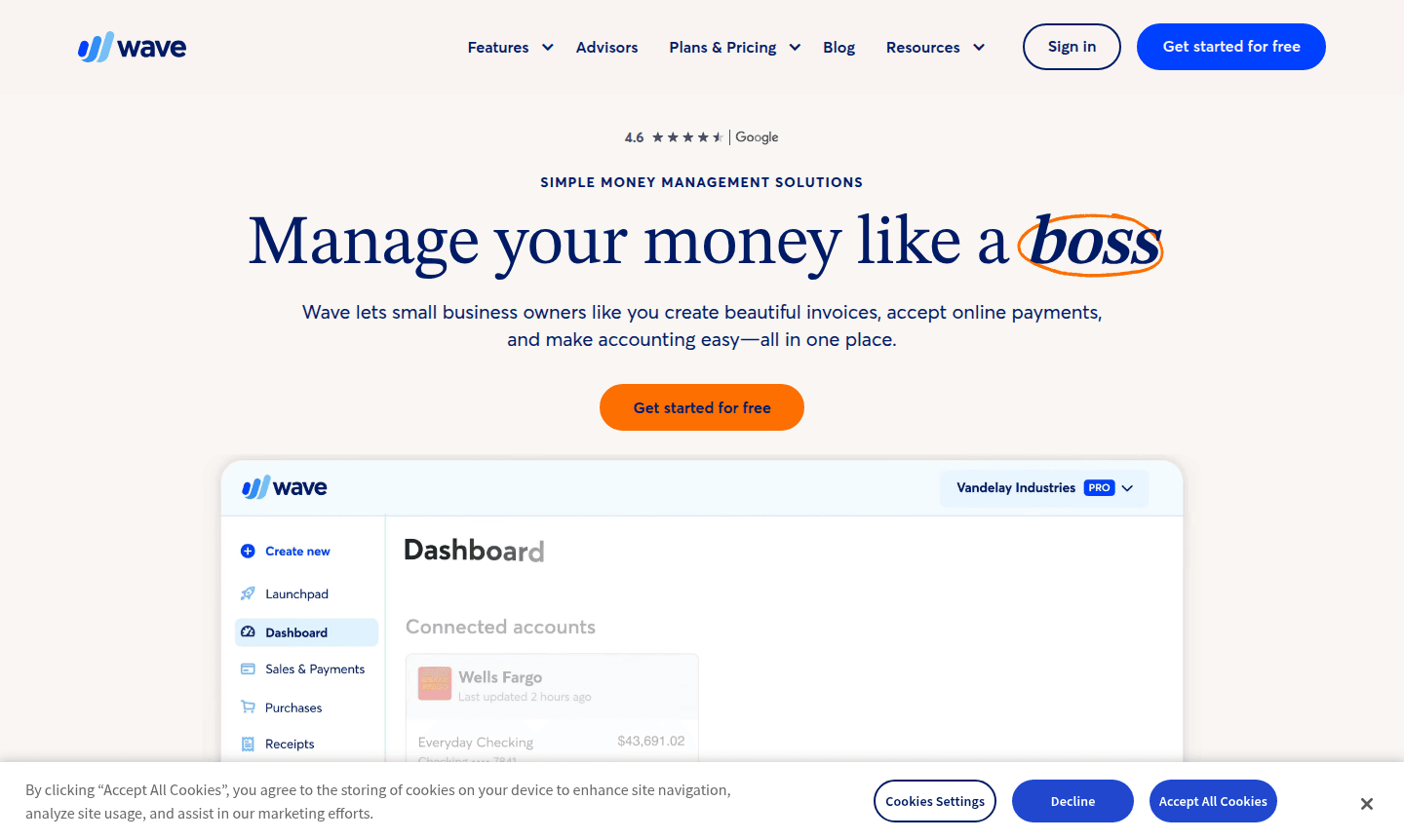
Overview of Wave
Wave is a comprehensive financial management platform designed specifically for small business owners, freelancers, and solopreneurs who want to streamline their money management without the complexity of traditional accounting software. This all-in-one solution combines invoicing, accounting, payroll, and payment processing into a single, intuitive interface that grows with your business needs. Unlike enterprise-focused alternatives, Wave is built for non-accountants who need professional financial tools without the steep learning curve. Wave is categorized under Accounting System and Invoice Generator on ToolPicker.
The platform serves over 350,000 small businesses worldwide, offering both free and premium options to accommodate businesses at every stage. With web-based accessibility and a companion mobile app, Wave enables users to manage their finances from anywhere while maintaining enterprise-grade security with 256-bit SSL encryption and PCI-DSS Level 1 compliance. Whether you're a freelancer sending your first invoice or an established contractor managing payroll, Wave provides the tools to keep your finances organized and tax-ready.
How to Use Wave
Getting started with Wave is straightforward – simply create an account on their website and choose between the free Starter Plan or upgrade to the Pro Plan for advanced features. Begin by setting up your business profile, then connect your bank accounts for automatic transaction tracking. Create professional invoices using customizable templates, set up recurring billing for regular clients, and enable online payment options like credit cards, bank transfers, or Apple Pay. Use the accounting dashboard to monitor cash flow, track expenses, and generate financial reports, while the mobile app lets you manage invoices and payments on the go.
Core Features of Wave
- Smart Accounting – Track income, expenses, and cash flow with automated bank connections and detailed reporting
- Professional Invoicing – Create beautiful, customizable invoices and estimates with recurring billing options
- Secure Payment Processing – Accept credit cards, bank transfers, and Apple Pay with PCI-compliant security
- Automated Payroll – Pay employees and contractors while handling tax calculations and compliance
- Mobile Management – Access key features and send invoices from anywhere using the companion app
Use Cases for Wave
- Freelancers creating professional invoices and tracking project income
- Small business owners managing bookkeeping and financial reporting
- Contractors sending estimates and processing client payments
- Consultants setting up recurring billing for ongoing client work
- Solopreneurs preparing for tax season with organized financial records
- Service businesses tracking expenses and managing cash flow
- Retail operations accepting multiple payment methods securely
Support and Contact
Wave provides different support levels based on your plan and features. For assistance, visit their help center or contact their support team at contact@waveapps.com. While no specific contact email was found, their comprehensive knowledge base and community resources offer extensive guidance for common questions and troubleshooting.
Company Info
Wave is developed by Wave Financial Inc., based in the United States. The company focuses exclusively on creating financial tools that empower small business owners and entrepreneurs to manage their finances with confidence and ease.
Login and Signup
Access your Wave account or create a new one at waveapps.com. The platform requires only an internet connection and web browser – no software installation needed for the core online features, though a mobile app is available for on-the-go management.
Wave FAQ
Is Wave accounting software free to use?
Yes, Wave offers a free Starter Plan for basic invoicing and accounting, with optional paid upgrades for advanced features and payroll services.
Can Wave handle payroll for my small business?
Yes, Wave provides payroll services that handle employee payments, tax calculations, and compliance requirements for small businesses.
How secure is my financial data with Wave?
Wave uses 256-bit SSL encryption and is PCI-DSS Level 1 certified, ensuring enterprise-grade security for all your financial information.
Does Wave work for freelancers and contractors?
Absolutely – Wave is specifically designed for freelancers, contractors, and solopreneurs who need professional invoicing and simple accounting tools.
Can I accept online payments through Wave invoices?
Yes, Wave enables you to accept credit cards, bank transfers, and Apple Pay directly through your professional invoices.
Wave Pricing
Current prices may vary due to updates
Starter Plan
Perfect for small business owners starting out, this free plan includes core invoicing and accounting features, beautiful invoice templates, expense t
Pro Plan
Upgrade to unlock advanced money management features beyond the basics, including premium reporting tools, enhanced functionality, and often includes
Wave Reviews0 review
Would you recommend Wave? Leave a comment
Wave Alternatives
The best modern alternatives to the tool
New Tools Releases
Recently added tools
