
Cacoo
Cacoo is an online diagramming tool for creating wireframes, flowcharts, and mind maps with real-time collaboration. Trusted by 4M+ users, it offers templates and security for teams.
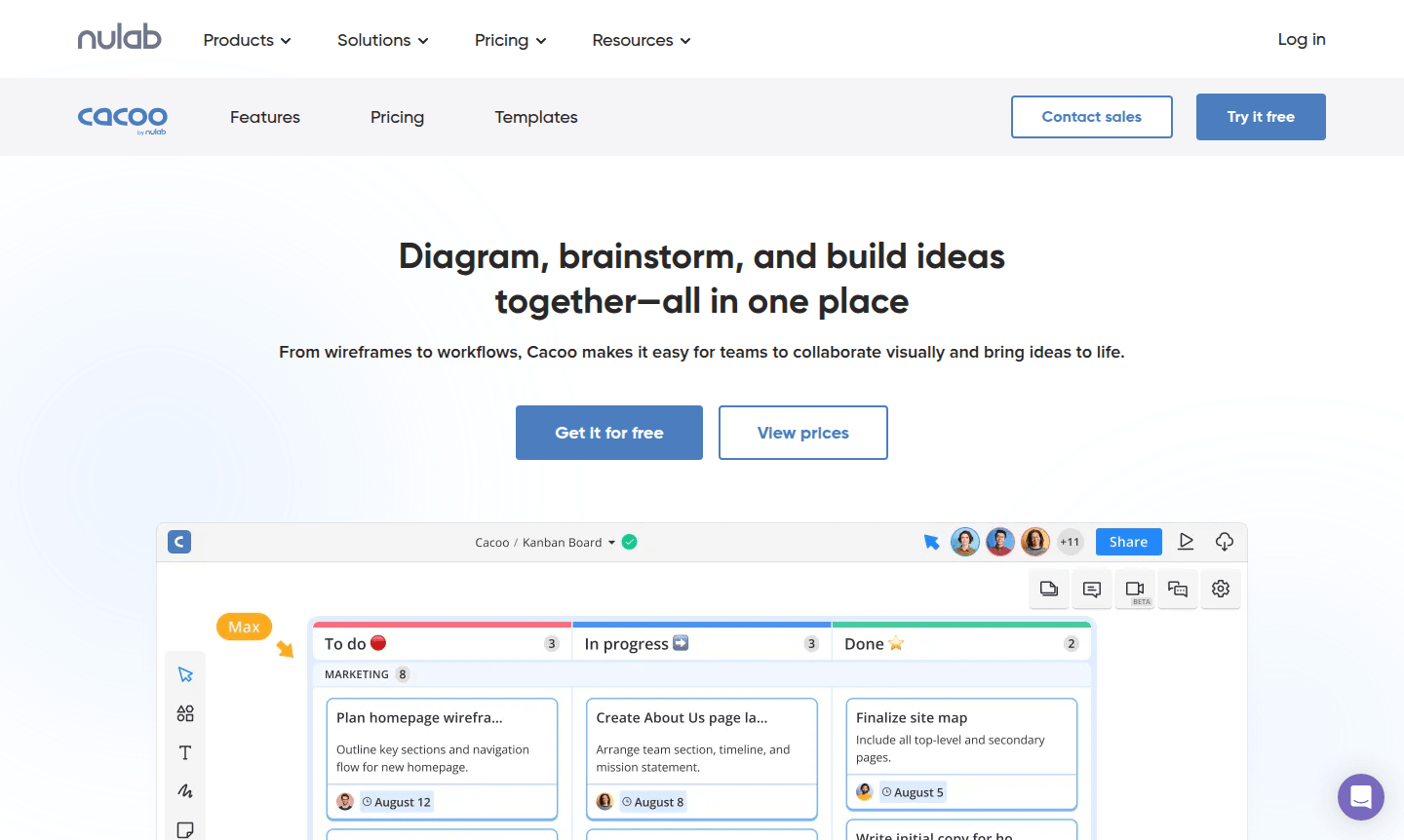
Overview of Cacoo
Cacoo is a comprehensive online diagramming and visual collaboration platform that enables teams to diagram, brainstorm, and build ideas together in one intuitive workspace. Trusted by over 4 million users worldwide, this powerful tool transforms abstract concepts into clear, actionable visuals – from wireframes and flowcharts to mind maps and process diagrams. Whether you're a project manager, software architect, or business analyst, Cacoo provides the collaborative features and professional templates needed to bring ideas to life efficiently.
As part of Nulab's integrated productivity suite, Cacoo excels in Diagram Creator and Collaboration Tool, offering real-time editing capabilities that keep distributed teams aligned. The platform supports various diagram types including UML diagrams, network diagrams, sitemaps, and database schematics, making it versatile for technical and business applications alike. With enterprise-grade security features and seamless integrations, Cacoo scales from individual creators to large organizations needing robust visual communication tools.
How to Use Cacoo
Getting started with Cacoo is straightforward – simply create an account, choose from hundreds of professional templates or start with a blank canvas, then begin diagramming using the intuitive drag-and-drop interface. Invite team members to collaborate in real-time with multi-user editing, live chat, and commenting features. Use the extensive shape libraries and media assets to build detailed diagrams, then share your work with stakeholders through secure links, embedded views, or exported formats. The platform tracks version history automatically, allowing teams to review changes and maintain project continuity throughout the diagram lifecycle.
Core Features of Cacoo
- Real-time Collaboration – Simultaneous multi-user editing with live chat and commenting capabilities
- Extensive Template Library – Hundreds of professional templates for various diagram types and use cases
- Advanced Diagramming Tools – Comprehensive shape libraries, wireframe tools, and formatting options
- Enterprise Security – SAML authentication, user provisioning, and optional private server hosting
- Seamless Integrations – Connects with Nulab products and popular third-party tools
Use Cases for Cacoo
- Software architects creating system architecture diagrams and UML models
- Project managers visualizing workflows and process mapping
- Design teams building wireframes and user interface mockups
- Business analysts developing flowcharts and decision trees
- IT professionals documenting network infrastructure and system diagrams
- Product teams brainstorming ideas and creating mind maps
- Educators and students creating visual learning materials and presentations
Support and Contact
For technical support and general inquiries, email contact@cacoo.com or visit the Cacoo support page. Comprehensive help resources including knowledge base articles and community forums are available through their website.
Company Info
Cacoo is developed by Nulab Inc, a software company based in the United States specializing in collaboration tools. The company focuses on creating intuitive software solutions that enhance team productivity and visual communication across organizations of all sizes.
Login and Signup
Access your Cacoo account through the Cacoo login page or create a new account to start diagramming and collaborating with your team. The platform offers both free and premium subscription options to accommodate different team sizes and requirements.
Cacoo FAQ
What types of diagrams can I create with Cacoo?
Cacoo supports wireframes, flowcharts, mind maps, UML diagrams, network diagrams, sitemaps, database schematics, and various business process visualizations.
Does Cacoo support real-time team collaboration?
Yes, Cacoo offers simultaneous multi-user editing, live chat, commenting, and version tracking for seamless team collaboration.
Is Cacoo suitable for enterprise use with security requirements?
Cacoo provides enterprise-grade security including SAML authentication, user provisioning, and optional private server hosting for compliance.
How does Cacoo handle diagram version history?
Cacoo automatically tracks version history, allowing teams to review changes and maintain project continuity throughout the diagram lifecycle.
Cacoo Reviews0 review
Would you recommend Cacoo? Leave a comment
Cacoo Alternatives
The best modern alternatives to the tool
New Tools Releases
Recently added tools
