
Flathub
Flathub is the universal app store for Linux, offering thousands of Flatpak applications with easy installation, automatic updates, and no dependency issues.
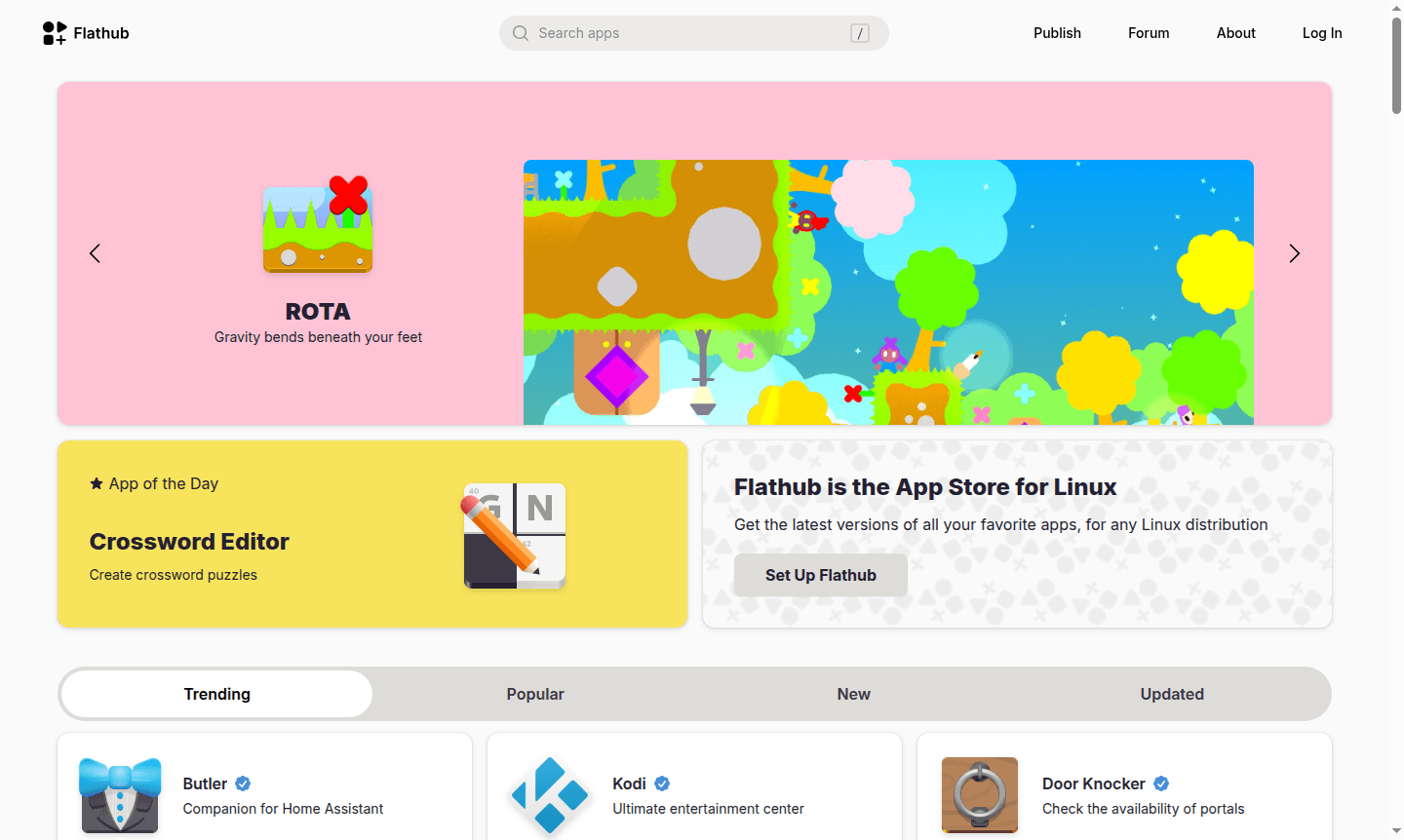
Overview of Flathub
Flathub serves as the premier app store for the Linux desktop ecosystem, providing users with easy access to thousands of applications regardless of their Linux distribution. Powered by Flatpak technology, Flathub enables seamless installation and updates for software across different Linux environments, eliminating dependency conflicts and versioning issues that traditionally plagued Linux software management. This universal approach makes Flathub an essential resource for both new and experienced Linux users seeking a streamlined software installation experience.
The platform caters to diverse user needs with applications spanning multiple categories including Game Launcher, IDE, Task Manager, Music Player, and System Info Tool. Flathub's growing collection includes everything from essential productivity software to entertainment applications, making it the go-to destination for Linux software discovery and distribution. The repository supports both open-source and proprietary applications, welcoming developers to submit their software for distribution to Flathub's expanding user base.
How to Use Flathub
Getting started with Flathub requires enabling the Flatpak framework on your Linux system, which involves installing the Flatpak package manager through your distribution's package manager. Once Flatpak is installed, users add the Flathub repository using a simple terminal command, then browse and install applications through their preferred software center or via command line. The setup process typically takes just a few minutes and provides immediate access to Flathub's extensive application catalog. Regular updates are handled automatically through the Flatpak system, ensuring users always have the latest versions of their installed applications without manual intervention.
Core Features of Flathub
- Universal Linux Compatibility – Runs applications on any Linux distribution through Flatpak containerization
- Extensive Application Catalog – Access to thousands of desktop applications across all categories
- Automatic Updates – Seamless updates ensure users always have the latest software versions
- Dependency Management – Self-contained applications eliminate dependency conflicts
- Developer Distribution – Single gateway for developers to reach the entire Linux desktop ecosystem
Use Cases for Flathub
- Installing the latest versions of favorite Linux applications
- Setting up gaming environments with emulators and game launchers
- Accessing productivity tools for work and personal projects
- Developing and distributing software to Linux users
- Managing system utilities and developer tools
- Running applications on Linux mobile devices and tablets
- Exploring educational and scientific applications
Support and Contact
For support and inquiries, visit the Flathub official website. The platform maintains community support channels and documentation to assist users with setup, application installation, and developer submissions.
Company Info
Flathub is maintained by the Flathub maintainers community. As an open-source project, it operates as a community-driven platform for Linux application distribution without specific corporate ownership or country of origin.
Login and Signup
Flathub operates as an open repository without user registration requirements. Access the platform directly through the Flathub website to browse and install applications immediately.
Flathub FAQ
What is Flathub and how does it work with Linux?
Flathub is the app store for Linux that uses Flatpak technology to provide universal application compatibility across all Linux distributions.
How do I install applications from Flathub on my Linux system?
Enable Flatpak on your system, add the Flathub repository, then install applications through your software center or command line.
Can developers distribute proprietary applications through Flathub?
Yes, Flathub welcomes both open-source and proprietary application submissions for distribution to Linux users.
Is Flathub free to use?
Yes, Flathub is completely free for both users and developers, with no charges for downloading or distributing applications.
Flathub Reviews0 review
Would you recommend Flathub? Leave a comment
Flathub Alternatives
The best modern alternatives to the tool
New Tools Releases
Recently added tools
