
CodePen
CodePen is a leading online code editor for front-end development, offering real-time HTML, CSS, and JavaScript editing with live previews, collaboration tools, and a large community. Ideal for testing code, learning frameworks, and building web projects.
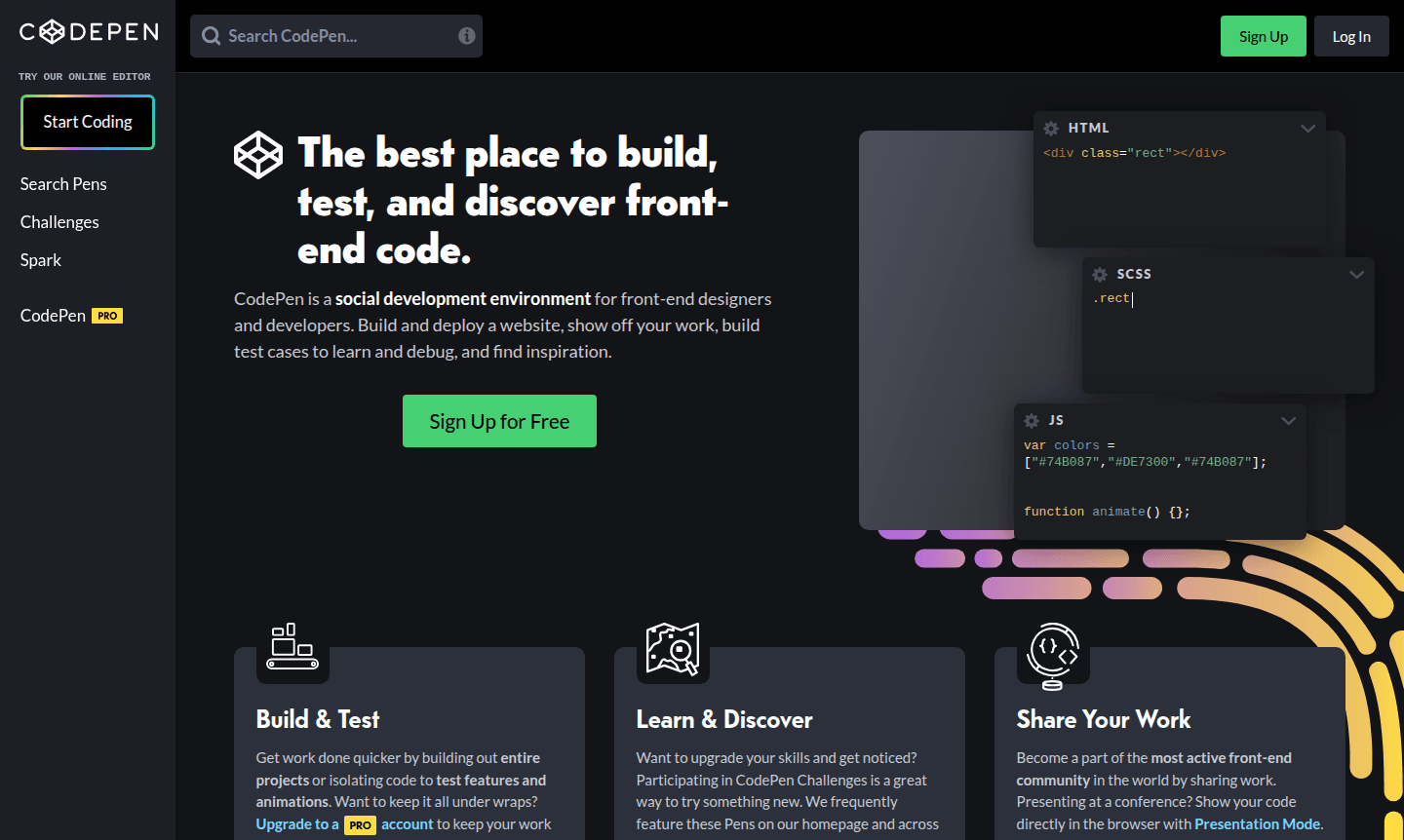
Overview of CodePen
CodePen is a comprehensive online development environment and vibrant community platform designed specifically for front-end designers and developers. This powerful tool enables users to build, test, and share web projects directly in the browser, offering real-time previews for HTML, CSS, and JavaScript code. With over 1.8 million active users worldwide, CodePen has established itself as the most active front-end community globally, serving as both a development sandbox and a collaborative learning space for web professionals and enthusiasts alike.
The platform caters to developers working across various domains including IDE, Code Repository Hosting, and Collaboration Tool. Whether you're testing specific code features, building complete projects, or exploring new web technologies, CodePen provides the perfect environment for rapid prototyping and skill development. The platform's extensive library of user-created Pens offers endless inspiration and learning opportunities for developers at all skill levels.
How to Use CodePen
Getting started with CodePen is straightforward – simply create an account and begin coding immediately in the browser-based editor. The platform's intuitive interface allows you to write HTML, CSS, and JavaScript in separate panels while seeing real-time previews of your work. You can start from scratch, use pre-made templates, or fork existing Pens to build upon others' creations. For collaborative projects, enable Collab Mode to work simultaneously with team members, or use Presentation Mode when showcasing your code at conferences and meetings.
Core Features of CodePen
- Real-time Code Editor – Live preview environment with autocomplete and Emmet support for HTML, CSS, and JavaScript development
- Project Building Capabilities – Full browser-based IDE for creating complete websites with automatic preprocessing and deployment
- Collaboration Tools – Multi-user editing with Collab Mode and team management features for seamless group development
- Asset Hosting System – Drag-and-drop file uploads for images, CSS, JSON, SVGs, and media files with integrated hosting
- Privacy Controls – Private Pens with unguessable URLs and PRO account options for confidential project work
Use Cases for CodePen
- Front-end code testing and debugging for web development projects
- Building and sharing interactive web components and UI elements
- Learning new frameworks and libraries through hands-on experimentation
- Creating test cases for bug reporting and technical documentation
- Developing complete website projects with the built-in IDE environment
- Participating in weekly coding challenges to enhance skills and gain recognition
- Embedding code demonstrations on external websites and portfolios
Support and Contact
For assistance with CodePen features and account management, visit the official website at CodePen website. The platform maintains active social media presence on Facebook and X (formerly Twitter) for community engagement and updates.
Company Info
CodePen is developed by CodePen LLC, based in the United States. The company specializes in creating innovative web development tools and fostering the global front-end community through its platform and regular coding challenges.
Login and Signup
Access your CodePen account or create a new one at Log in to CodePen and Sign up for CodePen.
CodePen FAQ
What is CodePen and who is it designed for?
CodePen is an online code editor and community platform for front-end developers to build, test, and share web projects with real-time previews.
Can I use CodePen for private projects and team collaboration?
Yes, CodePen offers private Pens and team features with Collab Mode for secure project development and real-time collaborative coding.
What programming languages does CodePen support for development?
CodePen primarily supports HTML, CSS, and JavaScript with preprocessing capabilities and framework integration for modern web development.
How can I embed CodePen Pens on external websites?
Use the embed feature to copy HTML code from any Pen, allowing you to display interactive code demos on your own website with customizable themes.
CodePen Reviews0 review
Would you recommend CodePen? Leave a comment
CodePen Alternatives
The best modern alternatives to the tool
New Tools Releases
Recently added tools
