
curl
curl is a free, open-source command-line tool for data transfer via URLs, supporting HTTP, HTTPS, FTP, SFTP, and 20+ protocols. Ideal for developers and admins for API testing, file downloads, and web scraping.
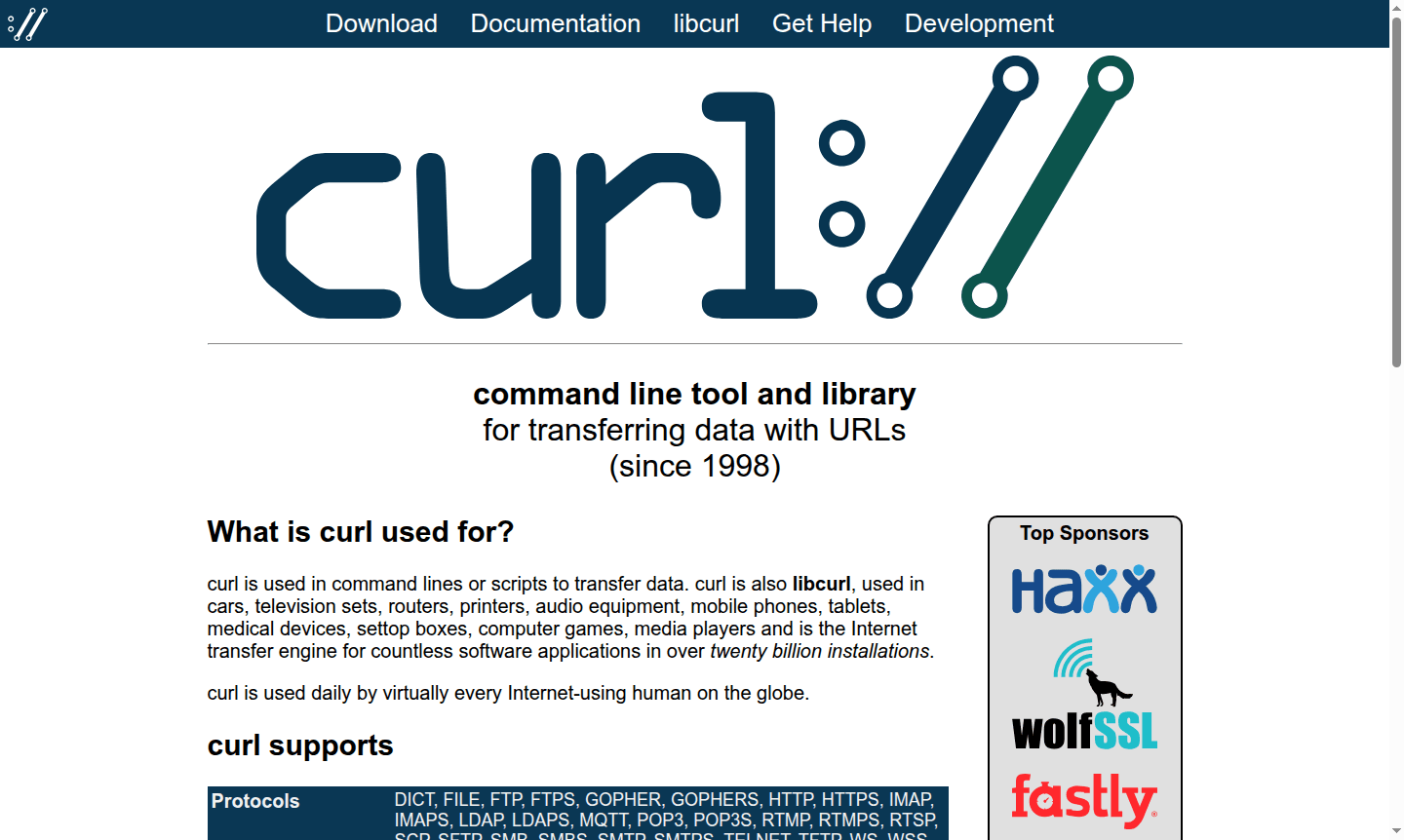
Overview of curl
curl is a powerful command-line tool and library for transferring data with URLs, first released in 1998 and now used in over twenty billion installations worldwide. This versatile utility supports dozens of protocols including HTTP, HTTPS, FTP, SFTP, and many more, making it the internet transfer engine for countless applications across devices from routers and printers to mobile phones and medical equipment. curl is used daily by virtually every internet user globally, whether directly through command-line operations or indirectly through applications leveraging its robust libcurl library.
As a free and open-source project maintained by thousands of contributors, curl has become the industry standard for data transfer operations in API Client environments and FTP Client. The tool excels in automation scripts, API testing, file downloads, and web scraping tasks, providing developers and system administrators with reliable data transfer capabilities across multiple FTP Client protocols and network configurations.
How to Use curl
Using curl typically involves opening your terminal or command prompt and entering curl commands with various options and URLs. Basic usage starts with simple GET requests like 'curl https://example.com' to fetch web content, while more advanced operations might include POST requests with JSON data, file uploads with authentication, or complex multi-protocol transfers. The tool supports extensive configuration through command-line flags for setting headers, handling cookies, managing proxies, and controlling transfer behavior, making it adaptable to virtually any data transfer scenario from simple downloads to sophisticated API interactions.
Core Features of curl
- Multi-Protocol Support – Transfers data using HTTP, HTTPS, FTP, SFTP, SCP, and 20+ other protocols
- Advanced Authentication – Supports Basic, Digest, OAuth, Kerberos, and AWS signature methods
- Proxy Configuration – Works with HTTP, HTTPS, SOCKS4, and SOCKS5 proxies with chaining support
- TLS Security – Implements TLS 1.0 through 1.3 with certificate verification and encryption
- Parallel Transfers – Handles multiple URLs simultaneously with rate limiting and connection reuse
Use Cases for curl
- API testing and development with curl post request examples
- File downloads and uploads using curl for windows and other platforms
- Web scraping and data extraction from websites and services
- Automated file transfers in scripts and cron jobs
- Testing web services and checking server responses
Support and Contact
For support and community resources, visit the official curl website. You can contact via email at contact@curl.se. The project maintains extensive documentation, mailing lists, and community forums for help and contributions.
Company Info
curl is developed by Daniel Stenberg and maintained by a global community of contributors. As an open-source project, it follows established open-source best practices and welcomes community participation. The project code is hosted on GitHub where developers can access the latest source code and contribute improvements.
Login and Signup
As a command-line tool, curl requires no login or signup process. Users can download and use curl immediately from their system's package manager or from the official website. The tool runs directly from the command line without any registration or account requirements.
curl FAQ
What is curl used for in command line operations?
curl is used for transferring data with URLs, including downloading files, testing APIs, web scraping, and automating data transfers across multiple protocols.
How do I install curl on different operating systems?
curl comes pre-installed on most Linux and macOS systems. For Windows, download from the official website or use package managers like Chocolatey.
What protocols does curl support for data transfer?
curl supports over 20 protocols including HTTP, HTTPS, FTP, SFTP, SCP, IMAP, SMTP, and many more for comprehensive data transfer capabilities.
How to set up a proxy with curl?
Use the -x or --proxy option followed by the proxy URL, and add authentication with -U if needed for secure proxy configurations.
curl Reviews0 review
Would you recommend curl? Leave a comment
curl Alternatives
The best modern alternatives to the tool
New Tools Releases
Recently added tools
