
GPTinf
GPTinf humanizes AI text to bypass detectors like Turnitin and GPTZero with 99% success. Includes free AI detector. Ideal for students and content creators.
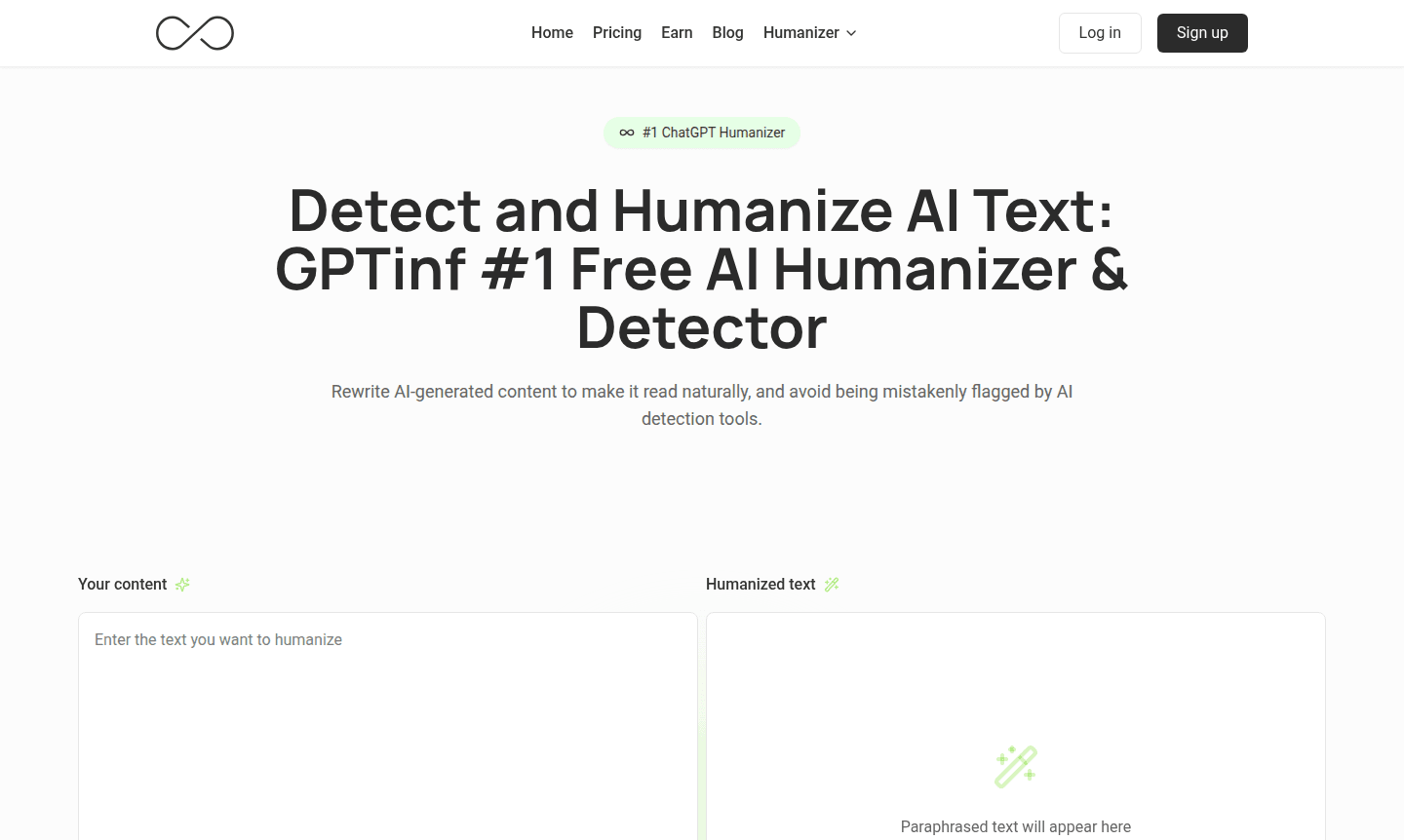
Overview of GPTinf
GPTinf stands as a premier AI Writing Tools and detection tool designed to transform AI-generated content into natural, human-like writing. This powerful platform helps users avoid detection by sophisticated AI content scanners while maintaining the core message and quality. With a 99% success rate against detectors like Turnitin and GPTZero, it processes over 374,000 rewrites monthly, making it a trusted solution for anyone needing authentic-sounding content that bypasses AI detection algorithms effectively.
The tool serves a diverse user base including students, academic writers, and content creators who rely on AI writing assistants but require final output that reads naturally. It humanizes ChatGPT content and provides an AI detector free for verification, essential for undetectable AI writing in Writing Assistant applications across academic and professional contexts.
How to Use GPTinf
Using GPTinf involves a straightforward three-step process that begins with pasting AI-generated content into the platform's text editor. The system analyzes the text for AI detection markers, applies humanization algorithms to rewrite it while preserving meaning, and allows verification through built-in multi-detector testing. Users can utilize Freeze Keywords to protect specific terms and ensure the output passes major AI detectors before finalizing.
Core Features of GPTinf
- AI Text Humanizer – Converts AI-generated content into natural, human-like writing that bypasses detection systems
- Multi-Detector Testing – Instantly checks content against multiple AI detectors simultaneously for comprehensive verification
- Freeze Keywords Protection – Preserves specific terms and phrases from alteration during the humanization process
- Built-in AI Detector – Identifies AI-generated content before humanization to target problematic sections
- Unlimited Rephrasing – Allows multiple rewriting iterations until the desired human-like quality is achieved
Use Cases for GPTinf
- Academic writing and research papers requiring human-like quality
- Content marketing materials that need to pass AI detection checks
- Professional blog posts and articles maintaining authentic voice
- Student assignments and essays avoiding academic integrity flags
- Business communications requiring natural language flow
- SEO content creation that ranks well while sounding human
- Creative writing projects needing polished, natural narrative
Support and Contact
For assistance with GPTinf services, users can reach out through priority email support available on Pro and Unlimited plans or use the contact form on the main website. The support team provides guidance on optimizing AI text humanization and troubleshooting detection issues.
Company Info
GPTinf operates as a specialized technology platform focused on AI content optimization and humanization solutions, serving a global user base across education, marketing, and content creation industries.
Login and Signup
Access GPTinf services through their main website where users can log in to their dashboard or sign up for an account to manage subscriptions and access core functionality.
GPTinf FAQ
What is GPTinf and how does it work?
GPTinf is an AI text humanizer that rewrites AI-generated content to make it undetectable by AI detection tools while maintaining natural readability and meaning.
Which AI detectors does GPTinf work against?
GPTinf successfully bypasses major detectors including Turnitin, GPTZero, and Originality.ai with a 99% success rate verified through testing.
Can GPTinf preserve specific keywords during rewriting?
Yes, the Freeze Keywords feature protects important terms from alteration during the humanization process to maintain context and accuracy.
Does GPTinf offer a free trial?
GPTinf provides a free trial with limited features to test the tool's capabilities before committing to a subscription plan.
GPTinf Pricing
Current prices may vary due to updates
Lite
Ideal for quick rewrites and small tasks with 5,000 words monthly, unlimited Freeze Keywords, AI detector checks, built-in detector, access to all rew
Pro
Most popular plan for articles and longer content featuring 25,000 words, unlimited re-paraphrasing, Freeze Keywords, AI detector checks, built-in det
Unlimited
Complete access with no limits including unlimited words, re-paraphrasing, Freeze Keywords, AI detector checks, built-in detector, all rewrite modes,
GPTinf Reviews0 review
Would you recommend GPTinf? Leave a comment
GPTinf Alternatives
The best modern alternatives to the tool
New Tools Releases
Recently added tools
