
Grok Imagine
Generate professional AI videos with built-in audio, lifelike motion, and character consistency. Ideal for content creators and marketers. Sign up for access.
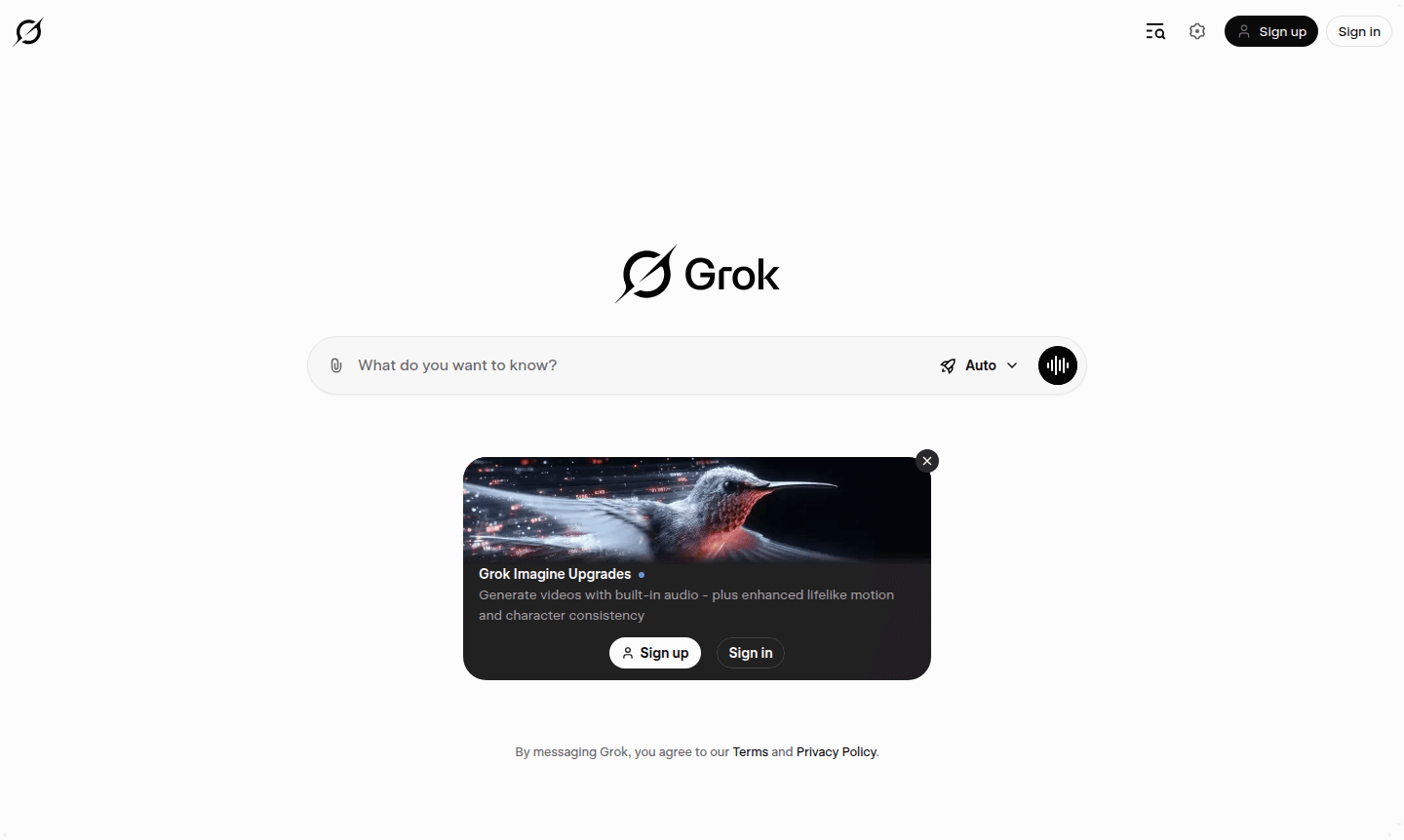
Overview of Grok Imagine
Grok Imagine is an advanced AI video generation platform that transforms text prompts into dynamic videos with built-in audio capabilities. This innovative tool specializes in creating lifelike motion sequences while maintaining consistent character appearances throughout generated content. Designed for content creators, marketers, and digital artists, Grok Imagine bridges the gap between imagination and visual storytelling by producing professional-quality videos without requiring extensive technical expertise or expensive production equipment.
The platform serves as a comprehensive solution for AI Image Generators and Conversational AI Tools, enabling users to generate engaging visual content for social media, marketing campaigns, educational materials, and entertainment purposes. By combining sophisticated AI algorithms with user-friendly interfaces, Grok Imagine democratizes video production, making high-quality visual content accessible to creators of all skill levels.
How to Use Grok Imagine
Getting started with Grok Imagine involves a straightforward process: users first create an account through the platform's sign-up page, then navigate to the video generation interface where they can input descriptive text prompts. The AI processes these prompts to generate initial video concepts, which users can refine by adjusting parameters for motion intensity, character consistency, and audio integration. Once satisfied with the preview, users can export their creations in various formats suitable for different platforms and purposes.
Core Features of Grok Imagine
- AI Video Generation – Transform text descriptions into complete videos with synchronized audio elements
- Character Consistency – Maintain uniform character appearances across multiple scenes and sequences
- Lifelike Motion – Generate natural movement patterns and realistic animations for enhanced visual quality
- Built-in Audio – Automatically create and integrate appropriate soundtracks and audio effects
- Real-time Preview – Review and adjust generated content before final export and download
Use Cases for Grok Imagine
- Social media content creation for platforms like TikTok and Instagram
- Marketing and advertising video production for digital campaigns
- Educational video development for online courses and tutorials
- Entertainment content generation for streaming platforms
- Product demonstration videos for e-commerce and retail
- Corporate training and onboarding video materials
- Personal creative projects and artistic expression
Support and Contact
For technical assistance and general inquiries, users can access support resources through the official website. Email support is available at contact@grok.com. The platform provides comprehensive documentation and help resources to address common questions and technical issues.
Company Info
Grok Imagine is developed by Grok, a technology company focused on advancing AI-powered creative tools. The company specializes in developing innovative solutions that leverage artificial intelligence to simplify and enhance digital content creation processes for users worldwide.
Login and Signup
Create an account on the sign-up page or log in via the login page to access Grok Imagine's video generation features.
Grok Imagine FAQ
What is Grok Imagine and how does it work?
Grok Imagine is an AI video generator that creates complete videos with audio from text prompts, featuring lifelike motion and character consistency throughout generated content.
Does Grok Imagine include audio in generated videos?
Yes, Grok Imagine automatically generates and integrates built-in audio elements that synchronize perfectly with the visual content of your AI-created videos.
How does Grok Imagine maintain character consistency?
The platform uses advanced AI algorithms to ensure characters maintain uniform appearance and characteristics across all scenes and sequences in generated videos.
What types of videos can I create with Grok Imagine?
Grok Imagine supports various video types including social media content, marketing materials, educational videos, and entertainment content with lifelike motion effects.
Is there a free trial available for Grok Imagine?
Users can sign up through the platform's registration page to explore Grok Imagine's video generation capabilities and built-in audio features.
Grok Imagine Reviews0 review
Would you recommend Grok Imagine? Leave a comment
Grok Imagine Alternatives
The best modern alternatives to the tool
New Tools Releases
Recently added tools
