Seedr
Seedr is a cloud-based download manager and streaming service for secure file downloads without software. Stream on all devices with Chromecast, access magnet links, and enjoy up to 100TB storage with premium plans.
Overview of Seedr
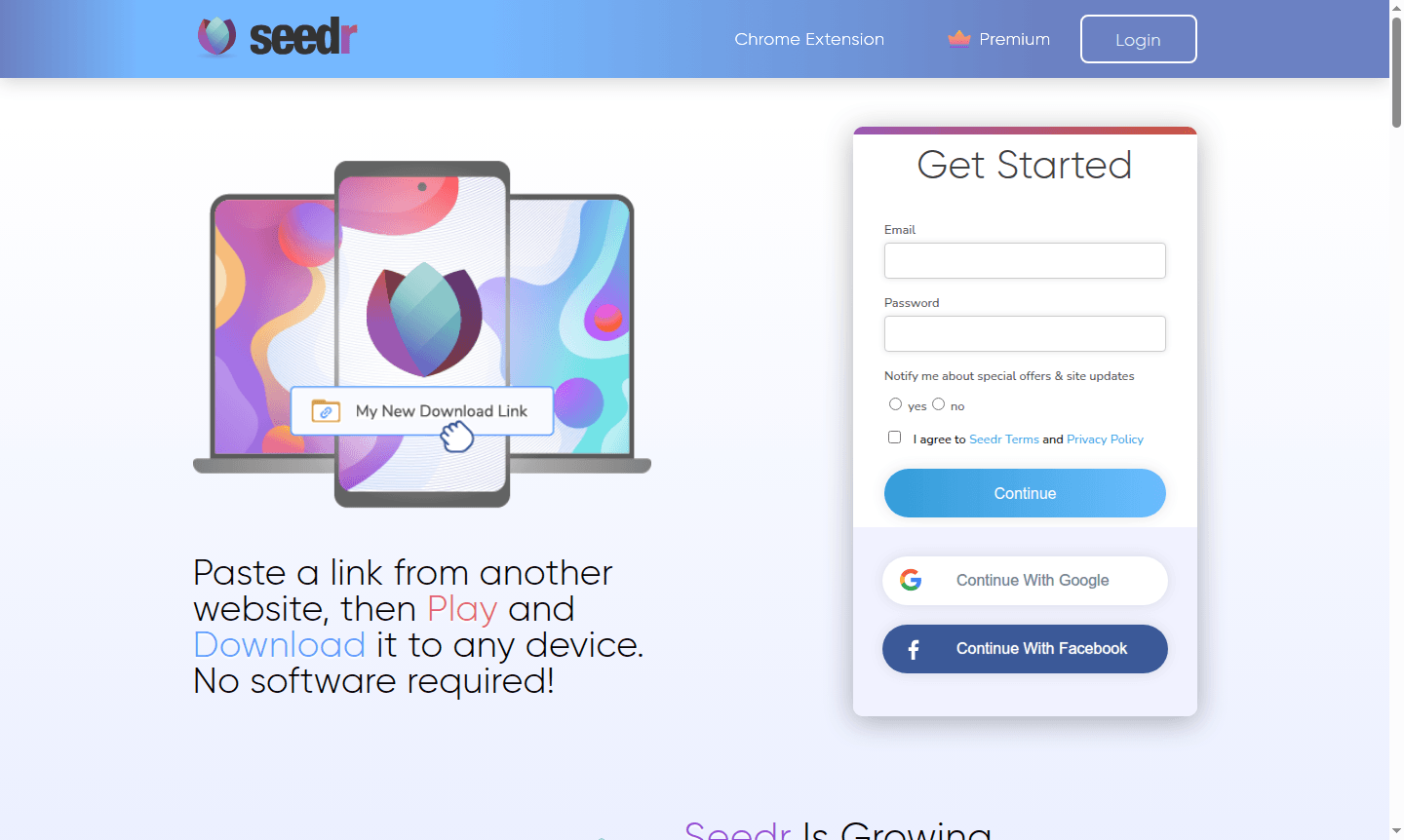
Seedr is a cloud-based download manager and streaming platform that enables users to download files directly to their devices without requiring any software installation. By simply pasting links from various websites, Seedr transfers content to its secure cloud servers, allowing users to access their files anytime, anywhere across desktop, mobile, and TV devices. The platform supports Chromecast out-of-the-box and offers optimized mobile experiences for seamless file management on the go.
Designed for users seeking efficient Cloud Storage solutions and powerful Download Manager capabilities, Seedr provides a secure environment where files are processed remotely without touching your local device. The service caters to both casual users and power downloaders with its tiered premium plans, offering features like HD playback, private tracker support, and advanced automation tools for streamlined file handling.
How to Use Seedr
Getting started with Seedr is straightforward – simply visit the website, paste any download link or magnet link into the platform, and the service immediately begins transferring the file to its cloud storage. Once the download completes on Seedr's servers, you can stream content directly in your browser or download files to any connected device. The platform's V2 alpha introduces enhanced features like direct magnet link sharing without copy-paste, improved Chromecast and AirPlay support with 4K streaming capabilities, and upcoming offline access for viewing content without an internet connection.
Core Features of Seedr
- Cloud-Based Downloading – Transfer files directly to secure servers without local software requirements
- Multi-Device Streaming – Access and stream content across desktop, mobile, and TV with Chromecast support
- Secure File Processing – Protect devices by handling downloads remotely on dedicated servers
- Magnet Link Support – Add torrent links directly from web pages without manual copy-paste operations
- Premium Storage Options – Choose from 10TB to 100TB plans with advanced automation features
Use Cases for Seedr
- Downloading large files on mobile devices with limited storage capacity
- Streaming media content directly to Chromecast-enabled TVs and devices
- Accessing downloaded files across multiple devices without local storage constraints
- Managing torrent downloads securely through cloud-based processing
- Automating file transfers and organization with REST API integration
- Watching content offline during travel or in areas with poor connectivity
- Sharing files through secure cloud links without exposing personal devices
Support and Contact
For assistance with Seedr services, users can access the comprehensive FAQ section at Seedr FAQ or submit support requests through the contact form at Contact Support. The platform also maintains an active blog with tutorials and updates at Seedr Pulse for staying informed about new features and improvements.
Company Info
Seedr operates as a cloud download and streaming service focused on providing secure, device-agnostic file access. While specific company location details aren't prominently displayed, the service maintains transparent communication through its blog, social media channels, and comprehensive help documentation to keep users informed about platform developments and service updates.
Login and Signup
New users can create a free Seedr account by visiting Seedr Signup, while existing users can access their accounts through Seedr Login. Premium plan upgrades and feature information are available at Seedr Premium for users seeking enhanced storage, faster transfers, and advanced functionality.
Seedr FAQ
How does Seedr work for downloading files?
Seedr works by transferring download links to its cloud servers, processing files remotely, and allowing streaming or downloading to any device without local software requirements.
What devices support Seedr streaming?
Seedr supports streaming on desktop computers, mobile devices, and TVs with Chromecast compatibility, providing cross-platform access to your downloaded content.
Does Seedr offer free account options?
Yes, Seedr provides free account access with basic functionality, while premium plans offer additional storage, faster transfers, and advanced features for enhanced usage.
Can I watch content offline with Seedr?
Seedr V2 will introduce offline access, allowing users to download content for viewing without an internet connection, available for premium users.
Seedr Pricing
Current prices may vary due to updates
Basic
Ideal for casual users with faster transfers, HD playback, storage cleanup, and task management features. Annual subscription includes 2 free months a
Pro
Most popular choice with priority transfers, private tracker support, 10TB storage, synced accounts, boards, and essential automation tools. Save $19.
Master
Maximum capability with network drive mounting, 100TB storage, multiple pods, unlimited boards, REST API, and advanced automations. Annual savings of
Seedr Reviews0 review
Would you recommend Seedr? Leave a comment
Seedr Alternatives
The best modern alternatives to the tool
New Tools Releases
Recently added tools
