
LINE Messenger
LINE Messenger offers free messaging, voice and video calls, along with news, music, and financial services. Connect with friends, join communities, and manage payments on one platform. Download for free on all devices.
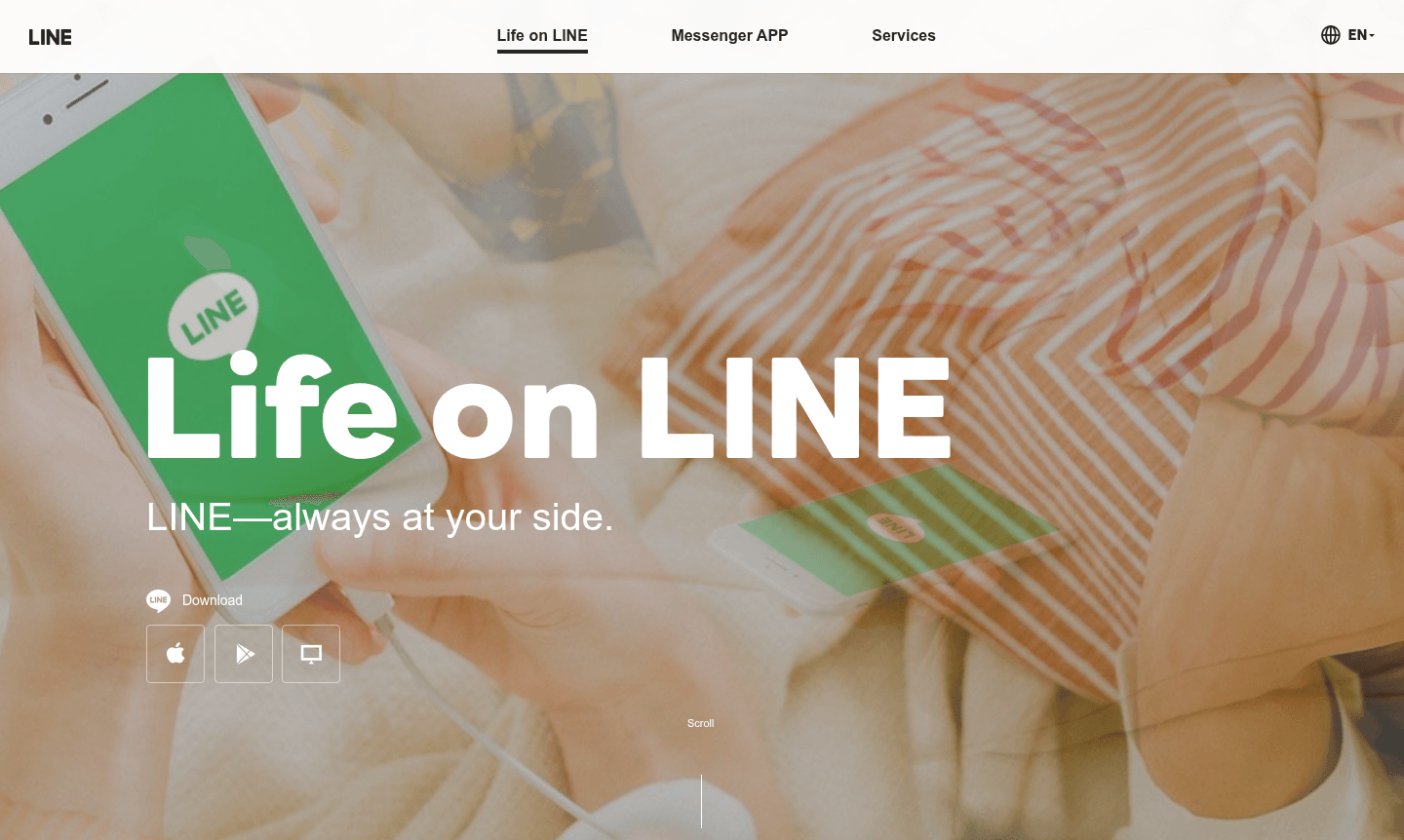
Overview of LINE Messenger
LINE is a comprehensive Messaging App and Video Call Software that goes beyond traditional messaging to become an essential part of daily life. Originally developed in Japan, this proprietary application serves as both a powerful communication tool and a lifestyle infrastructure platform, connecting people, services, and information through a single interface. With its extensive feature set, LINE has become particularly popular across Asia while maintaining global accessibility through multiple language support.
The platform combines free messaging and calling capabilities with a rich ecosystem of integrated services including news curation, music streaming, financial tools, and social networking features. Available across desktop and mobile devices, LINE supports communication through text, voice, and video while offering extensive customization through stickers, emojis, and themes. Users can access various LINE family services through the Hometab and explore content recommendations via LINE VOOM.
How to Use LINE Messenger
Getting started with LINE is straightforward – simply download the app from your device's app store or access the web version, create an account using your phone number or email, and begin connecting with friends and family. The intuitive interface allows you to start one-on-one or group conversations immediately, make free international voice and video calls, and customize your experience with thousands of available stickers and themes. You can also explore additional features like OpenChat to meet people with similar interests, access LINE NEWS for curated content, and use LINE Pay for financial transactions.
Core Features of LINE Messenger
- Free Communication – Unlimited text messaging and international voice/video calls
- Rich Media Sharing – Exchange stickers, emojis, photos, and videos
- Content Discovery – Access LINE NEWS and LINE MUSIC streaming service
- Social Networking – Join OpenChat communities and connect with new people
- Financial Services – Use LINE Pay for payments and money transfers
Use Cases for LINE Messenger
- Staying connected with friends and family through free messaging and calls
- Joining interest-based communities via OpenChat feature
- Accessing curated news content through LINE NEWS service
- Streaming music with LINE MUSIC's extensive song library
- Making payments and transfers using LINE Wallet functionality
- Customizing communication with diverse stickers and themes
- Managing business communications with LINE Business accounts
Support and Contact
For assistance with LINE Messenger, visit the official support page at LINE Help Center or contact us at contact@line.me. Comprehensive help resources are also available through the application's built-in support features and online knowledge base.
Company Info
LINE is developed by LINE Corporation, a Japanese technology company that has created one of the most popular communication platforms in Asia. The company maintains its global headquarters in Japan while serving users worldwide through localized versions of the application.
Login and Signup
Access LINE Messenger through the official website at LINE Official Site or download the application from major app stores including Google Play, Apple App Store, and Microsoft Store for desktop usage.
LINE Messenger FAQ
Is LINE Messenger completely free to use?
Yes, LINE offers free messaging, voice calls, and video calls with optional paid features like premium stickers and LINE MUSIC subscriptions.
What makes LINE different from other messaging apps?
LINE combines messaging with lifestyle services including news, music streaming, financial tools, and social communities in one platform.
Can I use LINE on multiple devices?
Yes, LINE supports synchronization across smartphones, tablets, and desktop computers with seamless cross-device messaging.
What languages does LINE support?
LINE supports multiple languages including English, Japanese, Chinese, Thai, and Indonesian, making it accessible in various regions worldwide.
LINE Messenger Reviews0 review
Would you recommend LINE Messenger? Leave a comment
LINE Messenger Alternatives
The best modern alternatives to the tool
New Tools Releases
Recently added tools
