
Node.js
Node.js is a free, open-source JavaScript runtime environment for building fast, scalable network applications. Download Node.js for cross-platform development of web servers, APIs, command-line tools, and real-time applications using efficient event-driven architecture.
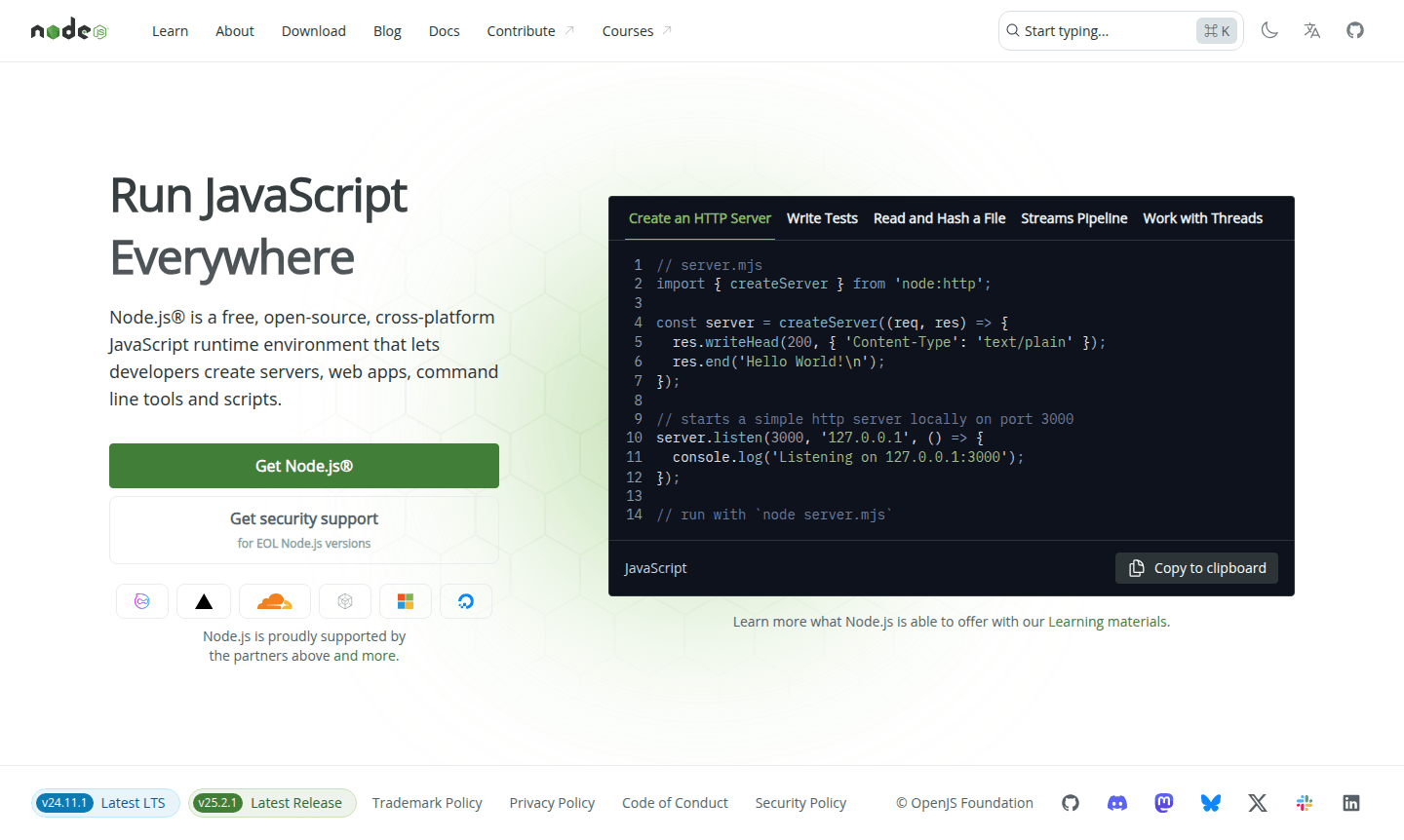
Overview of Node.js
Node.js is a free, open-source JavaScript runtime environment that enables developers to run JavaScript code outside web browsers. Built on Chrome's V8 JavaScript engine, it provides a cross-platform solution for creating servers, web applications, command-line tools, and automation scripts. The platform uses an event-driven, non-blocking I/O model that makes it exceptionally efficient for data-intensive real-time applications running across distributed devices.
As a versatile development platform, Node.js serves web developers, backend engineers, and full-stack programmers working on scalable network applications. Its extensive ecosystem includes the npm package manager, which hosts thousands of reusable modules for various development needs. Explore related tools in IDE, Local Web Server, and Build Tool categories to enhance your development workflow.
How to Use Node.js
Getting started with Node.js involves downloading the installer from the official website for your operating system. Once installed, you can run JavaScript files directly from the command line using the node command. Developers typically begin by creating package.json files to manage dependencies, then install required packages via npm. The platform supports immediate execution for testing scripts or can be configured to run persistent server applications that handle HTTP requests, file operations, and database connections efficiently.
Core Features of Node.js
- JavaScript Runtime – Execute JavaScript code server-side with Chrome's V8 engine
- Event-Driven Architecture – Handle multiple concurrent connections efficiently
- Non-Blocking I/O – Perform asynchronous operations without waiting
- Cross-Platform Support – Run applications on Windows, macOS, and Linux
- Package Ecosystem – Access thousands of modules through npm registry
Use Cases for Node.js
- Building scalable web servers and RESTful APIs
- Developing real-time applications like chat systems
- Creating command-line tools and automation scripts
- Streaming data processing and file operations
- Microservices architecture implementation
- Server-side rendering for web applications
- IoT applications and device communication
Support and Contact
For technical support and community assistance, contact contact@nodejs.org or visit the Node.js official website. The platform maintains extensive documentation, learning materials, and active community forums for developers.
Company Info
Node.js is developed by Joyent and originated in the United States. The platform operates as an open-source project with contributions from developers worldwide. For more information, visit the About Node.js partners page.
Login and Signup
Node.js does not require user accounts for basic usage. Developers can download the runtime directly from Download Node.js and begin building applications immediately. For additional resources, visit the main website.
Node.js FAQ
What is Node.js used for in web development?
Node.js enables server-side JavaScript execution for building fast, scalable web applications, APIs, and real-time services using its efficient event-driven architecture.
How does Node.js handle multiple requests simultaneously?
Node.js uses non-blocking I/O and event-driven architecture to process multiple requests efficiently without creating separate threads for each connection.
What makes Node.js different from traditional web servers?
Unlike traditional servers, Node.js runs JavaScript on the server, uses single-threaded event looping for scalability, and excels at handling real-time data-intensive applications.
Is Node.js free to use?
Yes, Node.js is completely free and open-source, with no cost for development or production usage, including cross-platform support.
Node.js Pricing
Current prices may vary due to updates
Node.js
Completely free, open-source JavaScript runtime environment for creating servers, web apps, command line tools, and scripts. Includes cross-platform s
Node.js Reviews0 review
Would you recommend Node.js? Leave a comment
Node.js Alternatives
The best modern alternatives to the tool
New Tools Releases
Recently added tools
