
Plane
Discover Plane, the open-source project management platform unifying projects, wiki, and AI agents. Manage sprints, roadmaps, campaigns with self-hosting and integrations.
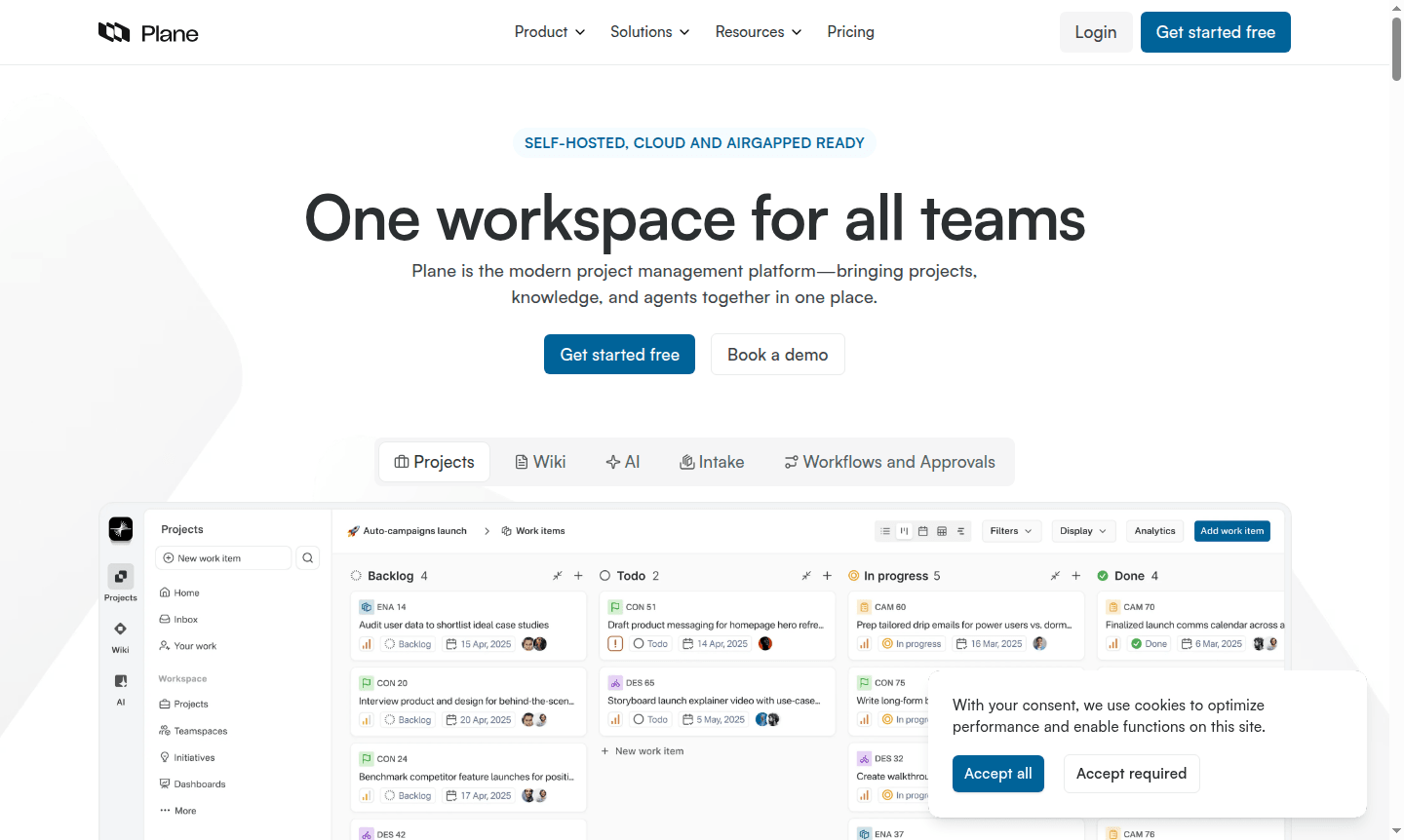
Overview of Plane
Plane is a modern project management platform that brings projects, knowledge, and AI agents together in one unified workspace. Designed for teams worldwide, it serves as an all-in-one solution for managing product roadmaps, running sprints, shipping marketing campaigns, and centralizing organizational knowledge. The platform unifies projects, documentation, and intelligent automation so every team can build faster with shared context while leaders gain clarity without endless meetings.
This open-source project management tool helps organizations transition from legacy systems like Jira, Linear, Asana, and ClickUp with seamless migration capabilities. Plane supports various workflows including agile development, marketing campaign management, and operational intake processes while offering robust self-hosting options for regulated industries. Explore related tools in Collaboration Tool and Task Manager categories.
How to Use Plane
Getting started with Plane takes just minutes – begin by creating your workspace and importing existing projects from tools like Jira, Linear, or Asana using the built-in migration utilities. Set up your team structure, define custom workflows with backlog, unstarted, started, and completed states, then configure your preferred view modes including list, kanban board, calendar, table, or timeline layouts. Connect integrations with GitHub and Slack to keep work items, pull requests, and team updates synchronized across platforms while leveraging AI agents to automate routine tasks and assignments.
Core Features of Plane
- Project Management – Plan, track, and ship work across the organization with multiple view options
- Wiki Knowledge Base – Create specs, SOPs, and playbooks with real-time co-editing capabilities
- AI Intelligence – Get answers across projects and wiki with source-backed contextual responses
- Automated Agents – Create tasks, assign owners, set deadlines with audit-ready automation logs
- Self-Hosting – Deploy on your infrastructure with complete data privacy and air-gapped security
Use Cases for Plane
- Software development teams managing sprints and product roadmaps
- Marketing departments running coordinated campaign launches
- Engineering teams tracking backlog items and development cycles
- Operations teams handling intake workflows and approval processes
- Product managers creating and maintaining product documentation
- Cross-functional teams collaborating on company-wide OKRs and initiatives
- Organizations in regulated industries requiring self-hosted solutions
Support and Contact
For technical support, email contact@plane.so or visit the Plane website for more information.
Company Info
Plane is developed by Plane, based in the United States. The platform is open-source and available through both cloud and self-hosted deployment options.
Login and Signup
Access your Plane workspace or create a new account at plane.so. Mobile apps are available for Android and iOS devices through their respective app stores.
Plane FAQ
What makes Plane different from other project management tools like Jira?
Plane offers unified workspace combining projects, wiki, and AI agents with seamless migration from tools like Jira, Linear, and Asana while providing robust self-hosting options.
Can Plane handle sprint planning and agile workflows?
Yes, Plane includes Cycles for automated sprint planning with carry-over of unfinished work and supports various agile frameworks with burn-down charts and progress tracking.
Does Plane offer self-hosted deployment options?
Plane provides comprehensive self-hosting with air-gapped deployment, complete data privacy, and 99.9% feature parity with cloud version for regulated industries.
What integrations does Plane support?
Plane integrates with GitHub and Slack for synchronized work items, pull requests, and team updates, enhancing collaboration across platforms.
Plane Reviews0 review
Would you recommend Plane? Leave a comment
Plane Alternatives
The best modern alternatives to the tool
New Tools Releases
Recently added tools
