
LineageOS
LineageOS is a free, open-source Android custom ROM with extensive customization, monthly security updates, and extended device support for enhanced privacy and developer tools.
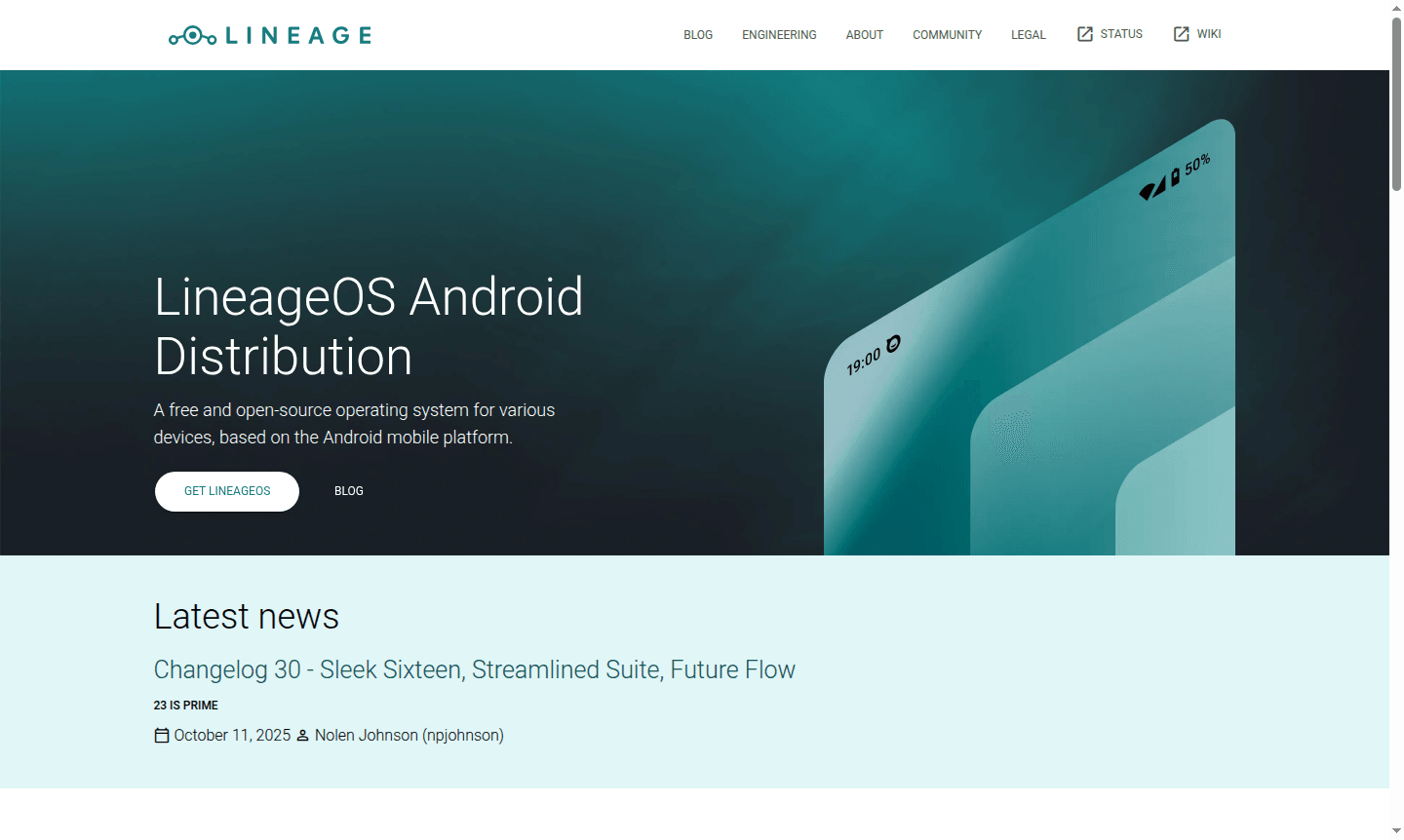
Overview of LineageOS
LineageOS is a free and open-source Android distribution that breathes new life into smartphones and tablets from over 20 manufacturers. As the official successor to CyanogenMod, this community-driven operating system extends device functionality and lifespan while prioritizing user customization and privacy. The platform transforms standard Android devices into personalized powerhouses, offering enhanced security features, monthly updates, and extensive customization options that put users in complete control of their mobile experience.
This versatile operating system appeals to both everyday users seeking privacy-focused alternatives and developers needing robust testing environments. With support for hundreds of device models and the largest Android open-source community, LineageOS provides a stable, secure foundation for mobile computing. Explore related tools in System Info Tool and Security categories to complement your device optimization journey.
How to Use LineageOS
Getting started with LineageOS involves checking device compatibility on the official wiki, unlocking your device's bootloader, and flashing the custom ROM using recommended tools. The installation process requires careful following of device-specific guides to ensure proper functionality. Once installed, users can customize everything from system themes to privacy settings, install additional open-source applications, and access developer tools for advanced modifications. Regular monthly security updates keep the system protected against emerging threats.
Core Features of LineageOS
- Monthly Security Updates – Regular patches for supported devices ensuring ongoing protection
- Deep Customization – Extensive personalization options for interface and functionality
- Privacy Controls – Enhanced data protection and transparency about system sharing
- Extended Device Lifespan – Continued support for older hardware from multiple manufacturers
- Developer Tools – Advanced debugging and development capabilities for app creation
Use Cases for LineageOS
- Extending the usable life of older Android devices with current security updates
- Creating personalized mobile interfaces with extensive customization options
- Developing Android applications in controlled testing environments
- Enhancing privacy protection on mobile devices with transparent data handling
- Accessing Unix command-line utilities for advanced system management
- Replacing manufacturer-specific Android versions with clean, bloat-free alternatives
- Participating in open-source mobile development through community contributions
Support and Contact
For support and community assistance, visit the official LineageOS website at LineageOS website. The project maintains active community forums and detailed documentation for troubleshooting and guidance. While no direct support email is provided, comprehensive installation guides and device-specific help are available through the community-driven support channels.
Company Info
LineageOS is developed by LineageOS LLC, based in the United States. The project represents one of the largest open-source mobile operating system initiatives, maintained by a global community of contributors. Detailed information about the organization and development team can be found on the official project website and associated documentation platforms.
Login and Signup
LineageOS does not require user accounts or registration since it's a free, open-source operating system. Access the main project website at LineageOS website to download installation files, view device compatibility lists, and access community resources. The platform operates without mandatory user authentication, aligning with its open-access philosophy.
LineageOS FAQ
What devices support LineageOS installation?
LineageOS supports over 160 device models from more than 20 manufacturers, with compatibility lists regularly updated on the official wiki.
Is LineageOS completely free to use?
Yes, LineageOS is entirely free and open-source with no paid tiers, premium features, or subscription requirements of any kind.
How often does LineageOS receive security updates?
LineageOS provides monthly security updates for all supported devices, ensuring ongoing protection against emerging threats and vulnerabilities.
What is the installation process for LineageOS?
Installation involves checking device compatibility on the official wiki, unlocking the bootloader, and flashing the custom ROM using recommended tools and device-specific guides.
LineageOS Pricing
Current prices may vary due to updates
Free
LineageOS is completely free and open-source with no paid tiers or premium features. The operating system includes monthly security updates, extensive
LineageOS Reviews0 review
Would you recommend LineageOS? Leave a comment
LineageOS Alternatives
The best modern alternatives to the tool
New Tools Releases
Recently added tools
