Proton Authenticator
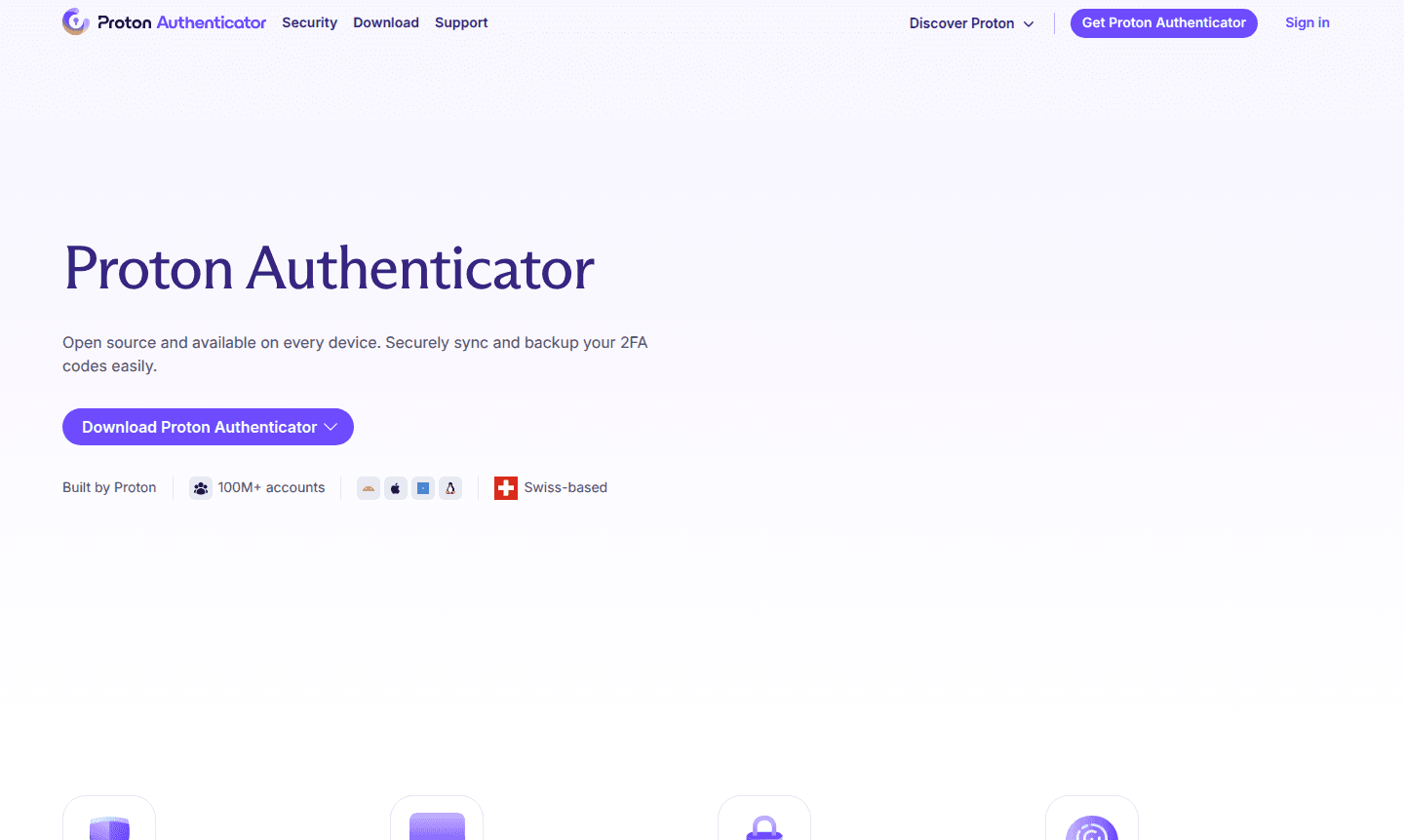
Proton Authenticator is a free, open-source two-factor authentication app that provides secure login codes for online accounts. It works across all devices with offline functionality, encrypted sync, and privacy-focused features.
Overview of Proton Authenticator
Proton Authenticator is a privacy-first two-factor authentication (2FA) app that generates secure login codes for your online accounts. It is part of the Two-Factor Auth and Encryption Tool categories on ToolPicker. Built by the team behind Proton Mail, this open-source application provides an extra layer of security beyond passwords, ensuring that even if hackers obtain your credentials, they cannot access your accounts without the time-sensitive codes. The app works completely offline and is available across all platforms – desktop and mobile – making it accessible wherever you need account protection.
Designed for security-conscious individuals and organizations, Proton Authenticator serves as a reliable alternative to popular authenticators like Google Authenticator while offering enhanced privacy features with no ads, no tracking, and fully verifiable code. It supports easy migration from other authentication services and provides flexible backup options to prevent lockouts. As part of the Proton ecosystem, it integrates seamlessly with other privacy-focused tools while remaining fully functional as a standalone application for securing personal and business accounts.
How to Use Proton Authenticator
Getting started with Proton Authenticator takes just three simple steps. First, download the free authenticator app on your preferred device – no Proton account is required for basic functionality. Second, enable two-factor authentication on your online accounts and either scan the provided QR codes or manually enter secret keys into the app. You can also import existing tokens from other authenticators like Google Authenticator or Aegis. Finally, when logging into protected accounts, open Proton Authenticator to retrieve the current 6-digit code and enter it as your second verification factor for secure access.
Core Features of Proton Authenticator
- Cross-Platform Availability – Works on desktop and mobile devices with full offline functionality
- Secure Code Synchronization – End-to-end encrypted sync across devices using your Proton account
- Easy Migration Tools – Import codes from Google Authenticator, Aegis, Bitwarden, and other apps
- Biometric Security – Lock the app with fingerprint or facial recognition for extra protection
- Encrypted Backups – Secure cloud or local backups prevent permanent account lockouts
Use Cases for Proton Authenticator
- Securing email accounts with two-factor authentication protection
- Protecting financial and banking applications from unauthorized access
- Adding extra security layers to social media and messaging platforms
- Securing workplace applications and business software systems
- Protecting cryptocurrency wallets and exchange accounts
- Adding 2FA to cloud storage services and password managers
- Securing developer accounts and code repository access
Support and Contact
For technical support and general inquiries, visit the official Proton support page. You can also contact them via email at contact@proton.me for assistance with setup, troubleshooting, and security questions.
Company Info
Proton Authenticator is developed by Proton AG, a Swiss company founded in 2014 that specializes in privacy-focused digital tools. The company is owned by a nonprofit foundation dedicated to building a better internet where privacy is the default.
Login and Signup
No account registration is required to use Proton Authenticator's core features. You can download and use the app immediately without creating any login credentials. If you wish to enable cross-device synchronization, you can sign in with an existing Proton account at Proton account login or create a new account at sign up for Proton account.
Proton Authenticator FAQ
Is Proton Authenticator completely free to use?
Yes, Proton Authenticator is completely free on all platforms with no ads, no tracking, and no hidden costs for all core 2FA features.
Can I import my existing 2FA codes from Google Authenticator?
Yes, Proton Authenticator supports easy import from Google Authenticator, Aegis, Bitwarden, LastPass, and other popular authenticator apps.
Do I need a Proton account to use the authenticator app?
No account is required for basic use. A Proton account is only needed if you want to sync codes across multiple devices securely.
What happens if I lose my phone with Proton Authenticator installed?
With encrypted backups enabled, you can restore your 2FA codes on a new device using your Proton account or exported backup files.
How is Proton Authenticator different from Proton Pass?
Proton Authenticator is a dedicated 2FA app, while Proton Pass is a password manager with integrated authentication features for non-Proton accounts.
Proton Authenticator Pricing
Current prices may vary due to updates
Free
Completely free to use on all platforms with no ads and no tracking. Includes all core 2FA features, encrypted sync across devices, backup options, an
Proton Authenticator Reviews0 review
Would you recommend Proton Authenticator? Leave a comment
Proton Authenticator Alternatives
The best modern alternatives to the tool
New Tools Releases
Recently added tools
