
Roboflow
Roboflow is a computer vision platform for building, training, and deploying AI models. Used by over 1 million engineers for object detection, image classification, and edge deployment.
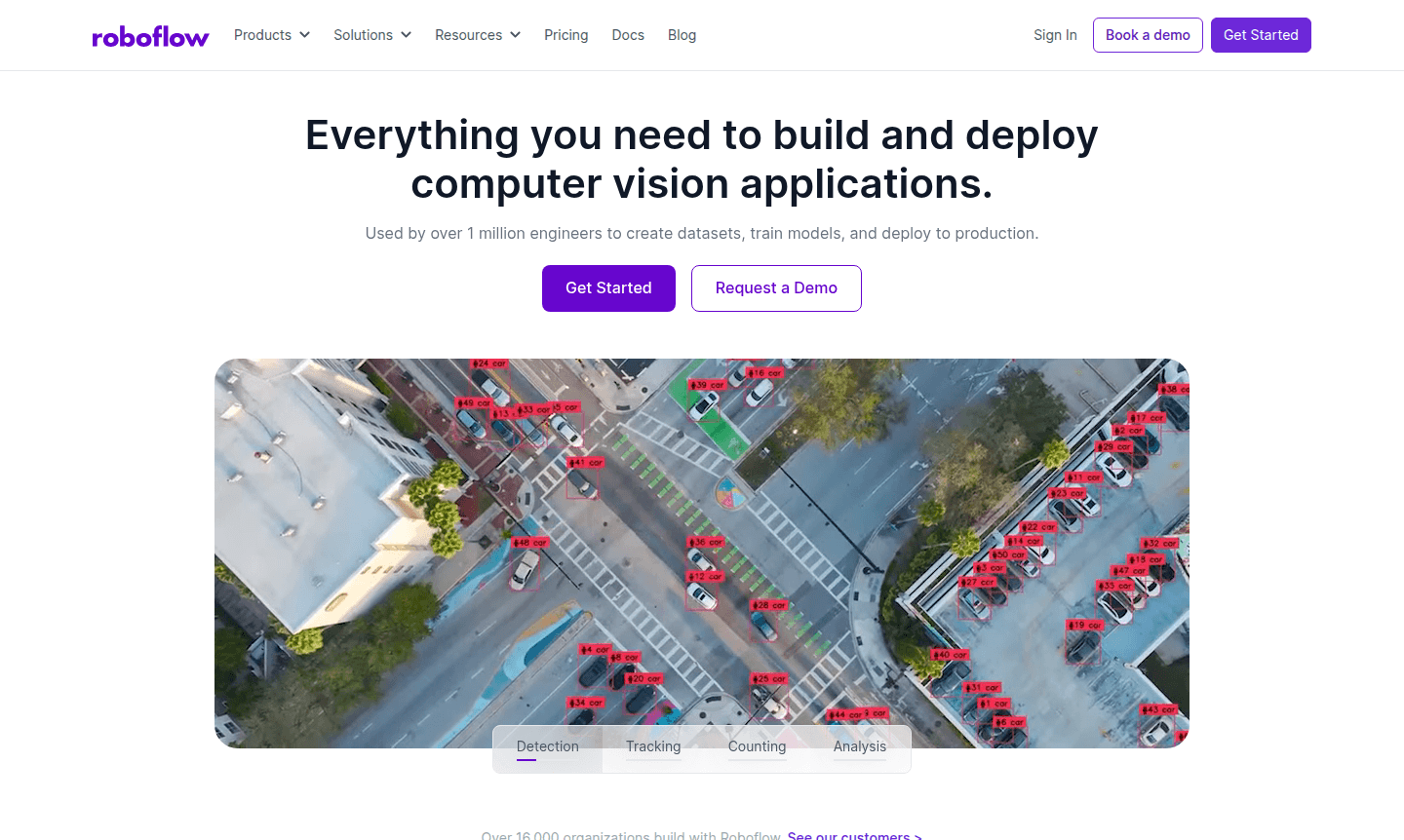
Overview of Roboflow
Roboflow is a comprehensive computer vision platform, listed under AI Automation Platforms and Debugger on ToolPicker, that empowers developers and organizations to build, deploy, and scale vision AI applications efficiently. Trusted by over 1 million engineers and 16,000 organizations worldwide, including more than half of the Fortune 100, this platform provides everything needed to create datasets, train custom models including YOLO, and deploy to production environments. The integrated workflow builder ensures seamless configuration and deployment, supporting both cloud APIs and edge deployment with video streams or image data.
The platform serves diverse industries including security, banking, retail, automotive, aerospace, healthcare, and manufacturing, accelerating computer vision roadmaps with best-in-class tooling and expert guidance. Developers can combine custom models, open source architectures, LLM APIs, and pre-built logic to create sophisticated vision applications. With enterprise-grade security compliance including SOC2 Type 2 and HIPAA requirements, Roboflow offers reliable infrastructure for mission-critical applications across various sectors.
How to Use Roboflow
Getting started with Roboflow involves a streamlined workflow beginning with data curation and annotation, followed by model training and deployment. Users first explore, visualize, filter, and organize their image datasets using built-in analytics to identify improvement opportunities. The platform's AI-assisted annotation tools accelerate labeling, allowing teams to quickly communicate feedback and reach consensus on labeling decisions. After preparing the dataset with up to 50 augmented versions per image for better model generalization, users select from five optimized model sizes balancing speed and accuracy.
Core Features of Roboflow
- Dataset Management – Explore, visualize, filter, curate, and organize computer vision datasets with built-in analytics
- AI-Assisted Annotation – Accelerate labeling with automated tools and collaborative workflow management
- Model Training Infrastructure – Choose from five optimized model sizes for fast iteration or maximum accuracy
- Deployment Options – Deploy via hosted API or to edge devices with video streams and image data support
- Performance Monitoring – Track inference volume, confidence scores, inference time, and prediction results
Use Cases for Roboflow
- Automated defect detection on manufacturing production lines
- Shipping inventory tracking and management systems
- Product quality inspection and return rate reduction
- Object detection and counting in retail environments
- Security and surveillance video analysis
- Medical imaging analysis and diagnostics
- Agricultural monitoring and crop analysis
Support and Contact
For technical support and inquiries, contact contact@roboflow.com or visit the official website at roboflow.com. The platform also offers comprehensive documentation and community resources to assist users with their computer vision projects and deployment needs.
Company Info
Roboflow provides enterprise-grade computer vision infrastructure trusted by pioneering AI researchers and startups globally. The company focuses on delivering scalable, reliable, and secure vision AI solutions with compliance certifications including SOC2 Type 2 and HIPAA requirements for healthcare applications.
Login and Signup
Access your Roboflow account at roboflow.com or create a new account to start building computer vision applications. The platform enables users to begin running models within minutes using their open source, high-performance deployment solution called Roboflow Inference.
Roboflow FAQ
What is Roboflow used for in computer vision projects?
Roboflow provides a complete platform for building computer vision applications including dataset management, model training, and deployment to production environments.
How does Roboflow support edge deployment for vision models?
Roboflow enables edge deployment through its Inference server, allowing models to run directly on devices with video streams or image data processing.
What industries commonly use Roboflow for computer vision solutions?
Roboflow serves automotive, manufacturing, healthcare, retail, security, agriculture, and many other industries requiring vision AI applications.
What is Roboflow Inference?
Roboflow Inference is an open-source, high-performance deployment solution for running computer vision models on edge devices or via scalable API.
How does Roboflow handle data annotation?
Roboflow offers AI-assisted annotation tools with collaborative workflows to accelerate labeling and ensure accuracy in dataset preparation.
Roboflow Pricing
Current prices may vary due to updates
Pricing Information
Specific pricing plans were not available in the provided information. Visit the official Roboflow website for current pricing details and plan option
Roboflow Reviews0 review
Would you recommend Roboflow? Leave a comment
Roboflow Alternatives
The best modern alternatives to the tool
New Tools Releases
Recently added tools
