
rsync
Discover rsync, the powerful open-source utility for efficient incremental file transfer and synchronization. Perfect for automated backups, remote server sync, and data mirroring with bandwidth optimization and secure transfer capabilities. Download latest version with security updates.
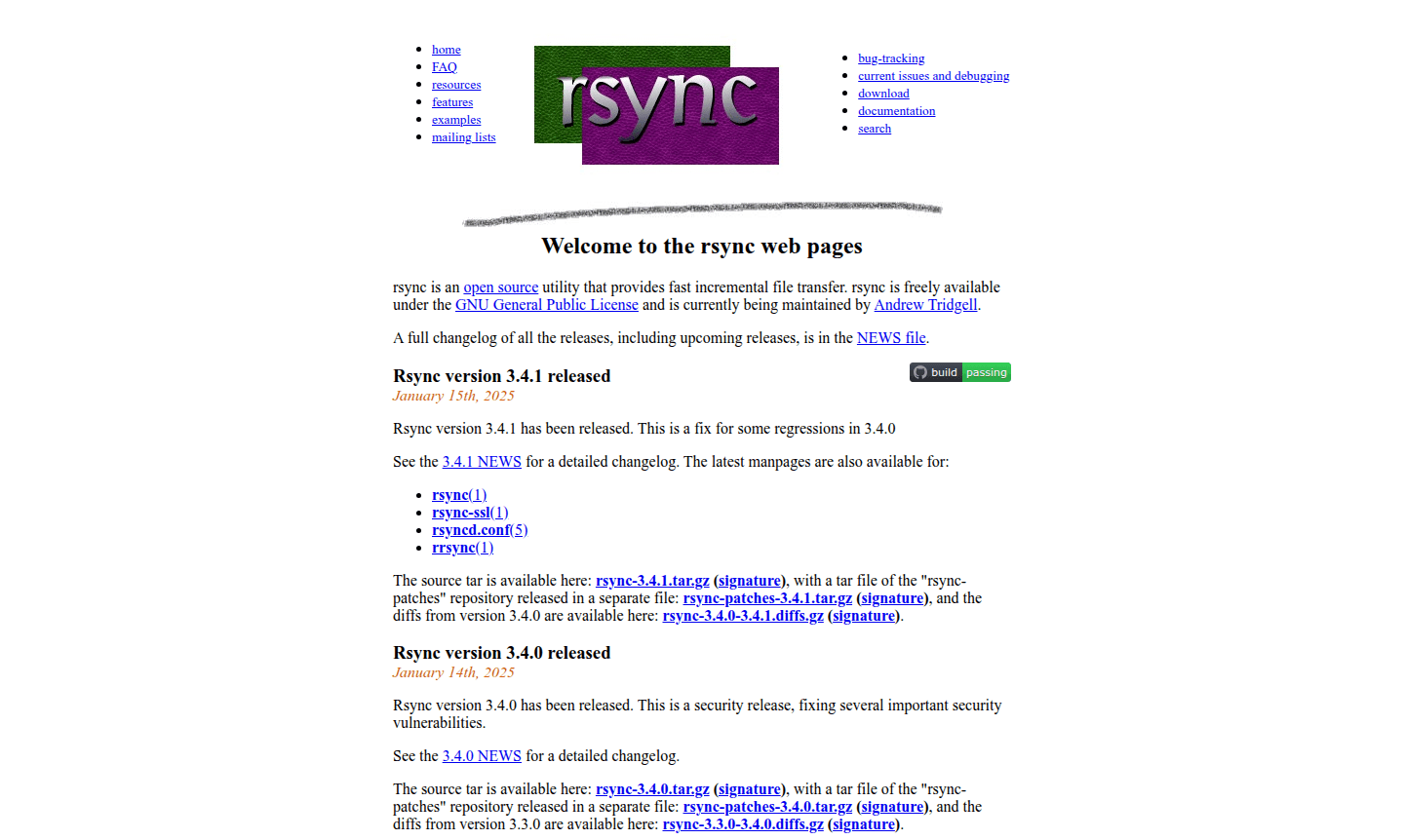
Overview of rsync
rsync is a powerful open-source utility that revolutionizes file synchronization through its efficient incremental file transfer capabilities. Available under the GNU General Public License and actively maintained by Andrew Tridgell, this versatile tool provides lightning-fast data synchronization while minimizing bandwidth usage. The software's intelligent algorithm transfers only the changed portions of files, making it ideal for regular backups, mirroring, and system administration tasks across local and remote systems. Whether you're managing server backups or synchronizing development environments, rsync delivers reliable performance for both individual users and enterprise-level deployments.
Recent releases including version 3.4.1 address important regressions from the previous version, while 3.4.0 focused on critical security vulnerability fixes. The tool's comprehensive documentation includes detailed manpages for rsync(1), rsync-ssl(1), rsyncd.conf(5), and rrsync(1), providing users with extensive guidance for implementation. As a cornerstone tool in the File Sync and Incremental Backup categories, rsync continues to evolve with regular updates that enhance its file transfer automation capabilities and remote server synchronization features.
How to Use rsync
To utilize rsync effectively, begin by downloading the latest source package such as rsync-3.4.1.tar.gz from the official repository. After installation, users can execute rsync commands through the terminal, specifying source and destination paths along with various options for controlling transfer behavior. The tool supports multiple operational modes including local file copying, remote shell synchronization using SSH, and daemon mode for centralized file distribution. For optimal results, users should familiarize themselves with exclusion patterns, bandwidth limiting options, and compression settings to tailor the synchronization process to their specific needs while maintaining data integrity throughout the transfer.
Core Features of rsync
- Incremental File Transfer – Only syncs changed file portions for maximum efficiency
- Cross-Platform Compatibility – Works seamlessly across Linux, Windows, and Unix systems
- Secure Data Transmission – Supports encrypted transfers via SSH and SSL protocols
- Bandwidth Optimization – Includes compression and transfer rate limiting capabilities
- Flexible Synchronization – Offers dry run mode and comprehensive exclusion patterns
Use Cases for rsync
- Automated server backup scripts and cron job implementations
- Website deployment and content synchronization across multiple servers
- Remote file synchronization between office and home computers
- Database backup and replication with minimal downtime
- Development environment synchronization across team members
- Large file transfers with resume capability after interruptions
- Mirroring entire directory structures while preserving permissions
Support and Contact
For technical support and development inquiries, users can contact the maintainer via email at tridge@samba.org. The project maintains active development with regular security updates and feature enhancements. Additional community support is available through documentation resources and the extensive user community that has grown around this established file synchronization tool.
Company Info
rsync operates as an open-source project under the GNU General Public License, with ongoing development led by Andrew Tridgell. The tool represents one of the most reliable and widely-adopted solutions in the file synchronization space, trusted by system administrators and developers worldwide for its robust performance and consistent updates addressing both functionality and security concerns.
Login and Signup
As open-source software, rsync requires no registration or login process. Users can directly download the source code from the official repository and begin implementation immediately. The absence of account requirements makes rsync accessible to all users regardless of organizational size or technical background, supporting quick deployment and integration into existing workflows.
rsync FAQ
What makes rsync different from regular file copying tools?
rsync uses incremental file transfer to only sync changed portions of files, saving time and bandwidth compared to full file copies.
Can rsync handle remote server synchronization securely?
Yes, rsync supports encrypted transfers over SSH and SSL, making remote server sync both efficient and secure for sensitive data.
How does rsync performance optimization work for large transfers?
rsync offers compression, bandwidth limiting, and delta-transfer algorithms to optimize performance during large file synchronization tasks.
Is rsync compatible with Windows operating systems?
Yes, rsync can be used on Windows through ports like Cygwin or Windows Subsystem for Linux, enabling incremental file transfer on Windows.
rsync Pricing
Current prices may vary due to updates
Free
Complete access to all rsync features including incremental file transfer, remote synchronization, compression, and security updates. Open-source unde
rsync Reviews0 review
Would you recommend rsync? Leave a comment
rsync Alternatives
The best modern alternatives to the tool
New Tools Releases
Recently added tools
