
SOLIDWORKS
SOLIDWORKS 2026: Industry-standard 3D CAD software for product design, featuring AI-powered automation, simulation tools, and free trial for students and makers.
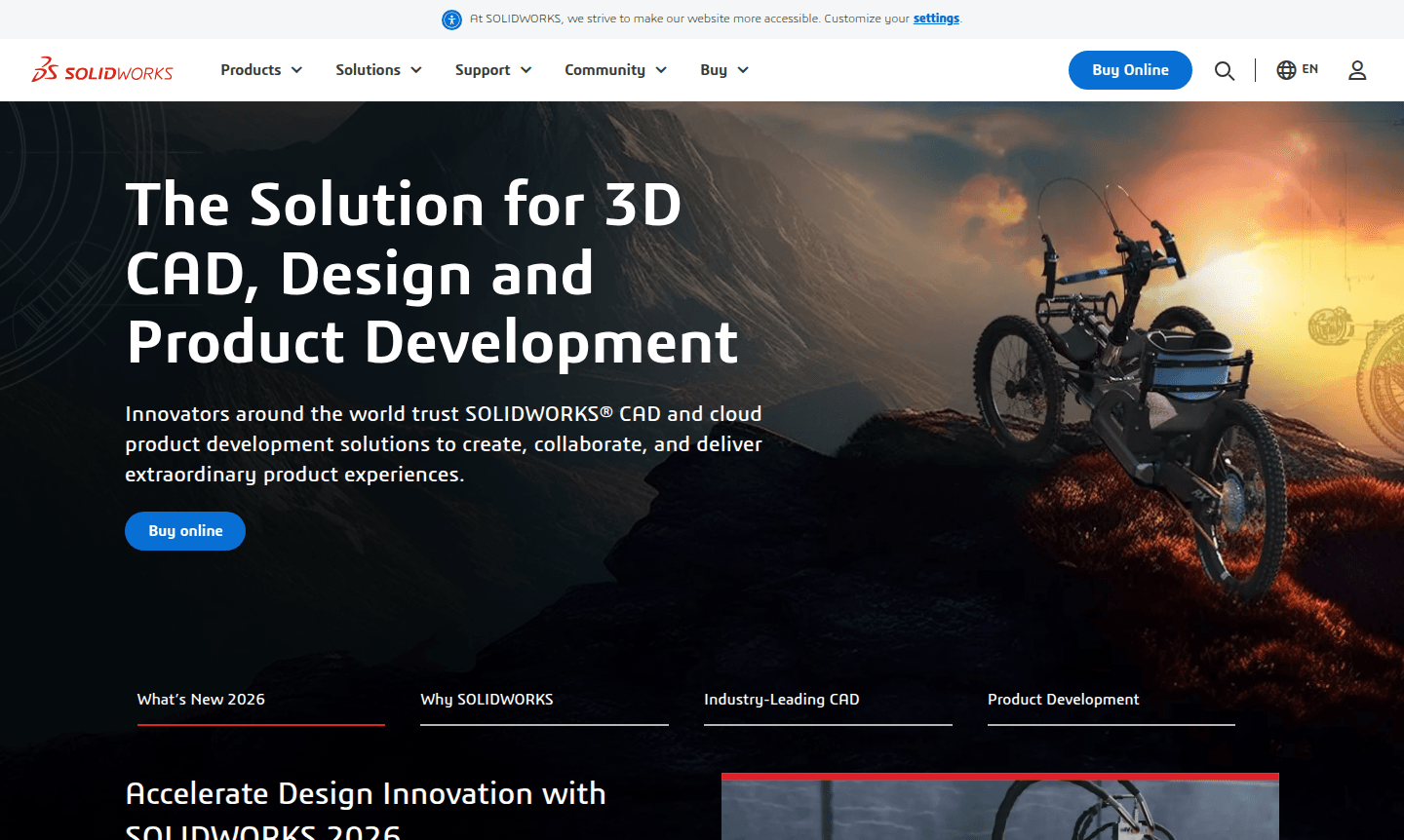
Overview of SOLIDWORKS
SOLIDWORKS is the leading 3D CAD software for product design and development, used by millions of engineers and designers globally. It offers intuitive 2D and 3D modeling, simulation, and manufacturing tools, with advanced features like AI-powered automation in the latest 2026 release.
Discover more in 3D Modeling and Animation Software categories.
How to Use SOLIDWORKS
Start with a free trial from the official website. Create parts, assemble them, and generate drawings using CAD workflows. Utilize tools for sheet metal, simulation, and cloud collaboration to streamline design to production.
Core Features of SOLIDWORKS
- Advanced 3D CAD Modeling – Powerful yet intuitive 2D and 3D design tools with industry-standard workflows
- AI-Powered Automation – Smart features including drawing automation and fastener recognition in SOLIDWORKS 2026
- Comprehensive Simulation Suite – Test designs, analyze performance, and ensure product durability
- Cloud Collaboration Tools – Streamlined 3DEXPERIENCE platform for team collaboration and data management
- Manufacturing Integration – Direct design-to-production workflows supporting efficient manufacturing processes
Use Cases for SOLIDWORKS
- Professional product design and development for manufacturing companies
- Engineering simulation and performance analysis for mechanical systems
- Educational purposes through SOLIDWORKS for Students program
- Personal projects and creative endeavors with SOLIDWORKS for Makers
- Hardware startup development using the SOLIDWORKS for Startups Program
- Sheet metal design and structural framing for industrial applications
- Technical drawing creation and documentation for engineering projects
Support and Contact
Get support at SOLIDWORKS support or email contact@solidworks.com. Access knowledge base, forums, and community resources.
Company Info
SOLIDWORKS by Dassault Systèmes is a global leader in 3D design and PLM solutions.
Login and Signup
Access your account or start a free trial at SOLIDWORKS website.
SOLIDWORKS FAQ
What is SOLIDWORKS used for in product development?
SOLIDWORKS is comprehensive 3D CAD software used for designing, simulating, and manufacturing products across industries from concept to production.
How much does SOLIDWORKS cost for personal use?
SOLIDWORKS for Makers offers full 3D CAD functionality for personal projects at $48 USD annually, perfect for hobbyists and creators.
What are the system requirements for SOLIDWORKS 2026?
SOLIDWORKS 2026 requires Windows 10/11, recommended GPU for 3D modeling, and sufficient RAM for complex assemblies and simulations.
Is there a free trial available for SOLIDWORKS?
Yes, SOLIDWORKS provides a free trial through their official website for users to test core features before purchasing.
SOLIDWORKS Pricing
Current prices may vary due to updates
SOLIDWORKS for Makers
Full-functionality 3D CAD tools for personal use, perfect for makers and hobbyists who need professional-grade design capabilities for personal projec
SOLIDWORKS Reviews0 review
Would you recommend SOLIDWORKS? Leave a comment
SOLIDWORKS Alternatives
The best modern alternatives to the tool
New Tools Releases
Recently added tools