
Soundwise
Free AI transcription for audio and video files. Convert MP3, WAV, MP4, MOV to text in browser. No limits, ideal for podcasts and videos.
Overview of Soundwise
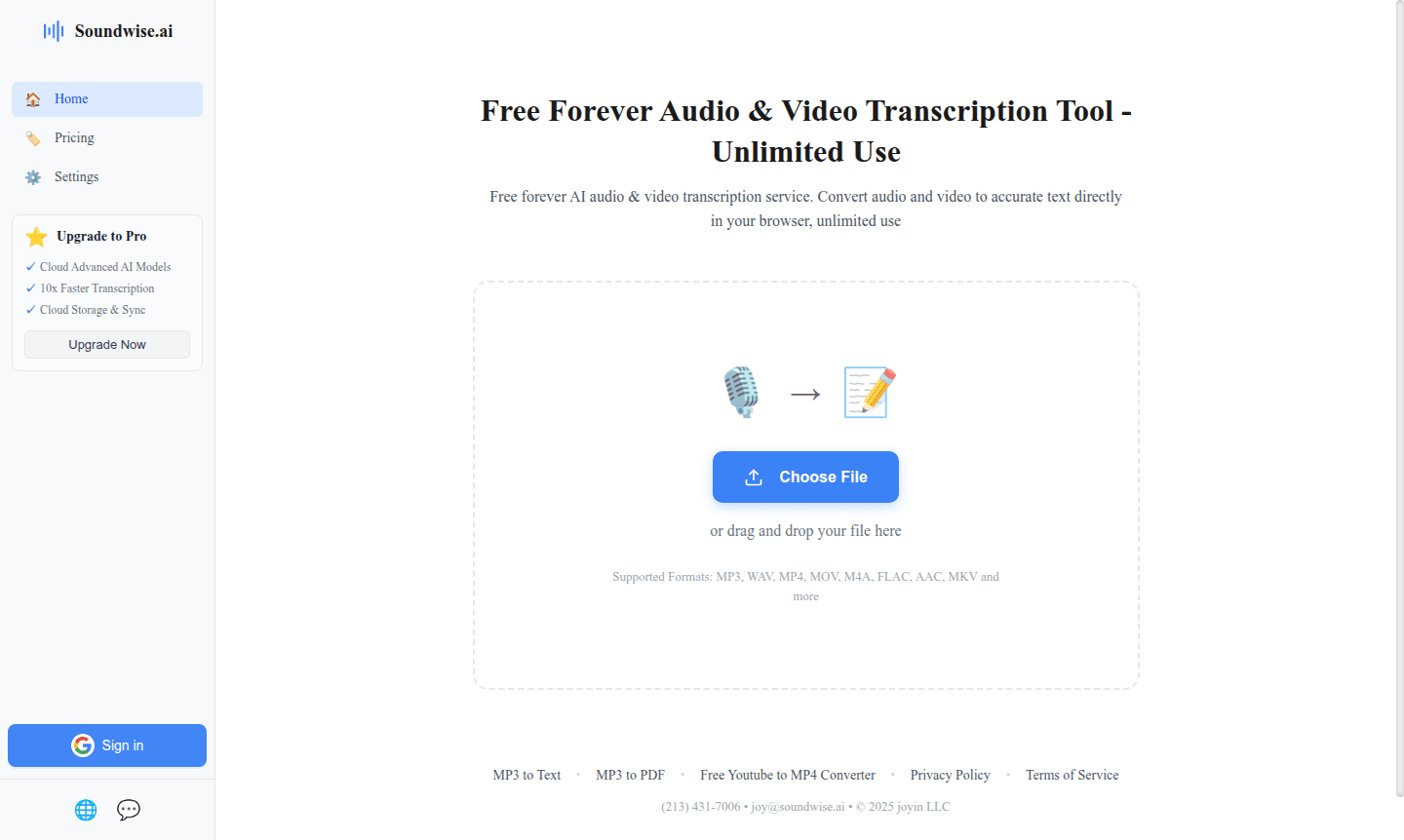
Soundwise is a completely free AI-powered transcription service that converts audio and video files into accurate text directly in your browser. This web-based tool offers unlimited usage without subscription fees, making it accessible to students, content creators, and professionals. It supports formats like MP3, WAV, MP4, MOV, M4A, FLAC, AAC, and MKV for compatibility with various devices.
As a browser-based tool, Soundwise requires no downloads, providing instant AI transcription. It's valuable for podcasters, researchers, and video creators for accessibility and content repurposing. Soundwise excels in the Audio Editor and AI Writing Tools categories as a practical transcription solution.
How to Use Soundwise
Using Soundwise is straightforward and requires no technical expertise. Simply visit the Soundwise website in your browser, upload your audio or video file by dragging and dropping it into the interface or using the file selector. The AI processing begins automatically, converting your media content into text within minutes depending on file length. Once the transcription is complete, you can review the text output, make any necessary edits for accuracy, and then download the transcript in your preferred format or copy it directly to your clipboard for immediate use.
Core Features of Soundwise
- Unlimited Free Transcription – No usage limits or subscription requirements for audio and video file conversion
- Multi-Format Support – Compatible with MP3, WAV, MP4, MOV, M4A, FLAC, AAC, MKV and other popular formats
- Browser-Based Processing – No software installation needed, works directly in your web browser
- AI-Powered Accuracy – Advanced speech recognition technology for precise text conversion
- MP3 to PDF Conversion – Direct export capability from audio files to formatted PDF documents
Use Cases for Soundwise
- Podcast transcription for show notes and accessibility
- Video content subtitling and closed captions
- Academic research interview documentation
- Meeting recording transcription for business records
- Journalistic interview content extraction
- YouTube video transcription for SEO optimization
- Educational lecture recording conversion to text
Support and Contact
For technical support or inquiries about Soundwise services, you can reach the development team directly via email at joy@soundwise.ai. Additional resources and information are available on the official Soundwise website where you can access the transcription tools and learn more about the platform's capabilities.
Company Info
Soundwise operates as a web-based transcription service focused on providing accessible AI-powered tools for content conversion. While specific company location details aren't provided, the service maintains an online presence through its official website and direct email communication channels for user support and business inquiries.
Login and Signup
Soundwise requires no account creation or login process for basic transcription services. Users can access the full functionality directly through the main website without any registration requirements, making it immediately available for quick transcription tasks and ongoing usage without commitment.
Soundwise FAQ
Is Soundwise really free to use for audio and video transcription?
Yes, Soundwise offers completely free unlimited transcription for both audio and video files with no subscription fees or usage limits.
What file formats does Soundwise support for transcription?
Soundwise supports MP3, WAV, MP4, MOV, M4A, FLAC, AAC, MKV and many other popular audio and video formats.
Do I need to create an account to use Soundwise transcription services?
No account creation or login is required - you can use Soundwise directly in your browser without any registration.
How accurate is Soundwise transcription?
Soundwise uses advanced AI for high accuracy, but it can vary based on audio quality, accents, and background noise.
Soundwise Pricing
Current prices may vary due to updates
Free
Completely free forever AI audio and video transcription service with unlimited usage, supporting multiple formats including MP3, WAV, MP4, MOV, M4A,
Soundwise Reviews0 review
Would you recommend Soundwise? Leave a comment
Soundwise Alternatives
The best modern alternatives to the tool
New Tools Releases
Recently added tools
