
Cold Turkey Blocker
Block distracting websites, apps, and games with Cold Turkey Blocker's unbreakable locking. Boost productivity for students and professionals. One-time purchase, privacy-focused.
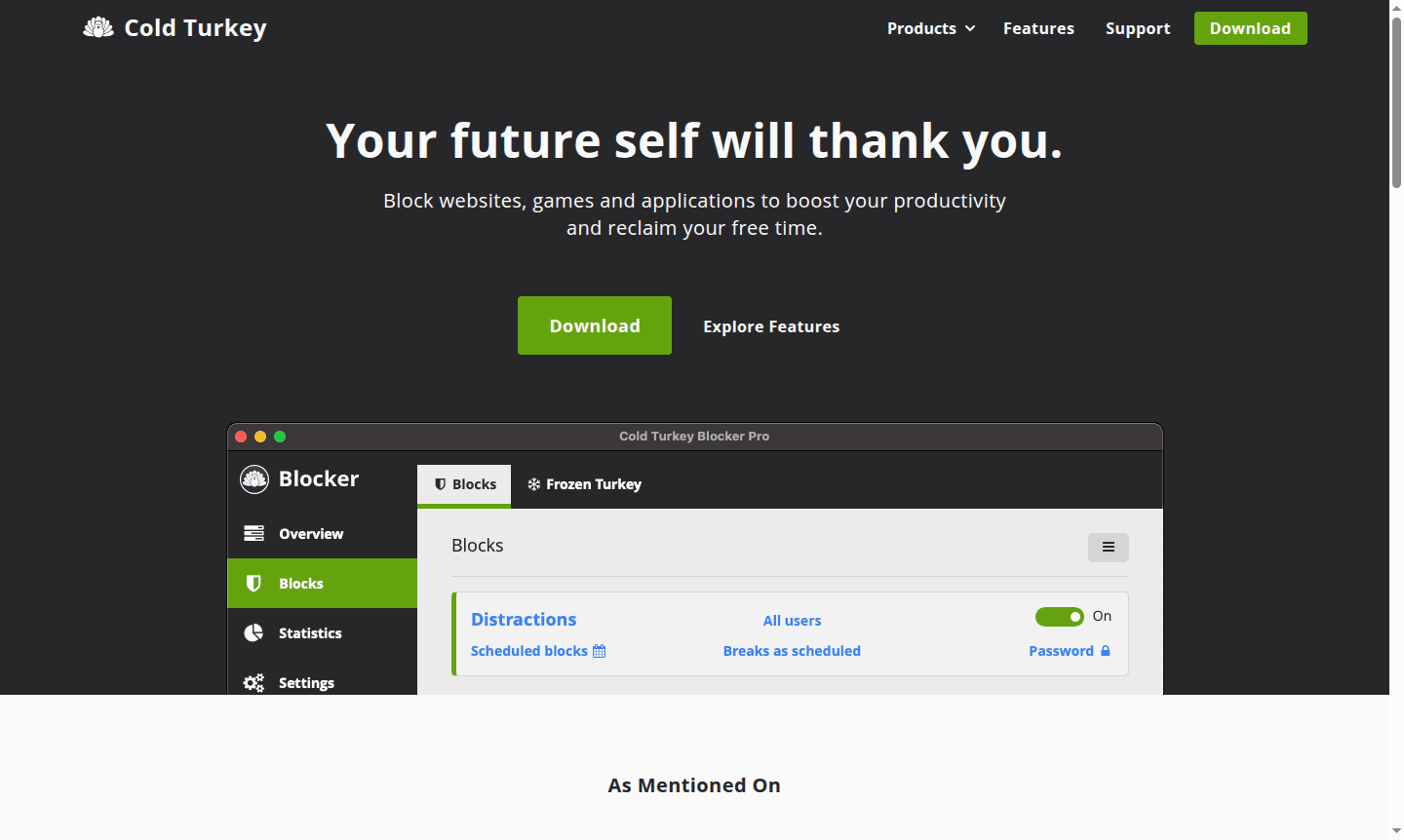
Overview of Cold Turkey Blocker
Cold Turkey Blocker is a powerful productivity application designed to help users eliminate digital distractions by blocking websites, games, and applications. Unlike other website blockers that are easy to bypass, Cold Turkey Blocker implements robust locking mechanisms that make it nearly impossible to stop a block once activated. This desktop application serves students, professionals, freelancers, and anyone struggling with procrastination or digital addiction by providing the discipline needed to stay focused and reclaim valuable time. It is particularly useful for Parental Control and Task Manager purposes.
The tool operates entirely offline with all settings and statistics stored locally on your computer, ensuring complete privacy and data security. With a one-time purchase model rather than recurring subscriptions, Cold Turkey Blocker offers lifetime access and updates for all personal computers. The application supports both Windows and macOS platforms and integrates with popular browsers through dedicated extensions for comprehensive blocking coverage across your digital workspace.
How to Use Cold Turkey Blocker
Getting started with Cold Turkey Blocker involves a straightforward three-step process. First, download and install the desktop application for either Windows or macOS from the official website. Second, install the browser extensions that automatically integrate with supported browsers detected on your system. Finally, configure your blocking preferences by specifying which websites, applications, or games to restrict, then activate and lock the block to prevent modifications. Once locked, the software prevents browser disabling, extension removal, and software uninstallation until the scheduled block period ends.
Core Features of Cold Turkey Blocker
- Unbreakable Locking – Prevents stopping blocks once activated, disabling browser and extension tampering
- Comprehensive Blocking – Blocks specific websites, applications, games, or entire internet with exceptions
- Scheduled Breaks – Allows scheduling computer-free periods and timed productivity sessions
- Privacy Protection – Stores all data locally with optional application password for shared computers
- One-Time Purchase – Lifetime license with free updates and multi-computer support
Use Cases for Cold Turkey Blocker
- Blocking social media sites during work hours to maintain focus
- Preventing access to distracting games while studying or working
- Scheduling mandatory computer breaks to prevent digital fatigue
- Creating focused writing sessions by eliminating online distractions
- Blocking entertainment applications during important projects
- Preventing procrastination during exam preparation periods
- Establishing healthy digital boundaries for improved productivity
Support and Contact
For technical support and customer service, email contact@getcoldturkey.com or visit the official website for documentation and forums.
Company Info
Cold Turkey Blocker is developed by an independent software company focused on creating effective productivity tools. The company maintains a privacy-first approach with all application data stored locally on users' devices. Additional details can be found on the Cold Turkey website.
Login and Signup
Cold Turkey Blocker does not require user accounts. Simply download the installer from the official website, purchase a license key, and activate the software to start using it.
Cold Turkey Blocker FAQ
How does Cold Turkey Blocker prevent users from cheating the system?
Cold Turkey Blocker uses unbreakable locking that blocks browser disabling, extension removal, and software uninstallation once activated.
What platforms does Cold Turkey Blocker support?
The application supports Windows and macOS desktop computers with browser extensions for major web browsers.
Is Cold Turkey Blocker a subscription service?
No, it's a one-time purchase with lifetime updates and support for all your personal computers.
Can I use Cold Turkey Blocker on multiple computers?
Yes, one product key works for all computers you personally use, with free lifetime updates.
Cold Turkey Blocker Reviews0 review
Would you recommend Cold Turkey Blocker? Leave a comment
Cold Turkey Blocker Alternatives
The best modern alternatives to the tool
New Tools Releases
Recently added tools
