
Autodesk EAGLE
Autodesk EAGLE is professional PCB design software with EDA capabilities, including schematic design, PCB routing, and library management. Integrated with Autodesk Fusion, it supports Windows, macOS, and Linux. Subscription starts at $57/month.
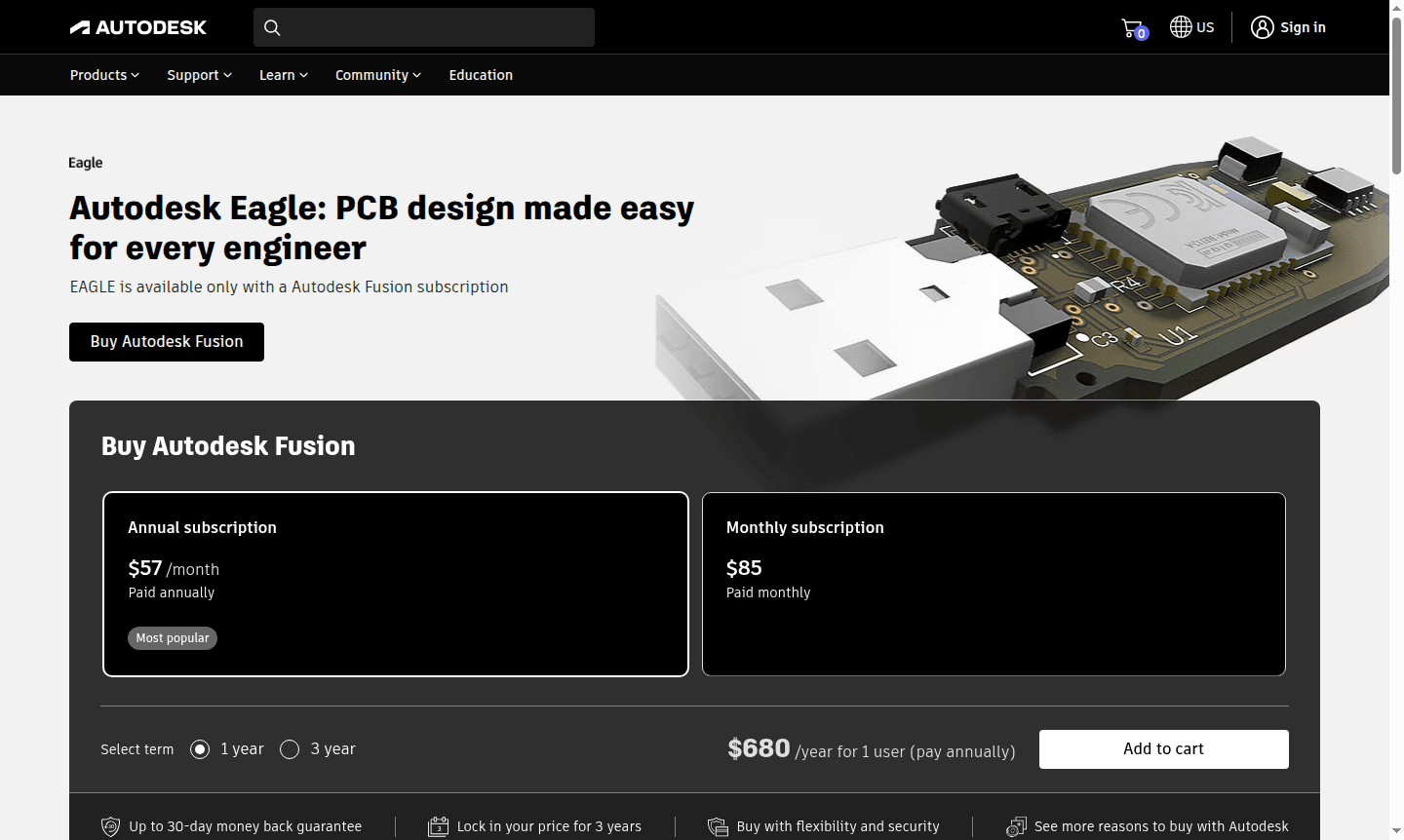
Overview of Autodesk EAGLE
Autodesk EAGLE is a comprehensive electronic design automation (EDA) software that enables engineers and PCB designers to create sophisticated printed circuit board layouts with professional precision. As part of the Autodesk Fusion ecosystem, EAGLE provides a unified platform for IDE and 3D Modeling workflows, bridging the gap between ECAD and MCAD design teams. This integration allows for more efficient product development cycles and reduces design conflicts during manufacturing.
The software supports cross-platform compatibility, running on Windows, macOS, and Linux, making it accessible to various engineering teams. EAGLE's subscription-based model ensures access to latest features and updates, with support services including 8x5 live technical assistance. It offers a complete solution from schematic design to PCB layout and manufacturing preparation.
How to Use Autodesk EAGLE
Getting started with Autodesk EAGLE begins with subscribing to Autodesk Fusion via the official website. Once subscribed, users can download and install the software on Windows, macOS, or Linux. The typical workflow starts with schematic design using EAGLE's comprehensive libraries, then transitions to PCB layout where components are placed and routed according to design specifications. The unified platform enables seamless collaboration between ECAD and MCAD teams, with tools like shared views and Autodesk Drive facilitating stakeholder review and data management throughout the development process.
Core Features of Autodesk EAGLE
- Schematic Design – Create detailed electronic circuit diagrams with comprehensive component libraries
- PCB Layout – Design multi-layer printed circuit boards with advanced routing capabilities
- Library Management – Access and manage extensive component libraries for efficient design workflow
- Collaboration Tools – Share designs securely with stakeholders using Autodesk Drive and shared views
- Cross-Platform Support – Run on Windows, macOS, and Linux for flexible team deployment
Use Cases for Autodesk EAGLE
- Professional PCB design for consumer electronics and industrial equipment
- Educational projects for engineering students learning electronic design principles
- Prototype development for startups creating hardware products
- Research and development in academic and corporate environments
- Manufacturing preparation for electronic product mass production
- Custom electronic solutions for specialized industrial applications
- Embedded systems design for IoT devices and smart technology
Support and Contact
For technical assistance, Autodesk provides 8x5 live support during business hours. Contact via email at contact@autodesk.com or visit the official support page for more resources including documentation and forums.
Company Info
Autodesk is a global leader in 3D design, engineering, and entertainment software, headquartered in the United States. More information is available on their corporate website.
Login and Signup
To access Autodesk EAGLE, subscribe to Autodesk Fusion at the official website. Create an Autodesk account and choose billing options to start using EAGLE's PCB design capabilities.
Autodesk EAGLE FAQ
What operating systems does Autodesk EAGLE support?
Autodesk EAGLE runs on Microsoft Windows, Apple macOS, and Linux operating systems for flexible cross-platform compatibility.
How is Autodesk EAGLE licensed and priced?
EAGLE is available only through Autodesk Fusion subscription with annual billing at $57/month or monthly billing at $85 per month.
What design capabilities does Autodesk EAGLE provide?
EAGLE offers complete EDA functionality including schematic design, PCB layout, library management, and collaboration tools.
Is Autodesk EAGLE suitable for educational use?
Yes, Autodesk EAGLE is commonly used in educational projects for engineering students to learn electronic design principles.
Autodesk EAGLE Pricing
Current prices may vary due to updates
Annual Subscription
Most popular subscription option for Autodesk Fusion that includes EAGLE, billed annually at $57 per month with comprehensive ECAD/MCAD design capabil
Monthly Subscription
Flexible monthly subscription for Autodesk Fusion that includes EAGLE, billed at $85 per month with full access to electronics design, simulation, and
Autodesk EAGLE Reviews0 review
Would you recommend Autodesk EAGLE? Leave a comment
Autodesk EAGLE Alternatives
The best modern alternatives to the tool
New Tools Releases
Recently added tools
