
Dreamweaver
Adobe Dreamweaver is powerful web design software for creating responsive websites quickly. Build beautiful sites with HTML, CSS, JavaScript support, Live View editing, Git integration, and starter templates. Get Dreamweaver as part of Creative Cloud starting at $22.99/month with plans for individuals, students, and businesses.
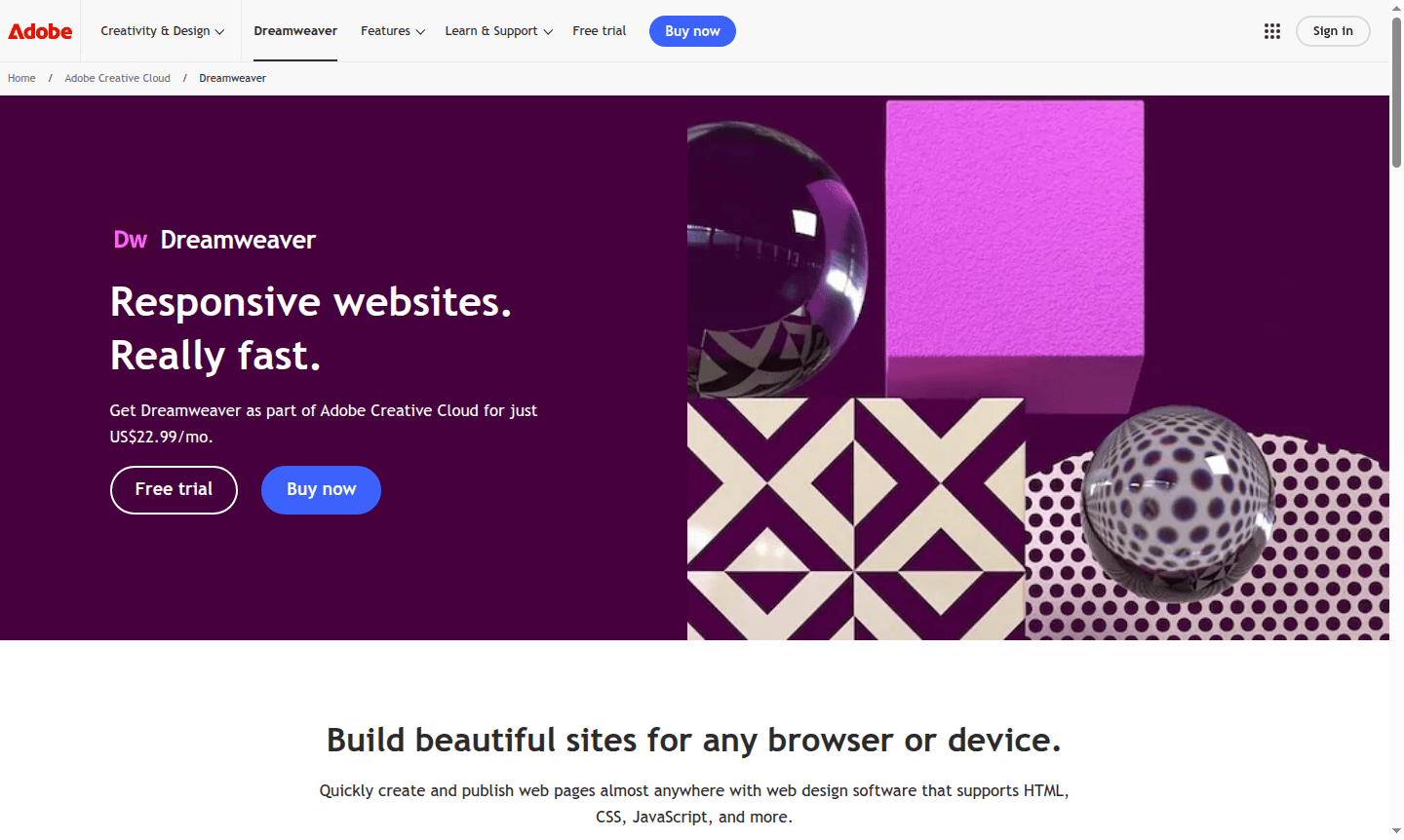
Overview of Dreamweaver
Adobe Dreamweaver is professional web design software for creating responsive websites quickly. It supports HTML, CSS, JavaScript, and web standards, making it ideal for beginners and experts. As part of Adobe Creative Cloud, it offers tools for modern websites across all devices.
Dreamweaver is used by web designers and developers to build dynamic sites, with integration to Creative Cloud Libraries and Adobe Stock. It's great for HTML emails, blogs, ecommerce, newsletters, and portfolios. Explore related tools in IDE and Web Hosting categories.
How to Use Dreamweaver
Start by downloading Dreamweaver via Adobe Creative Cloud. Choose from starter templates or begin a blank project. Use the visual coding interface with Live View to edit HTML, CSS, and JavaScript in real-time. Set up site definition, import assets, code with hints, and use Git for version control before publishing.
Core Features of Dreamweaver
- Live View Editing – Edit text and images directly in Live View with instant preview
- Smart Coding Engine – Access code hints for HTML, CSS, and web standards
- Git Support – Manage source code and perform Git operations within the app
- Responsive Design Tools – Build sites that adapt to different screen sizes
- Template Library – Use customizable starter templates for various projects
Use Cases for Dreamweaver
- Building responsive business websites
- Creating HTML email campaigns and newsletters
- Developing ecommerce product pages and stores
- Designing portfolio websites for creatives
- Building blog platforms with custom features
Support and Contact
For support, visit the Adobe Dreamweaver support page. Contact email: contact@adobe.com
Company Info
Adobe Inc., United States – Learn more at Adobe About page
Login and Signup
Log in to your account at Adobe website or sign up for a Creative Cloud subscription.
Dreamweaver FAQ
What is Adobe Dreamweaver used for in web development?
Dreamweaver is professional software for creating responsive websites using HTML, CSS, and JavaScript with visual coding tools and real-time preview features.
How much does Dreamweaver cost for individual users?
Dreamweaver starts at $22.99/month as a single app or is included in Creative Cloud plans starting at $24.99/month for students.
Does Dreamweaver support version control for web projects?
Yes, Dreamweaver includes built-in Git support for managing source code and performing version control operations directly within the application.
What programming languages does Dreamweaver support?
Dreamweaver supports HTML, CSS, JavaScript, and other web standards for web development.
Dreamweaver Pricing
Current prices may vary due to updates
Adobe Dreamweaver Single App
Get full access to Dreamweaver as part of Creative Cloud with complete web design software for creating responsive websites using HTML, CSS, and JavaS
Creative Cloud Pro
Includes Dreamweaver plus 20+ other Creative Cloud applications like Photoshop, Illustrator, and Premiere Pro for comprehensive creative workflow and
Students and Teachers
Special educational plan offering over 64% savings on 20+ Creative Cloud apps including Dreamweaver, Photoshop, and Illustrator for verified students
Dreamweaver Reviews0 review
Would you recommend Dreamweaver? Leave a comment
Dreamweaver Alternatives
The best modern alternatives to the tool
New Tools Releases
Recently added tools
